

Finding the Workbench
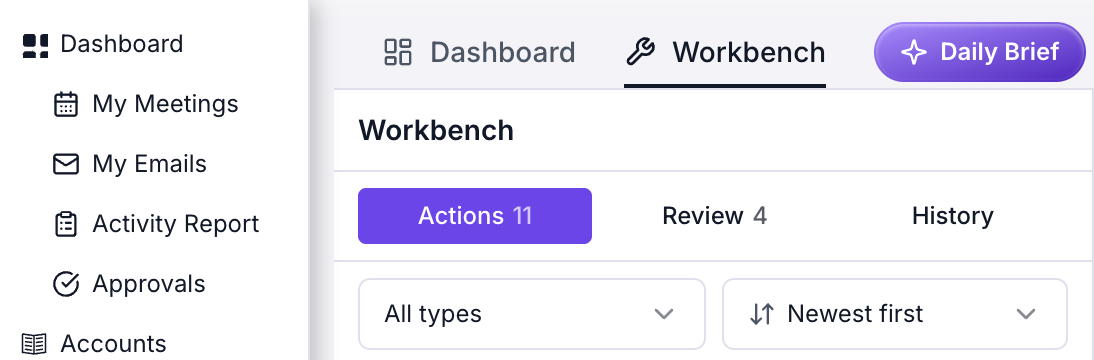
Before: Workbench tab in the top strip, My Meetings and My Emails in the sidebar
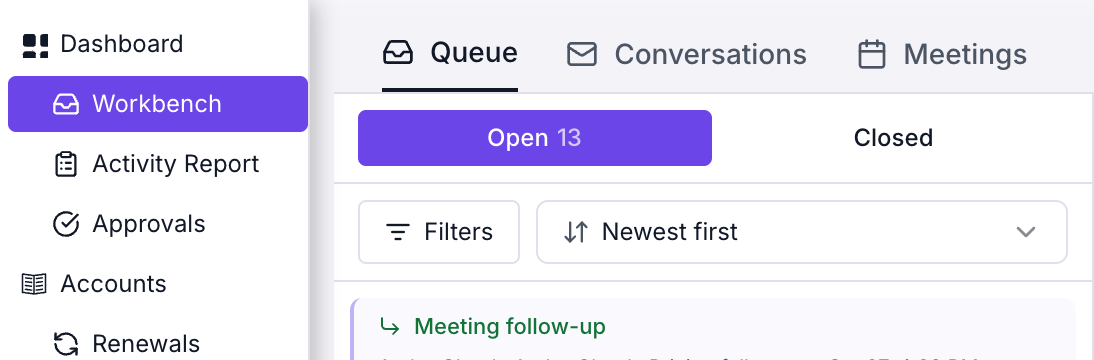
After: Workbench row in the sidebar, sections across the top
The Queue
The Queue is still the list of items waiting for you, but it is organised by conversation rather than by draft.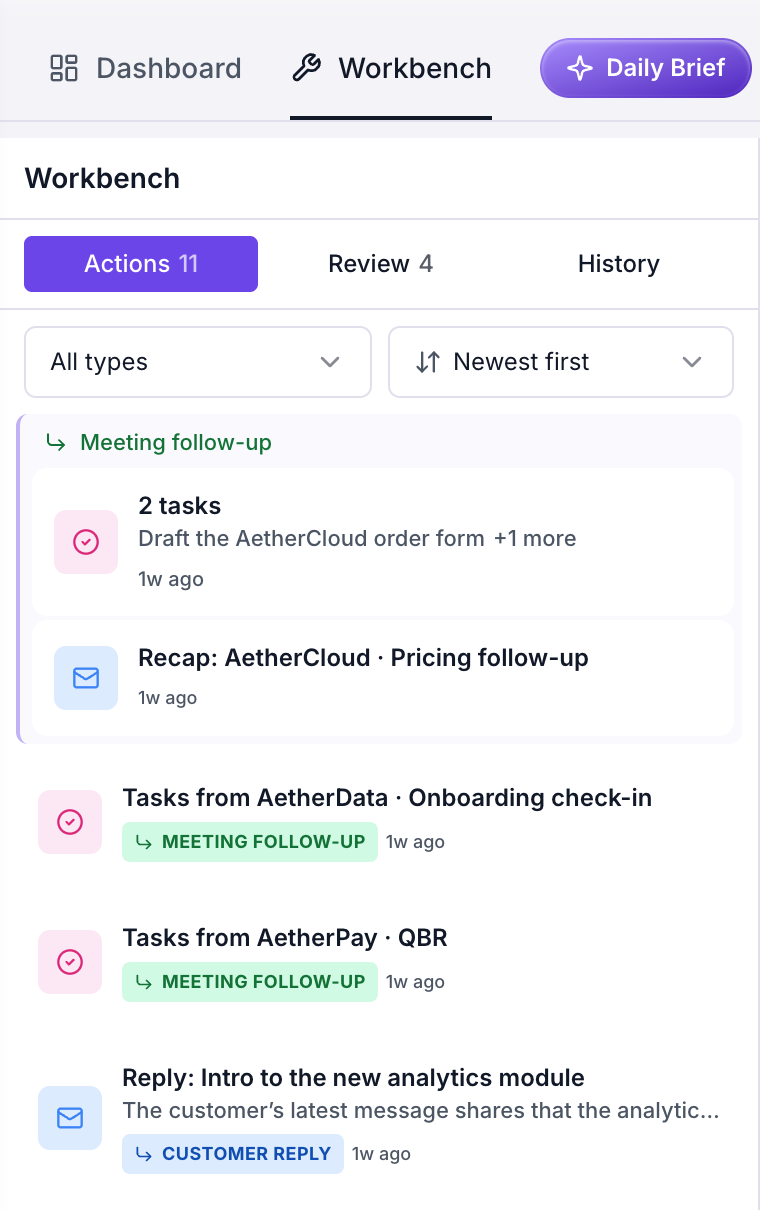
Before: the Workbench heading, then Actions, Review and History with a type dropdown
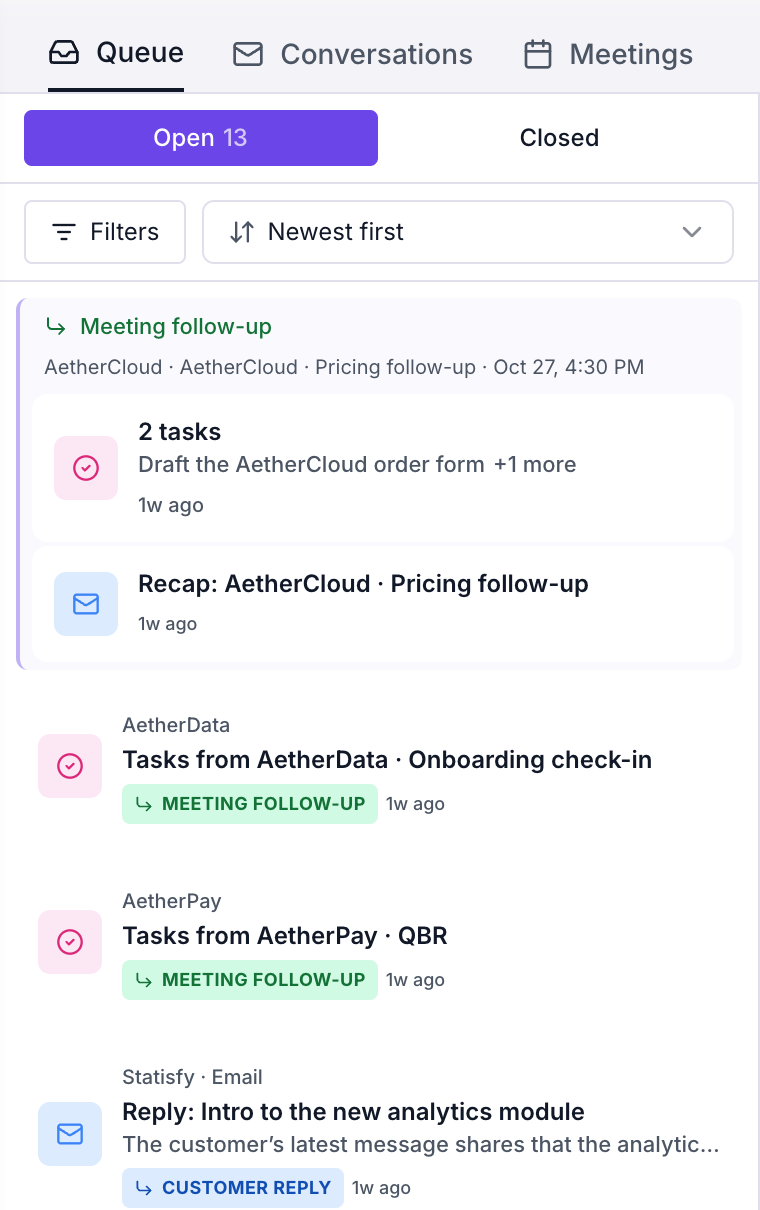
After: the Queue section, then Open and Closed with Filters and a sort
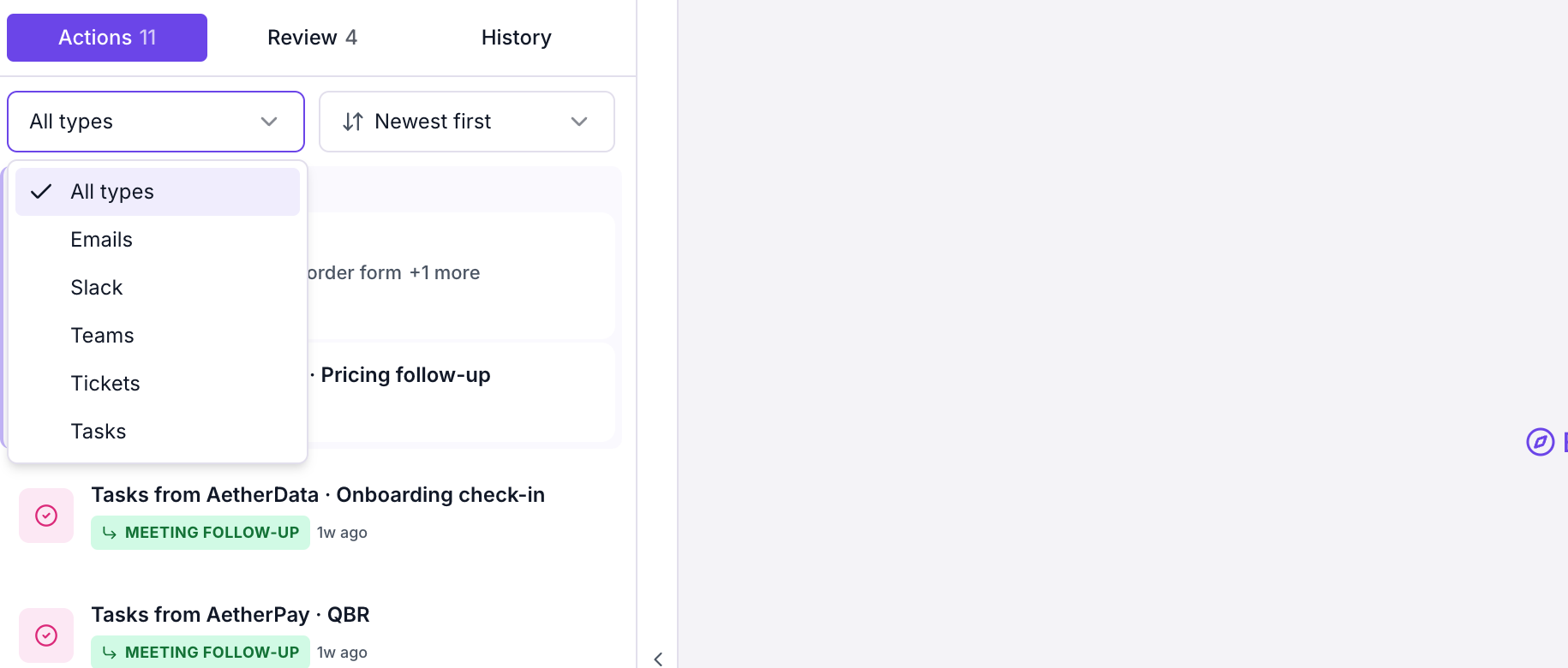
Before: the type dropdown
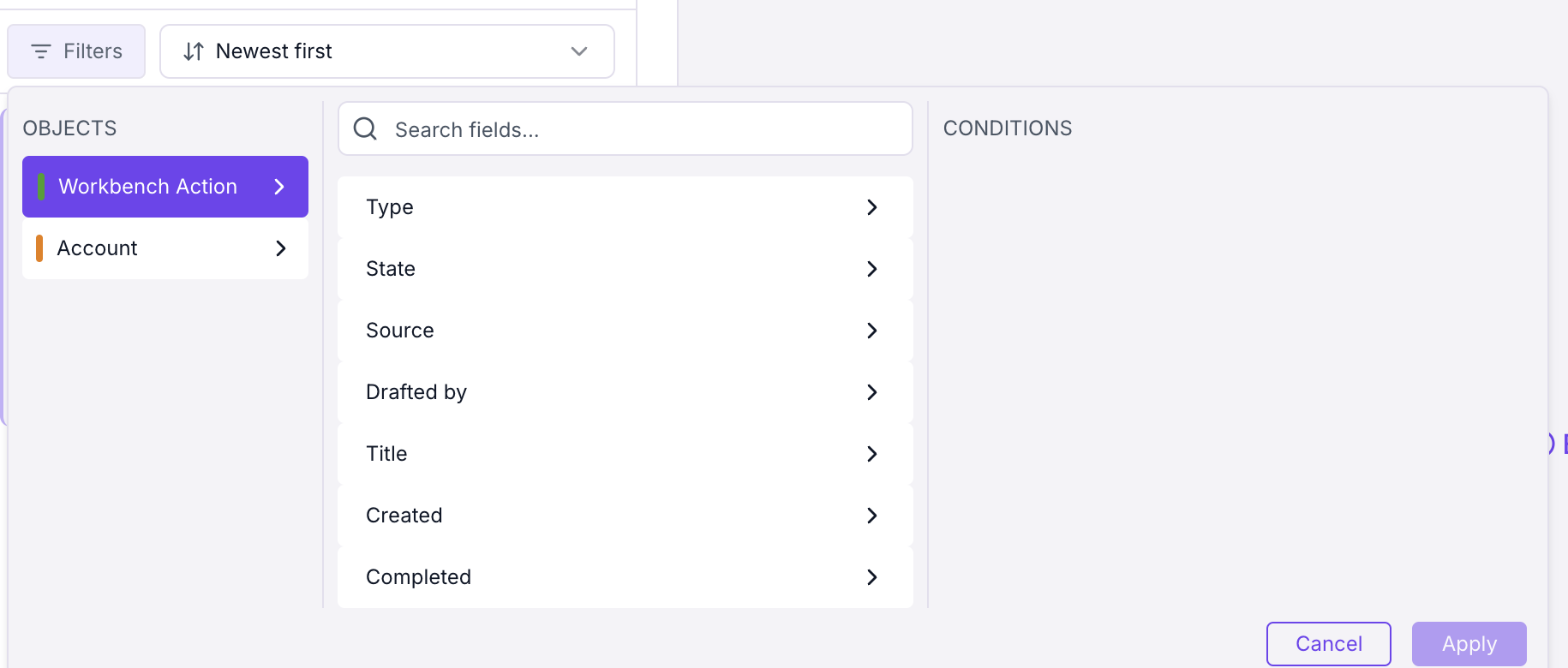
After: the Filters panel sets conditions on the item or its account
Working on an item
The context panel and the Stella chat used to slide over the item. They now sit beside it.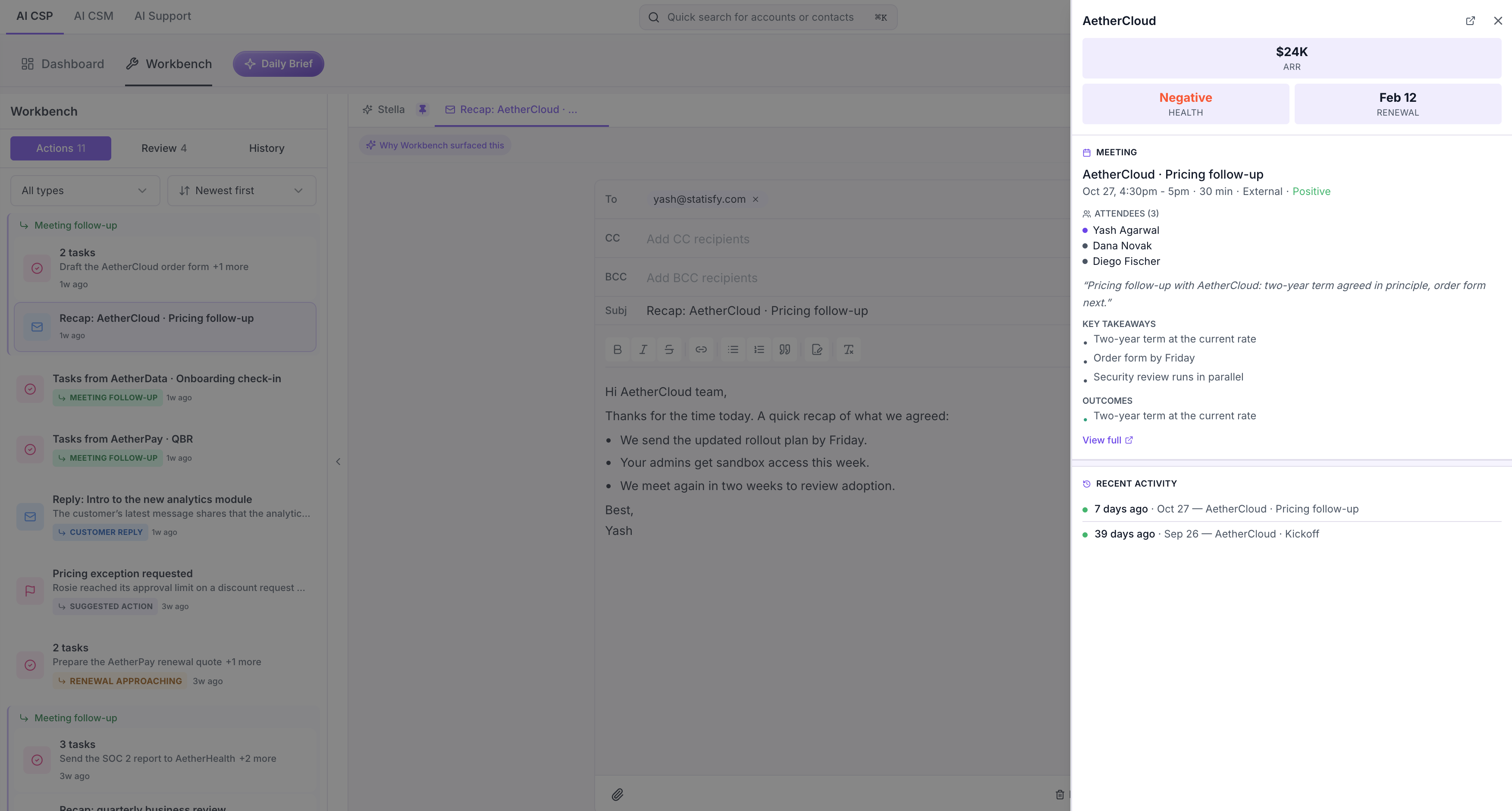
Before: the context panel slides over the draft
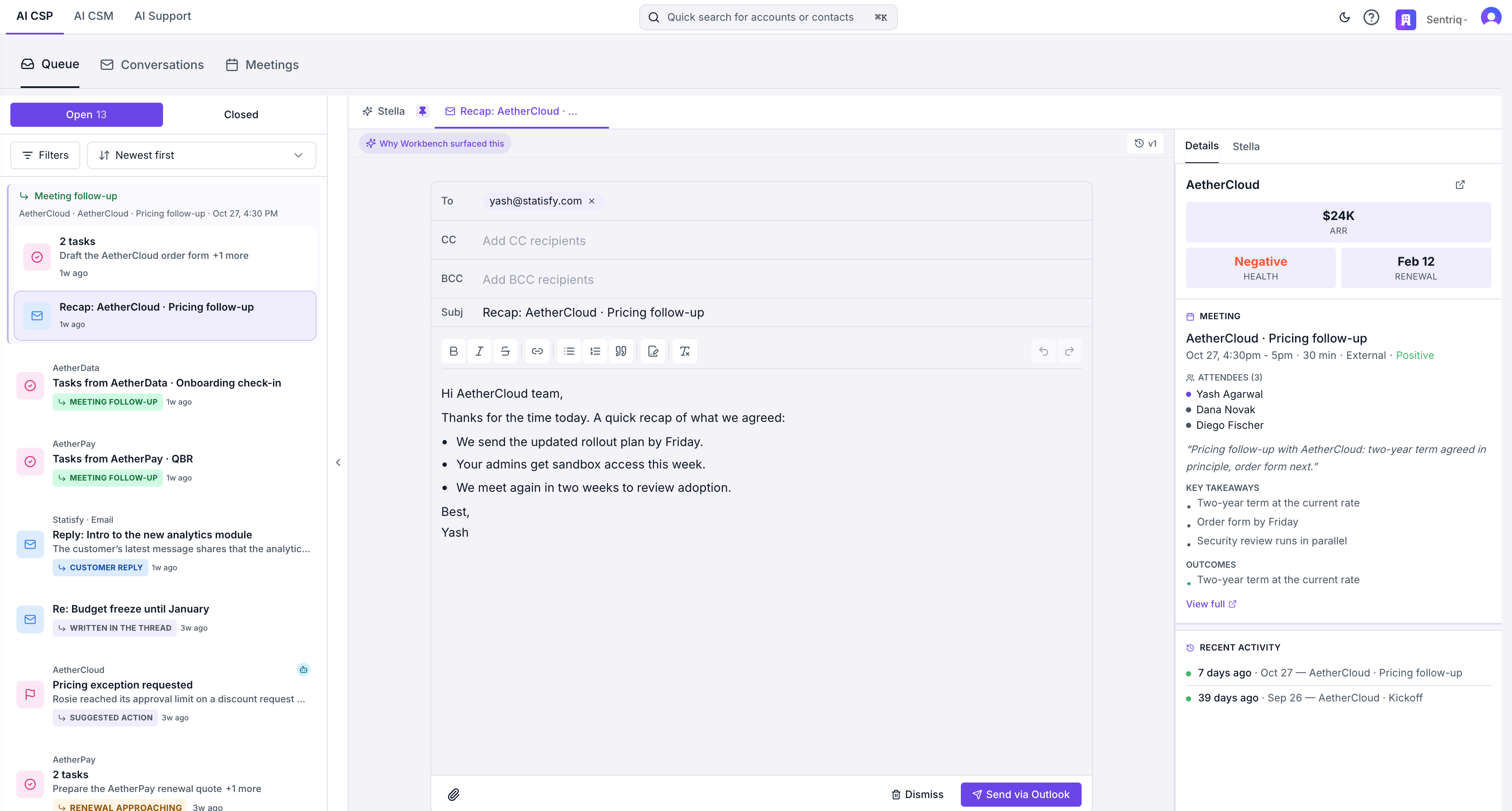
After: the Details tab is docked beside the draft
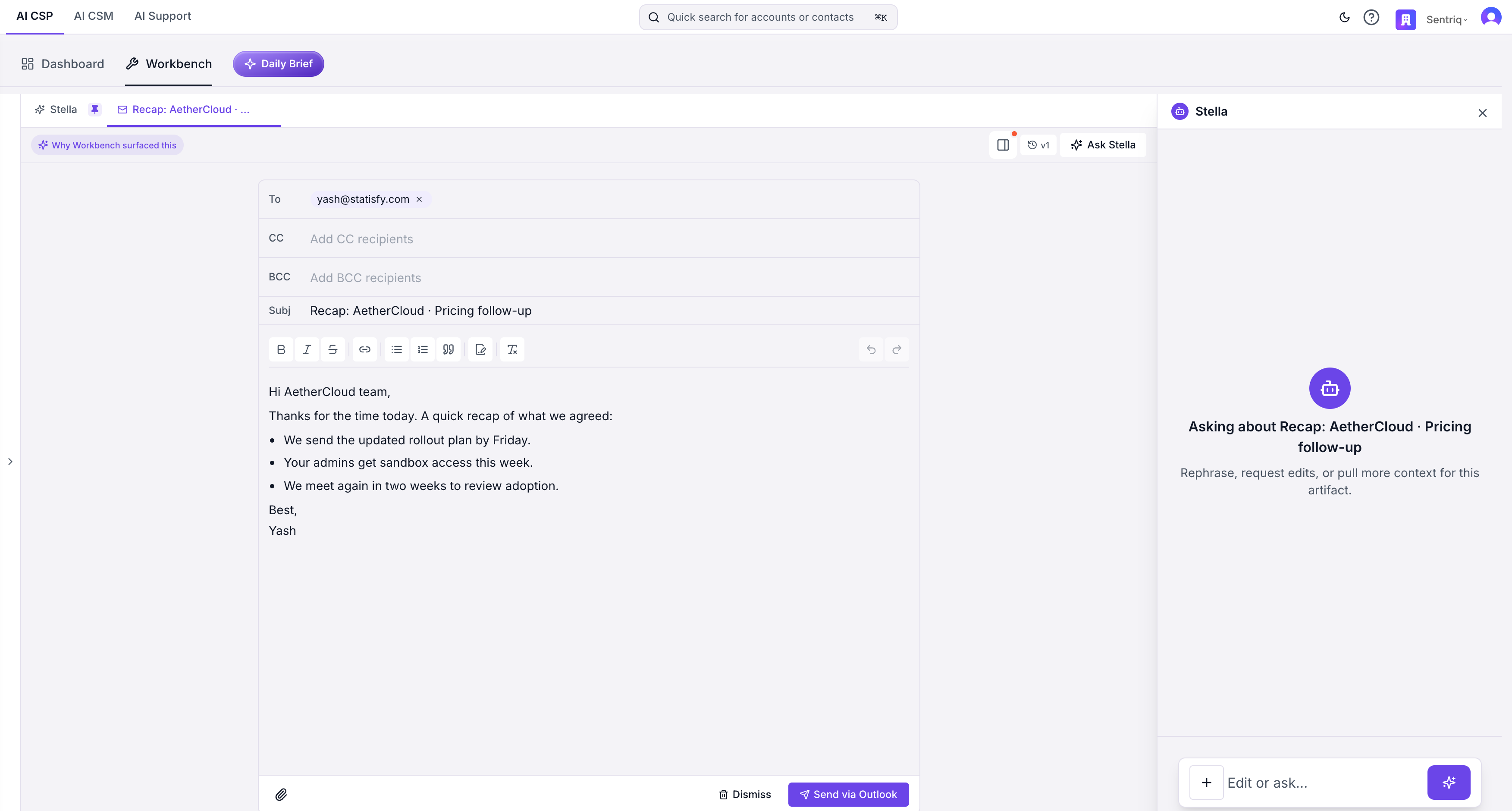
Before: Ask Stella opens a chat over the item
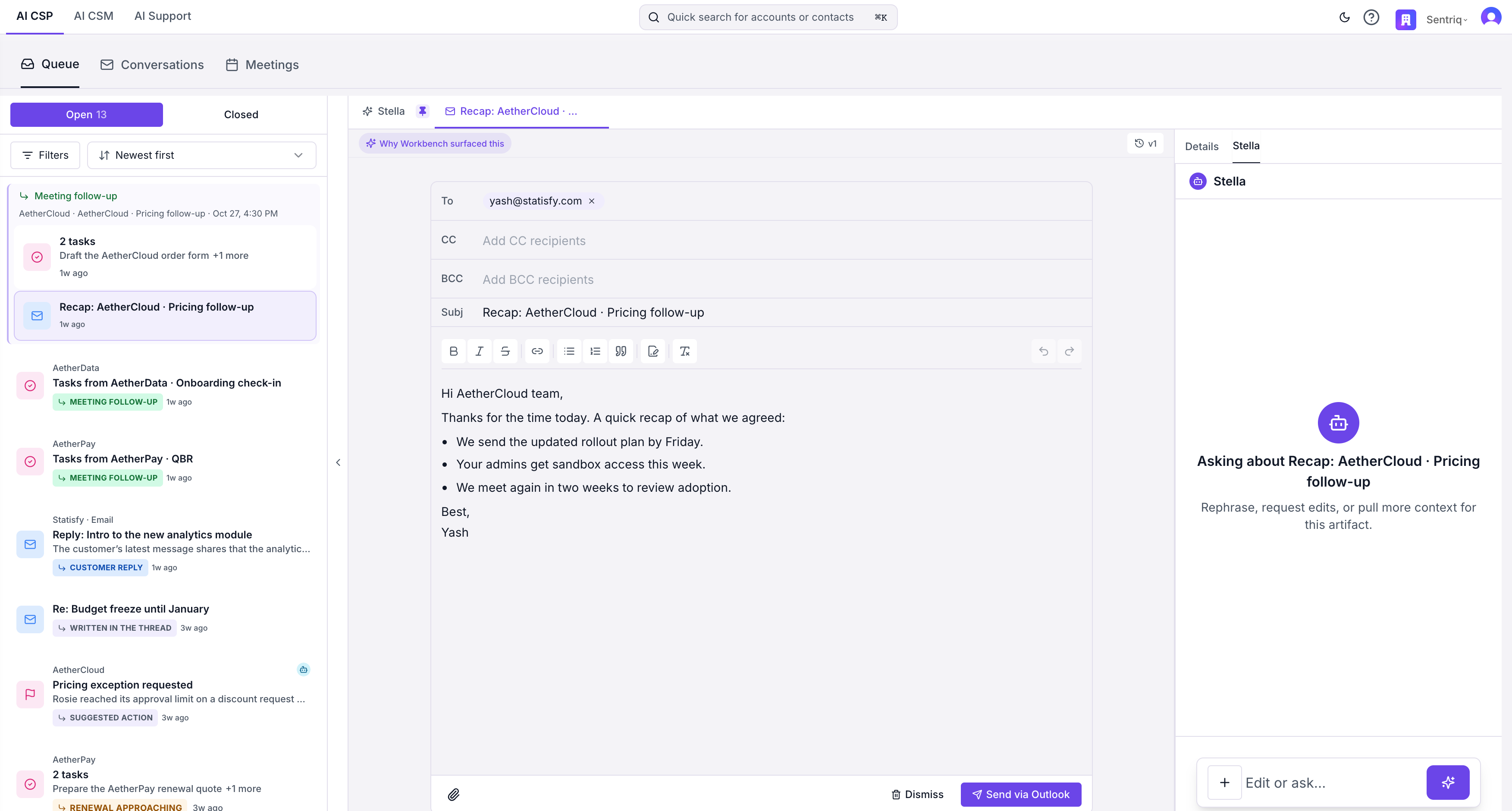
After: the Stella tab in the docked panel
Replies open as the conversation
A drafted email, Slack, or Teams reply used to open in the action canvas. It now opens as the conversation it belongs to, with the conversation’s own details beside it.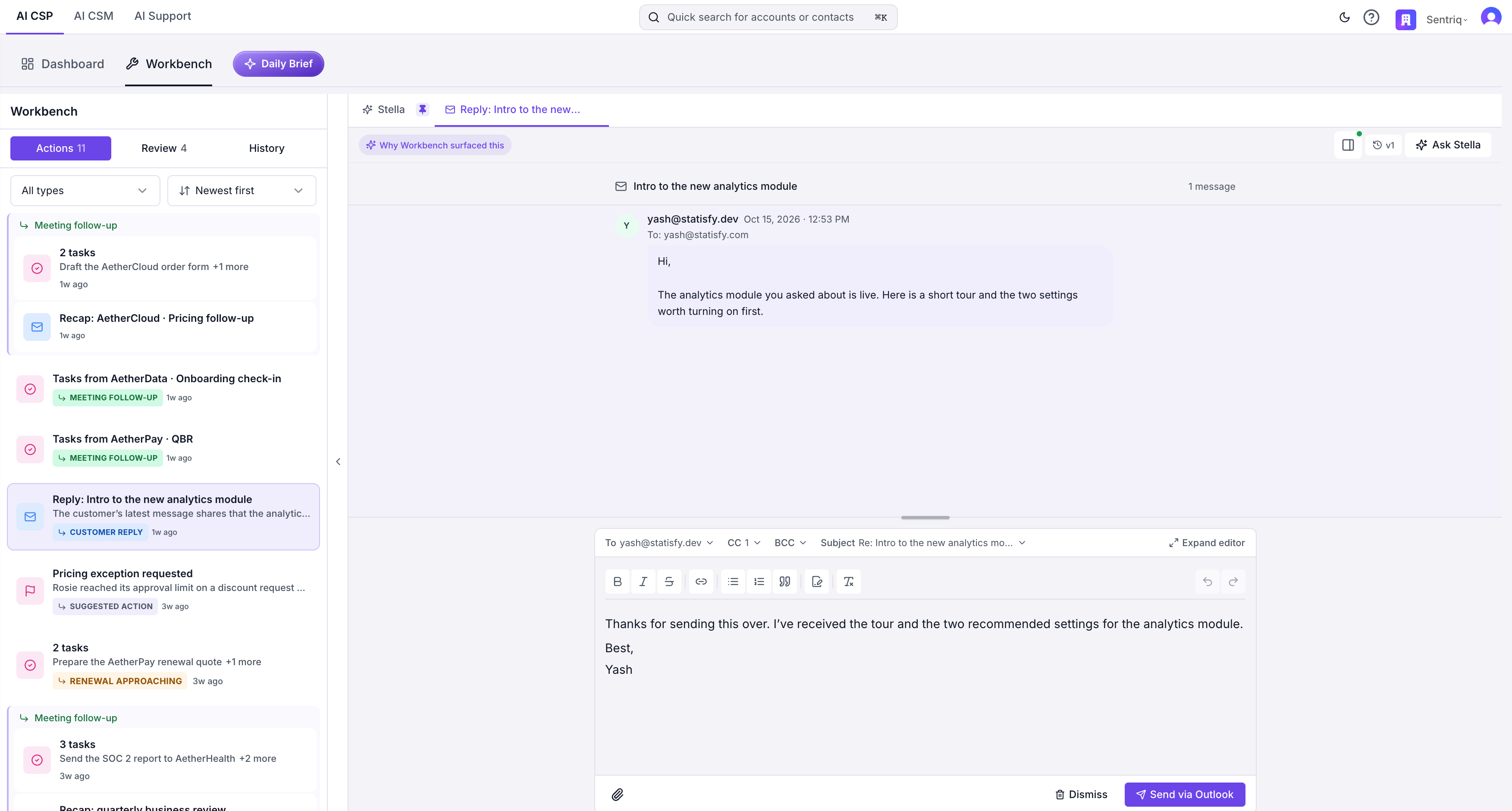
Before: a reply opens in the action canvas
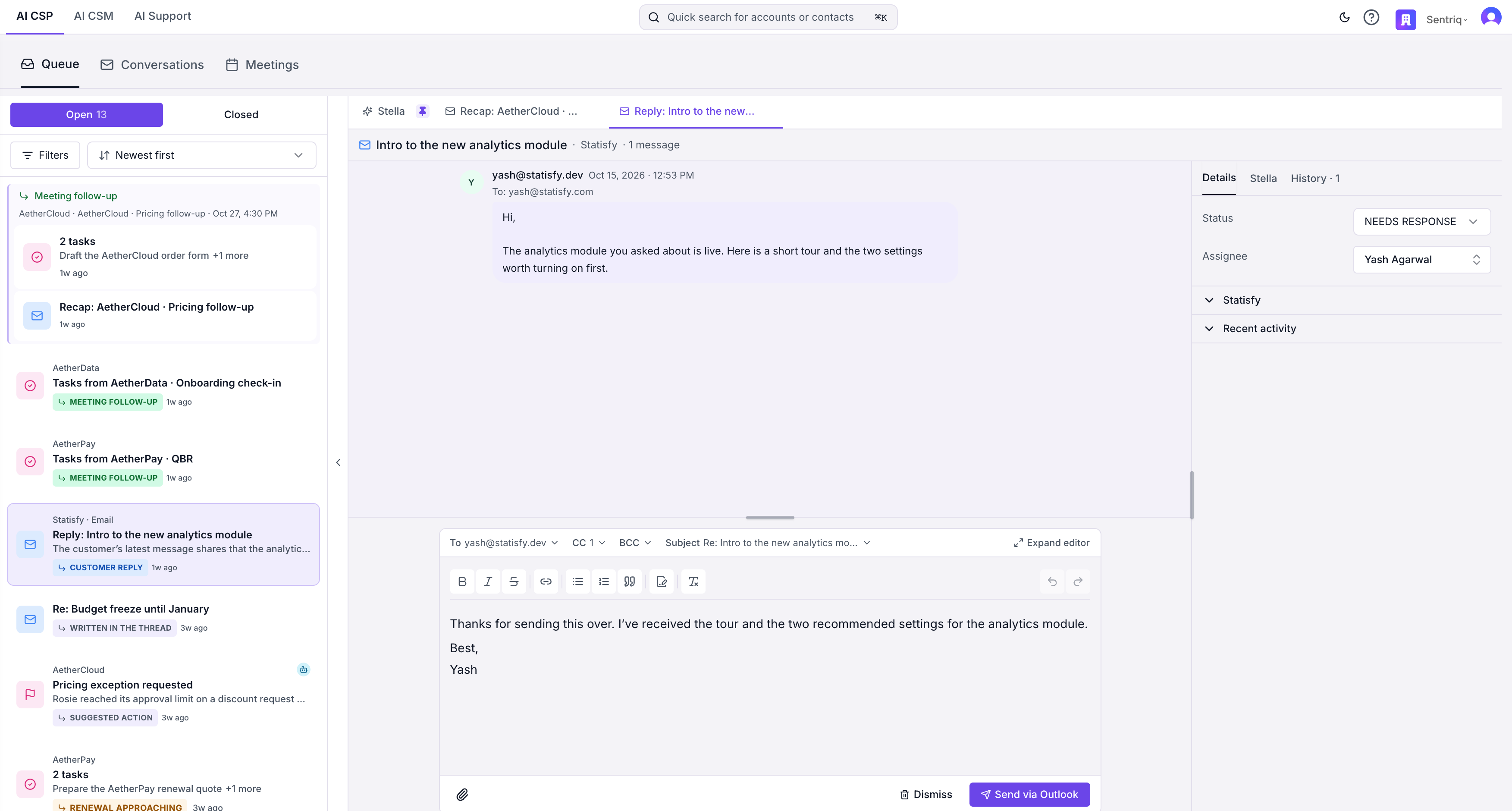
After: the same reply opens as its conversation
Thread history
New. The History tab beside a conversation lists every reply drafted on that thread, newest first: the current draft, replies that were sent, and replies that were dismissed, each with when it happened and who acted. Select one to open it read-only, with its recipients and text as they were. Click Copy text to reuse wording from an earlier reply without changing what was sent.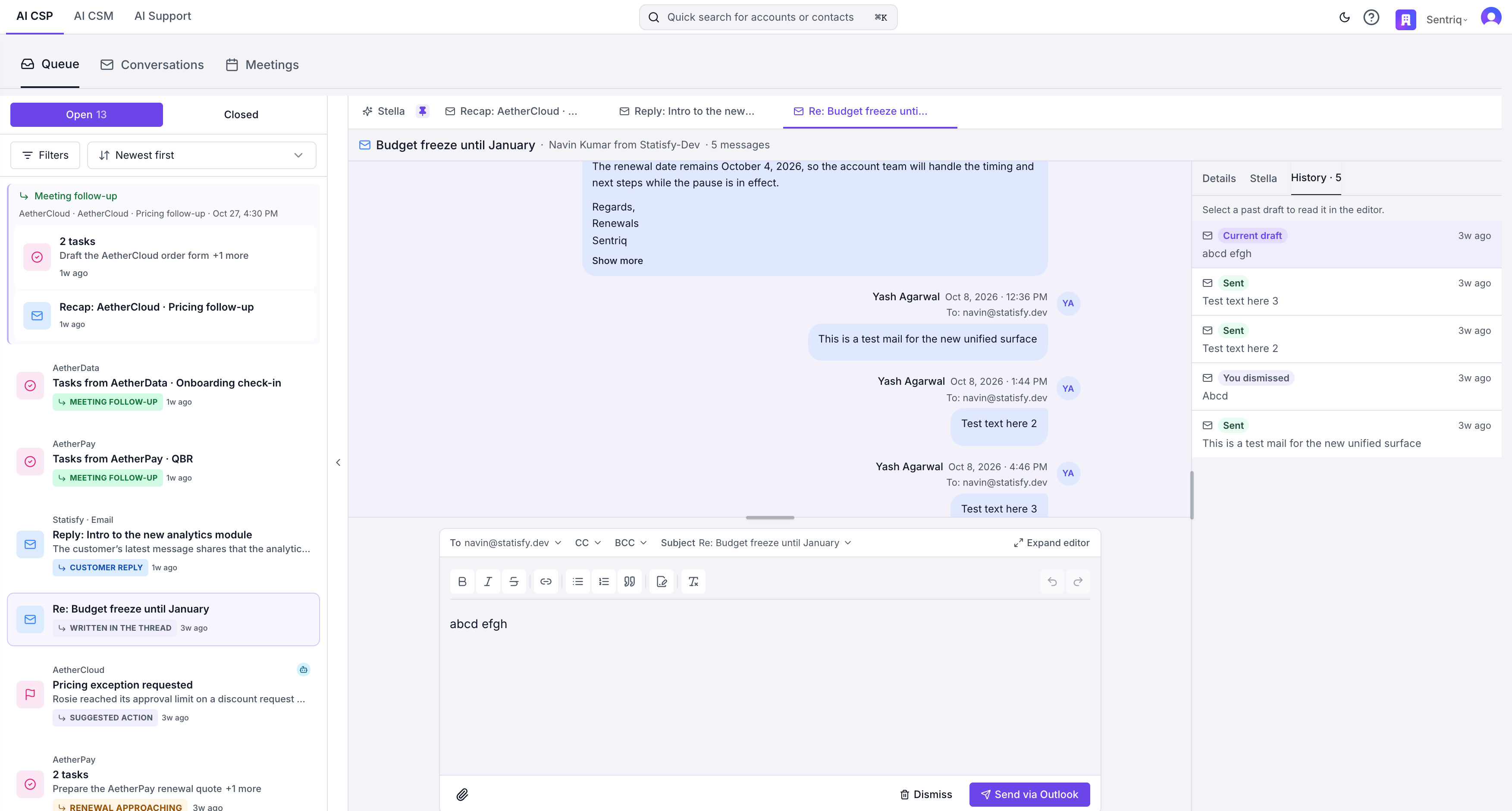
The History tab lists the thread's past replies
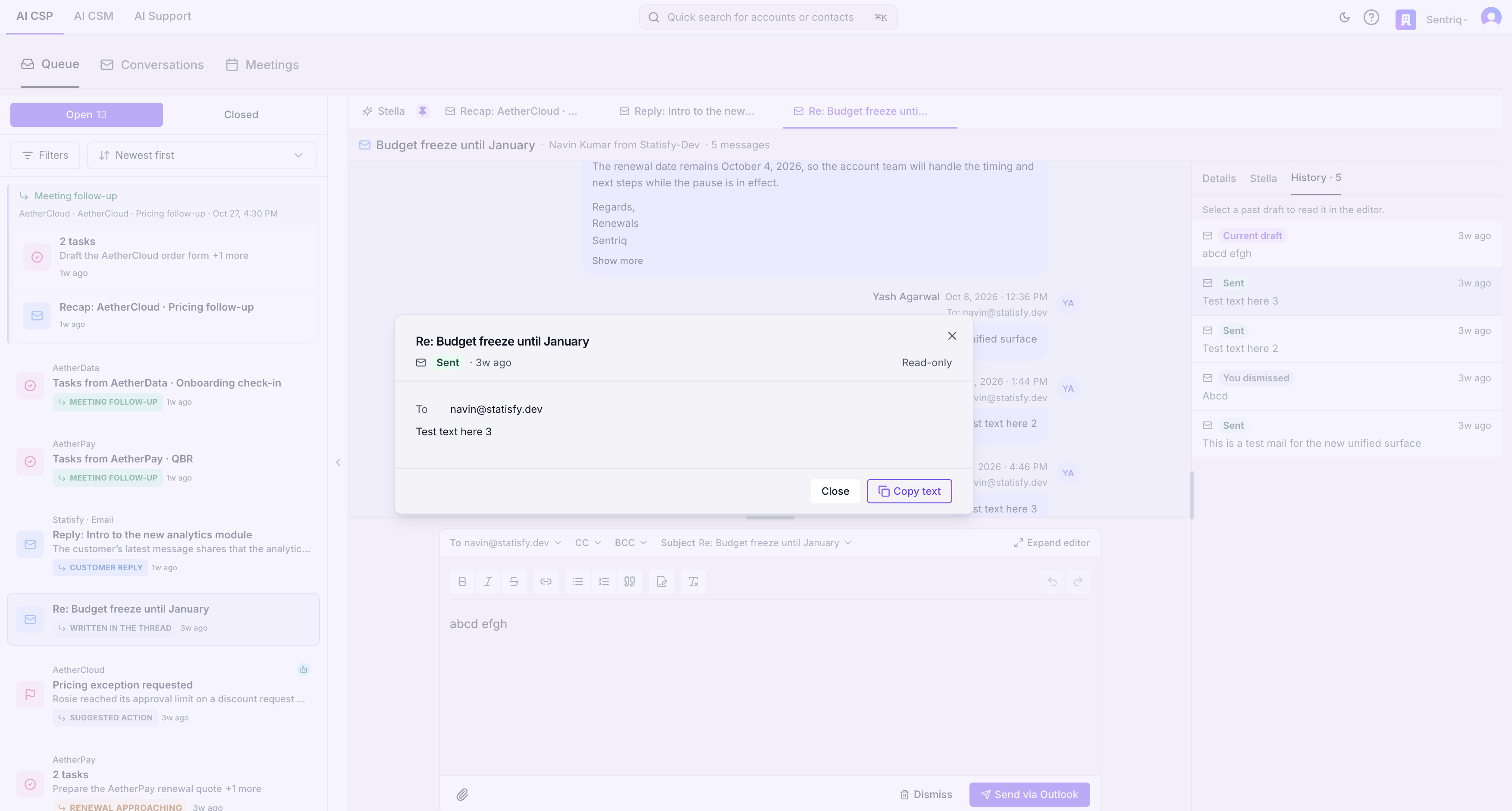
A past reply opens read-only, with Copy text
Conversations
The Conversations section replaces the My Emails page and brings Slack and Teams threads in alongside email.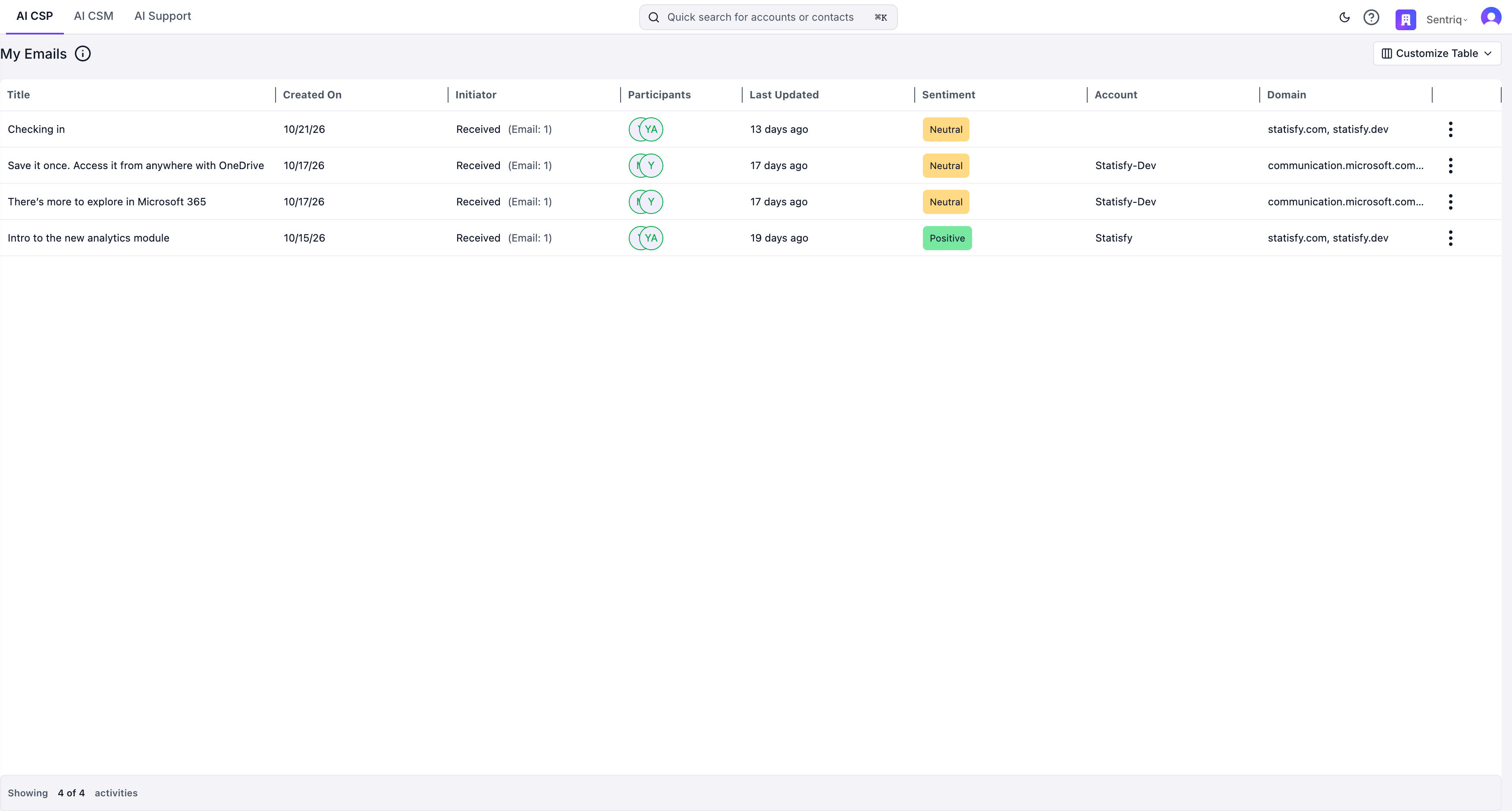
Before: the My Emails table
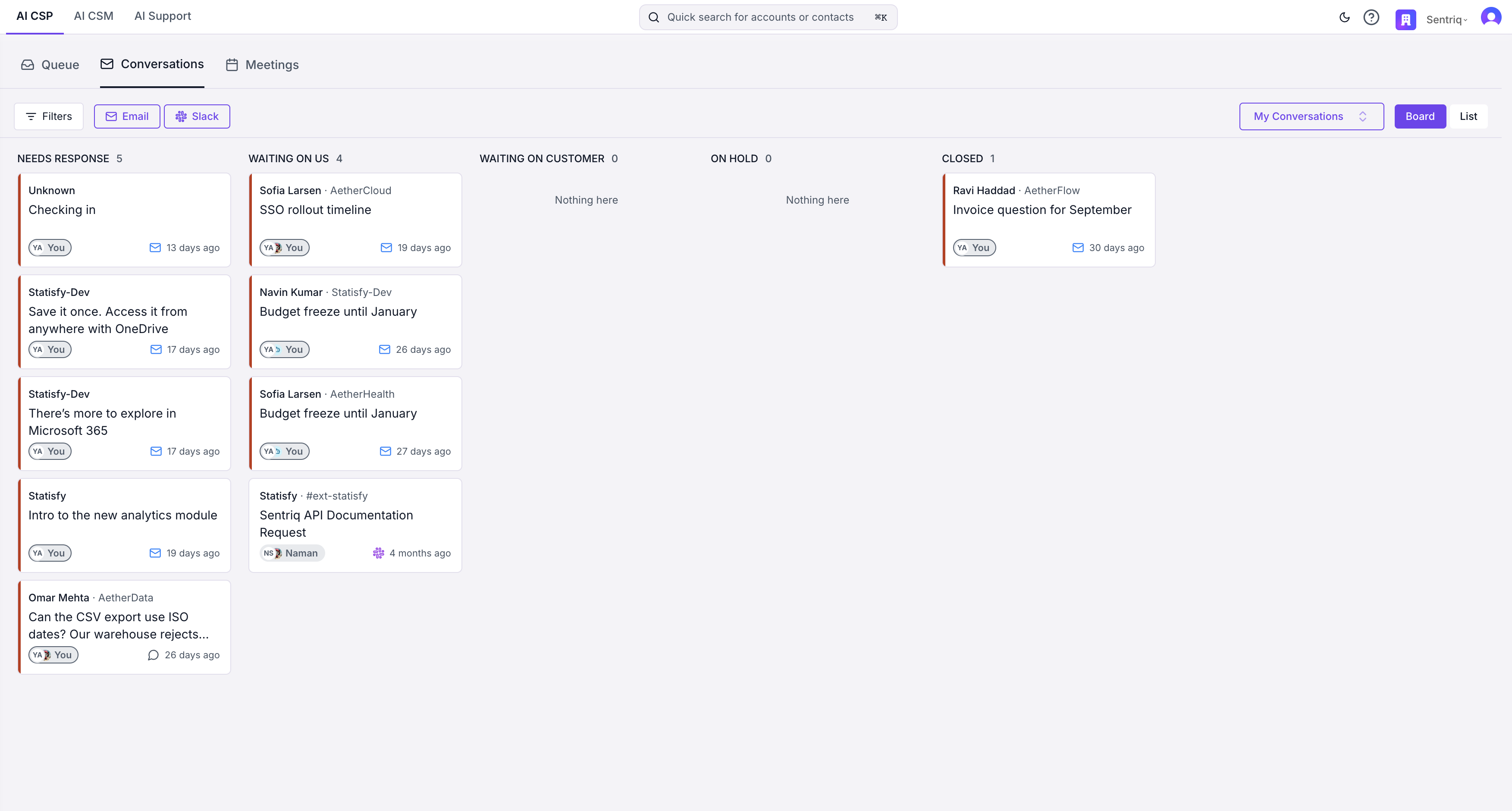
After: the Conversations board
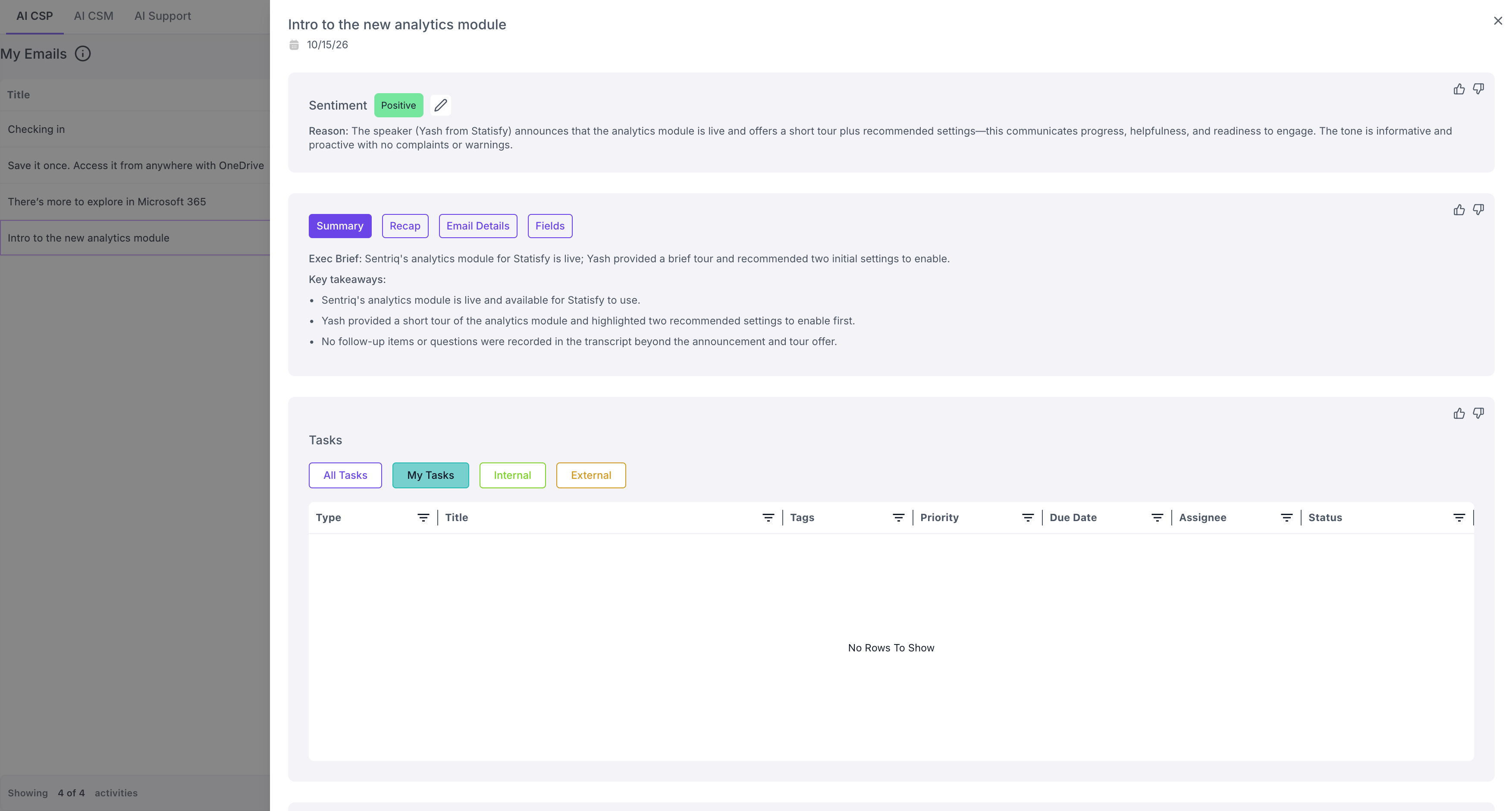
Before: an email opens its activity record
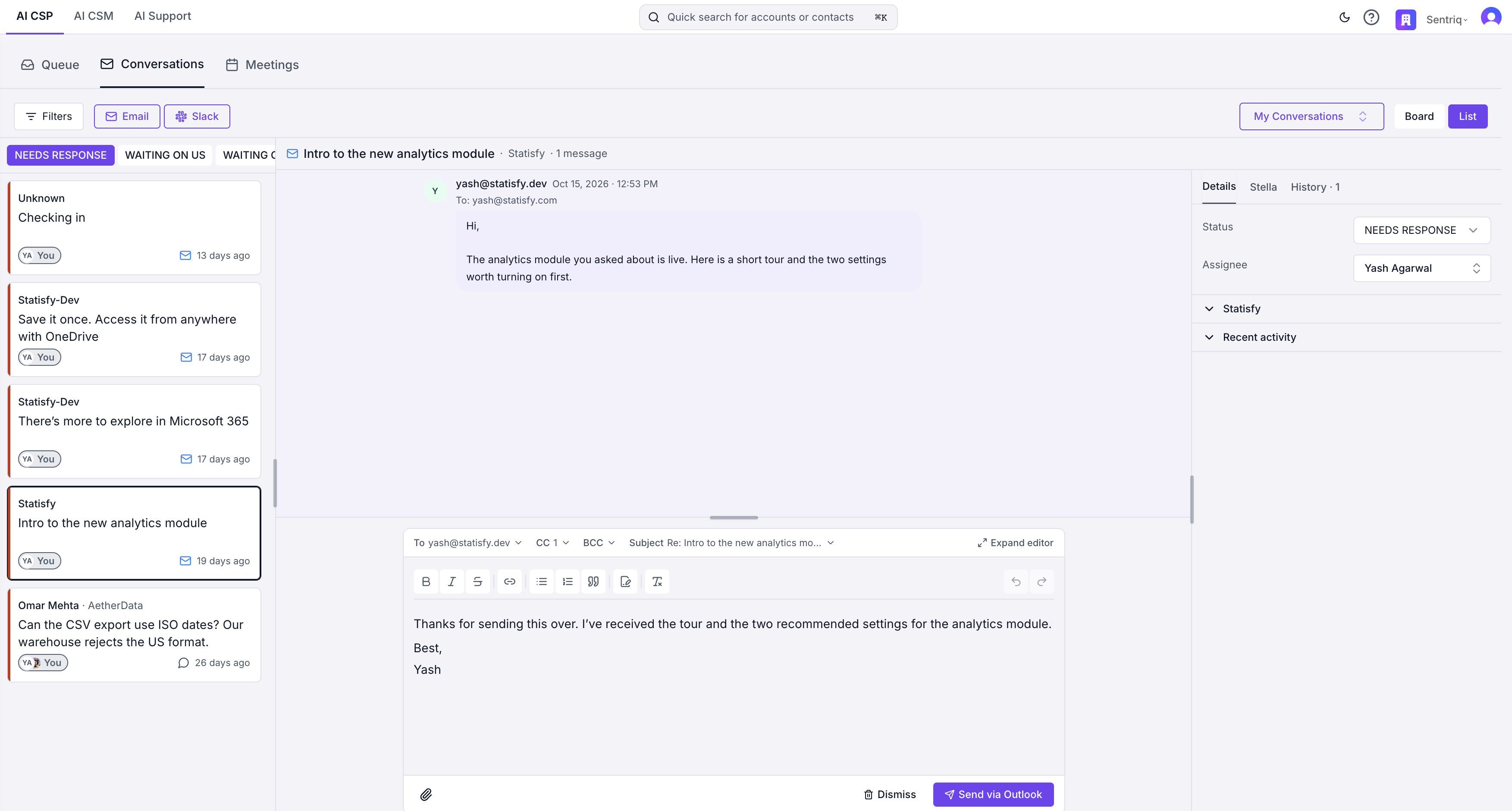
After: the List layout opens the conversation beside the list
Meetings
The Meetings section is the My Meetings table with one addition: an Actions column that tells you what the Workbench prepared for each meeting.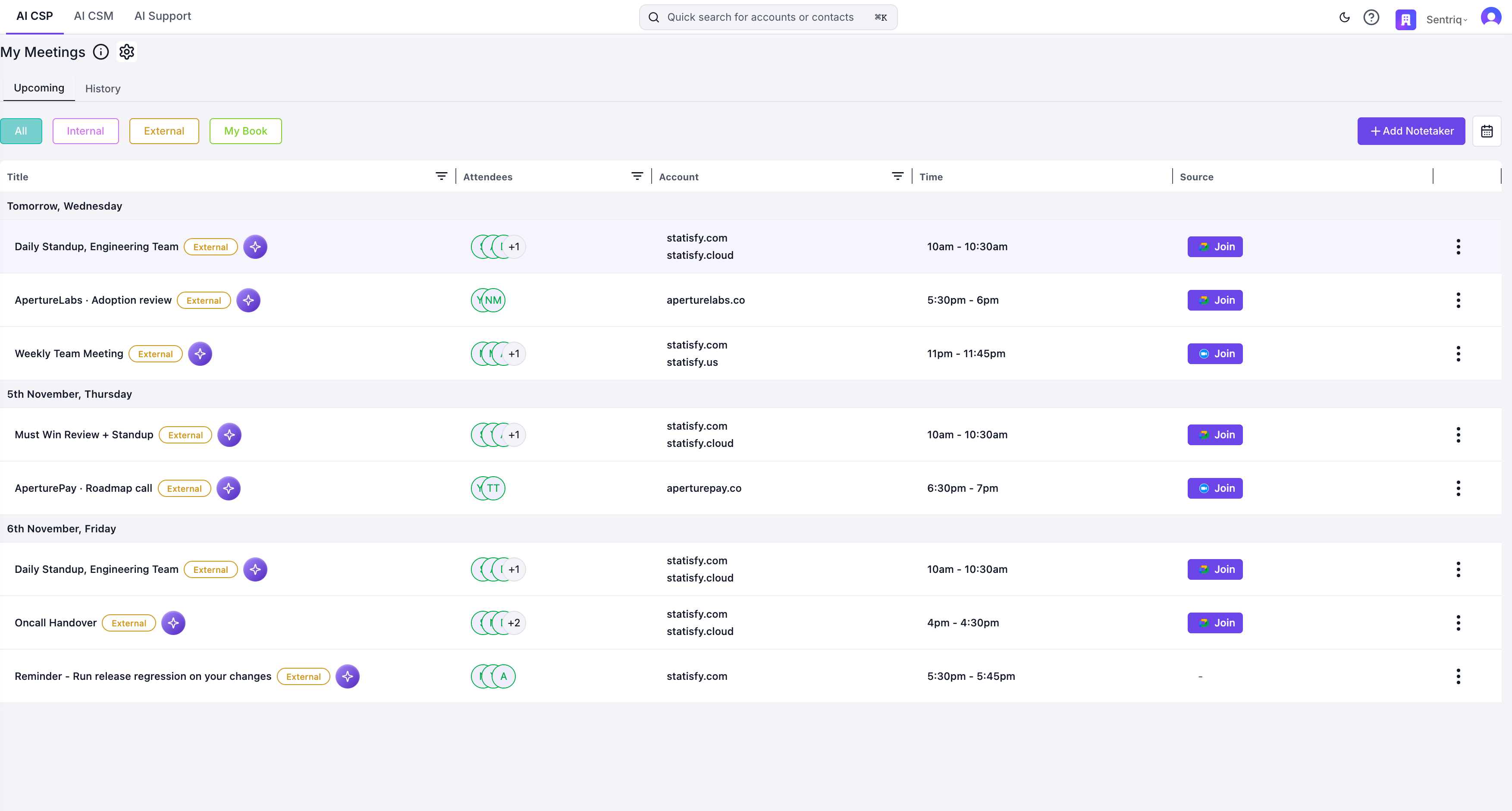
Before: the My Meetings table
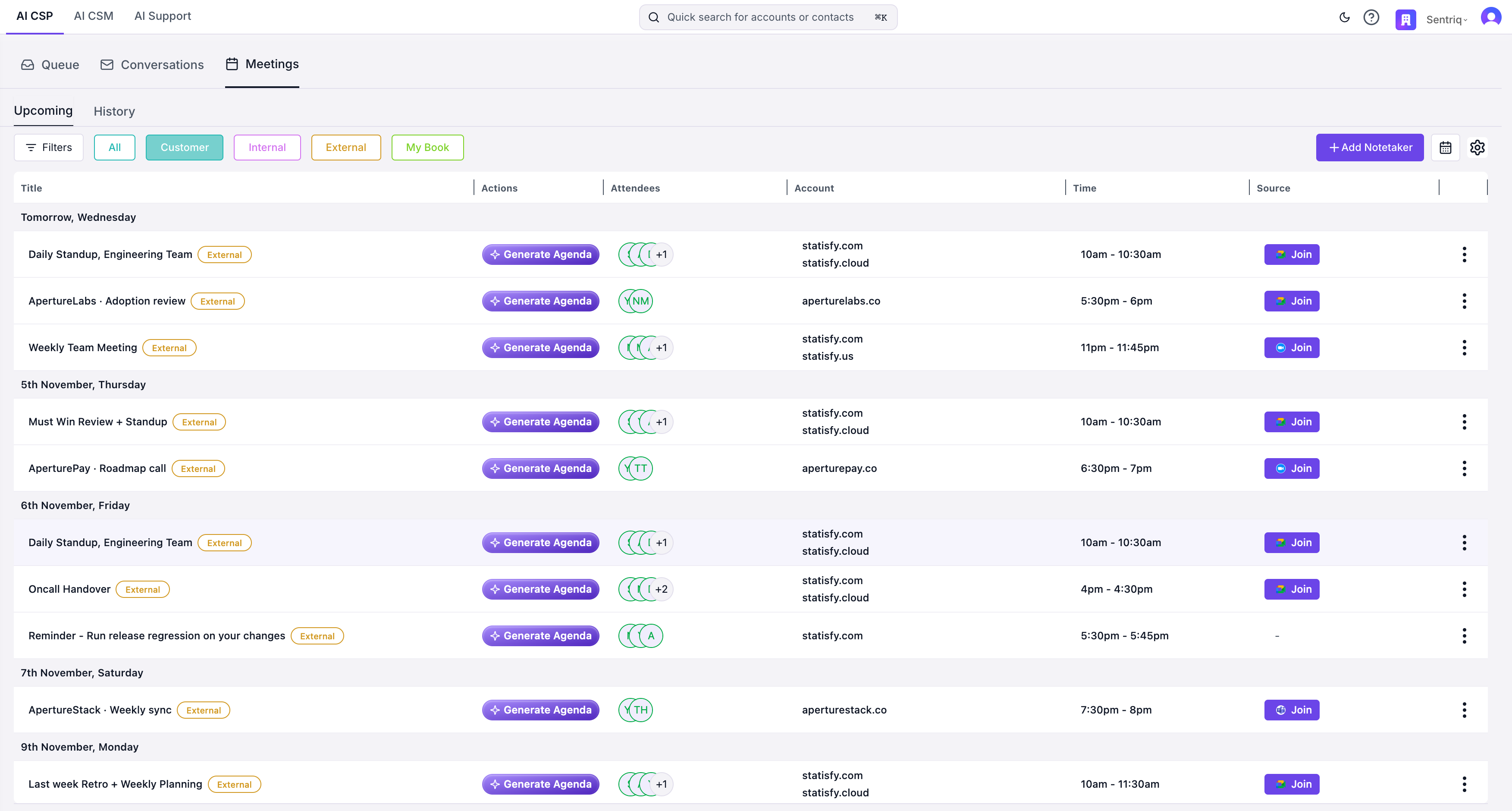
After: the Meetings section with its Actions column
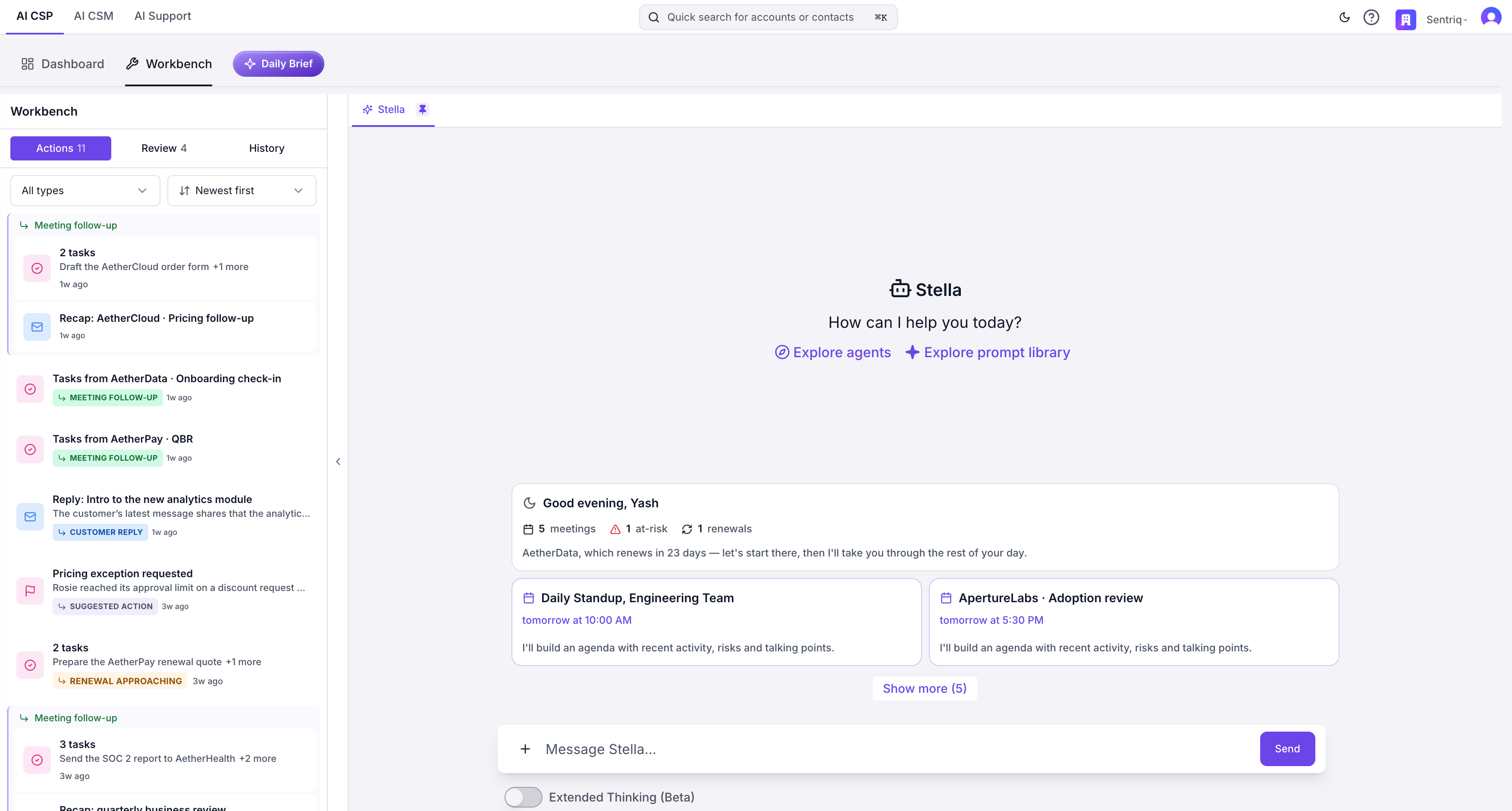
Before: follow-ups were Queue items under Meeting follow-up
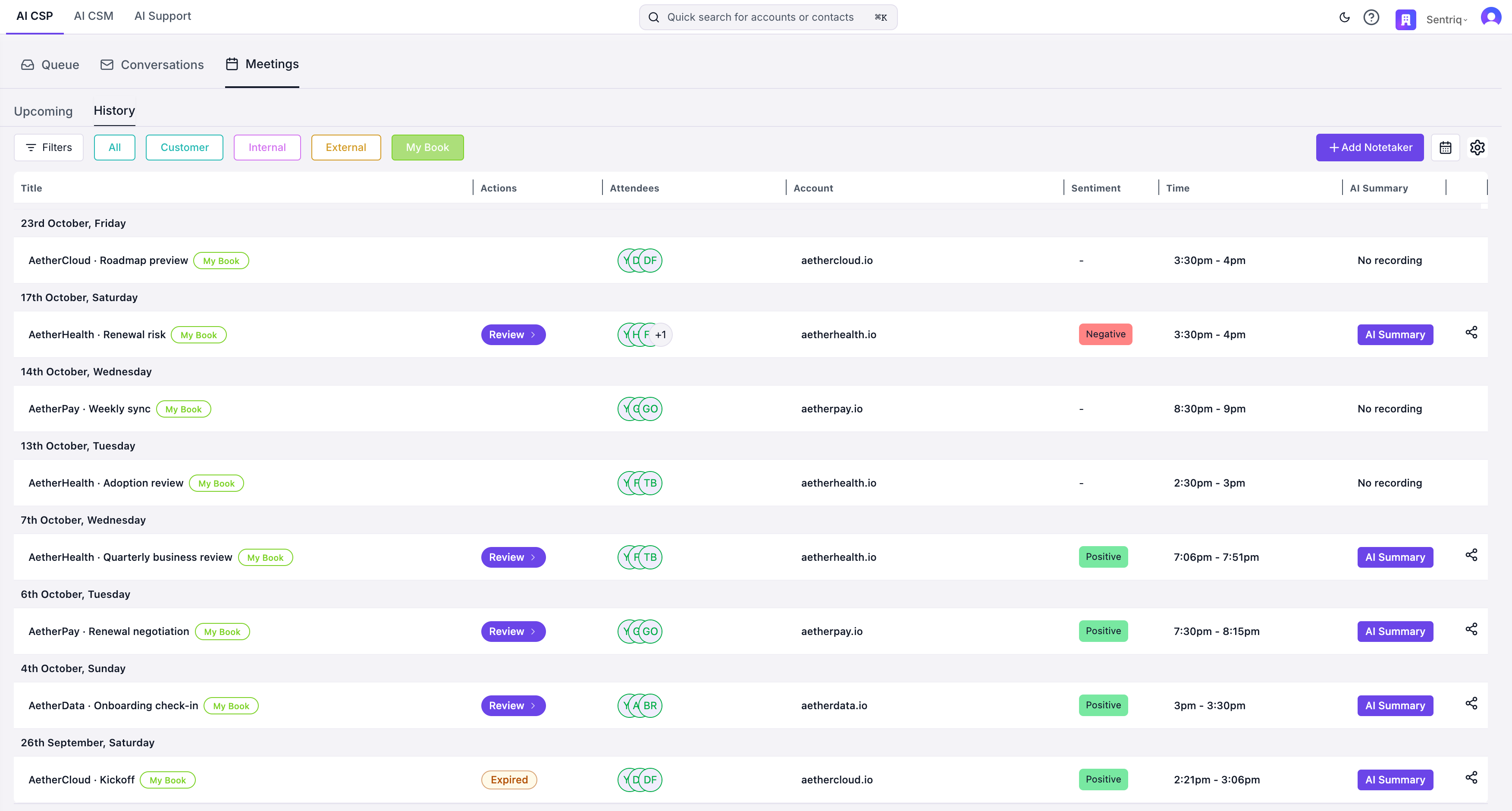
After: Review and Expired on the meeting's row in History
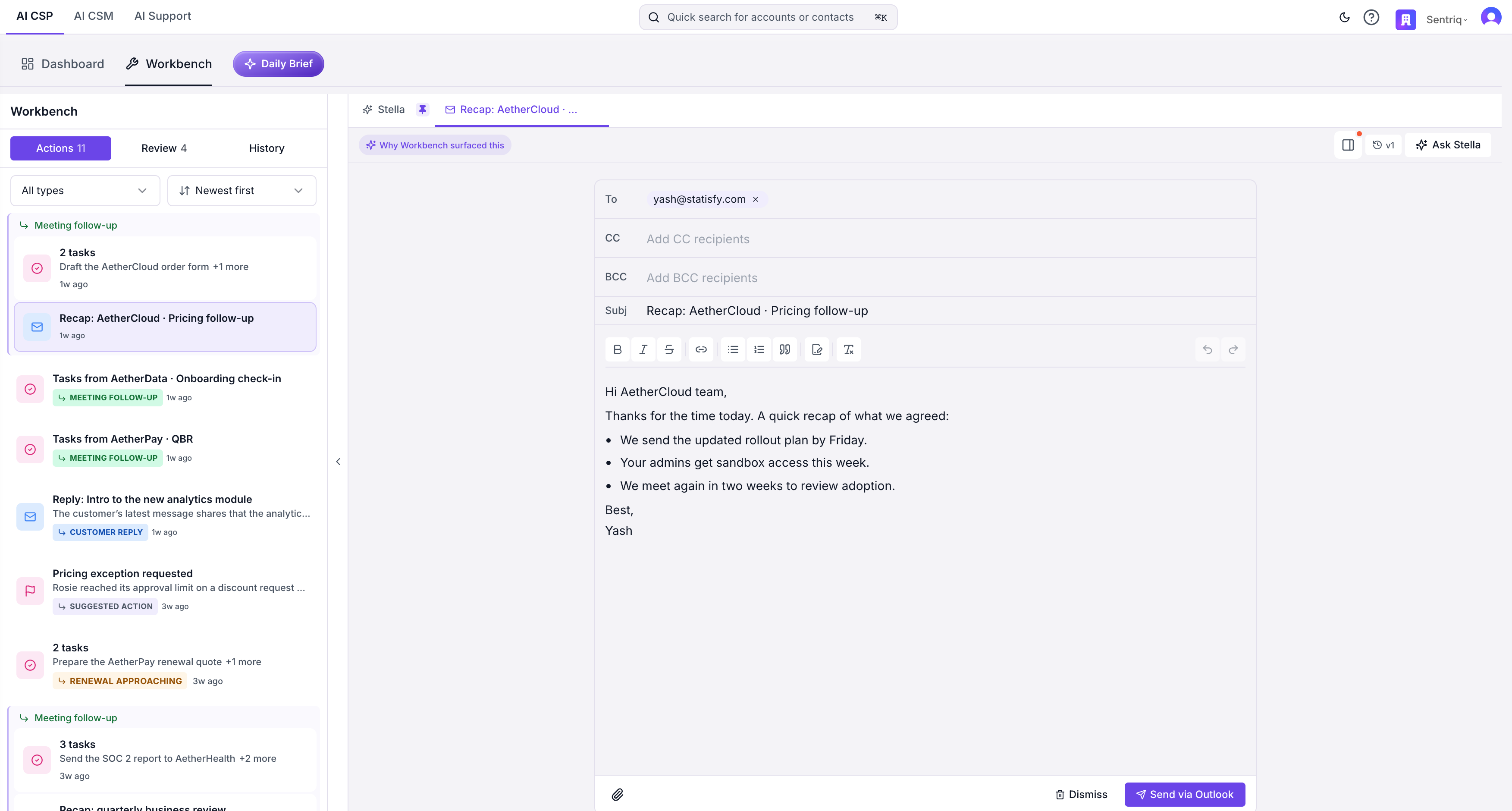
Before: a follow-up draft opened in the Queue canvas
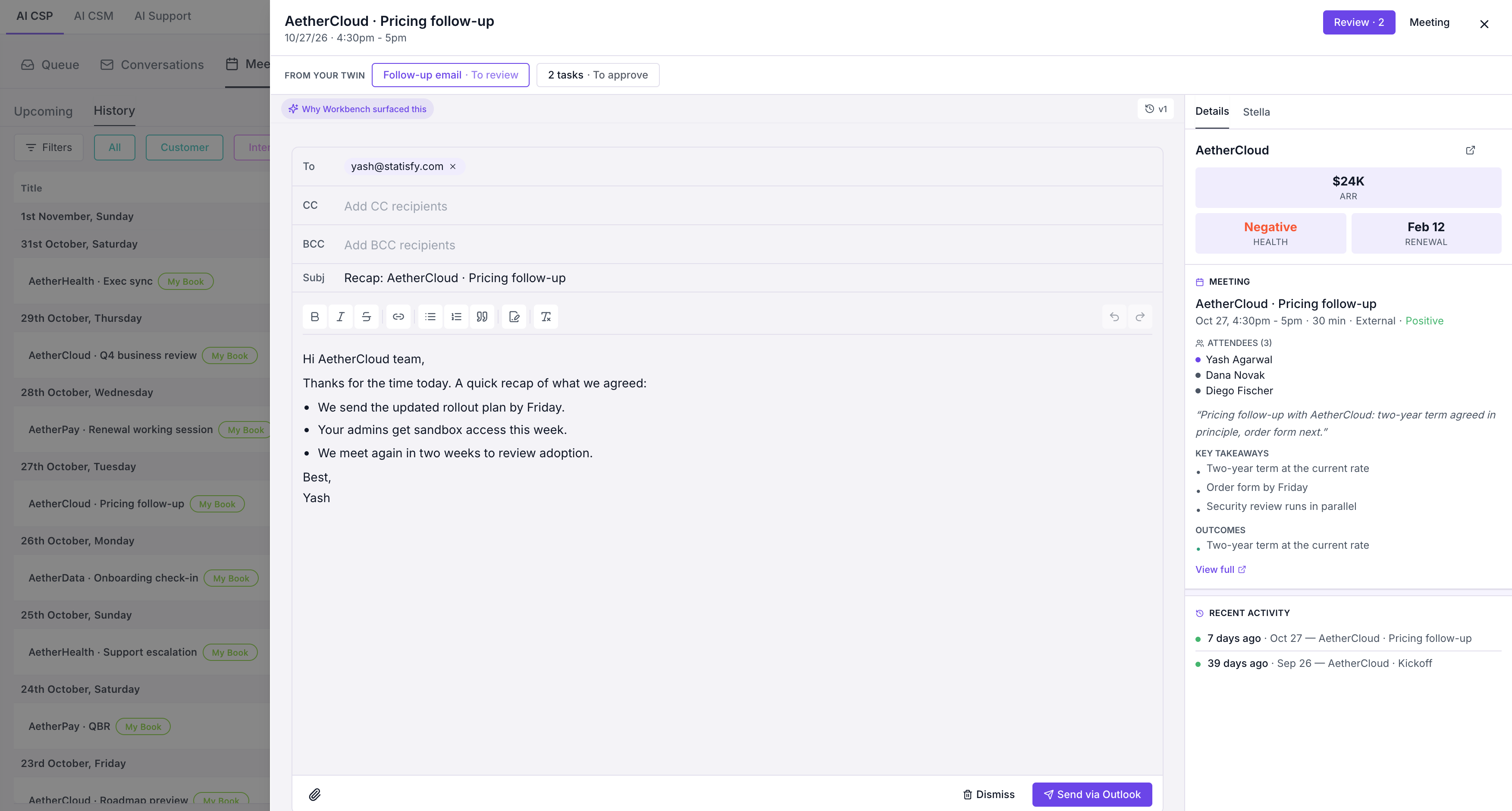
After: the same draft in the meeting's review sheet
Meeting prep
The brief Statisfy drafts ahead of an upcoming customer meeting is no longer a Queue item. It belongs to the meeting, in the Meetings section, which calls it the agenda.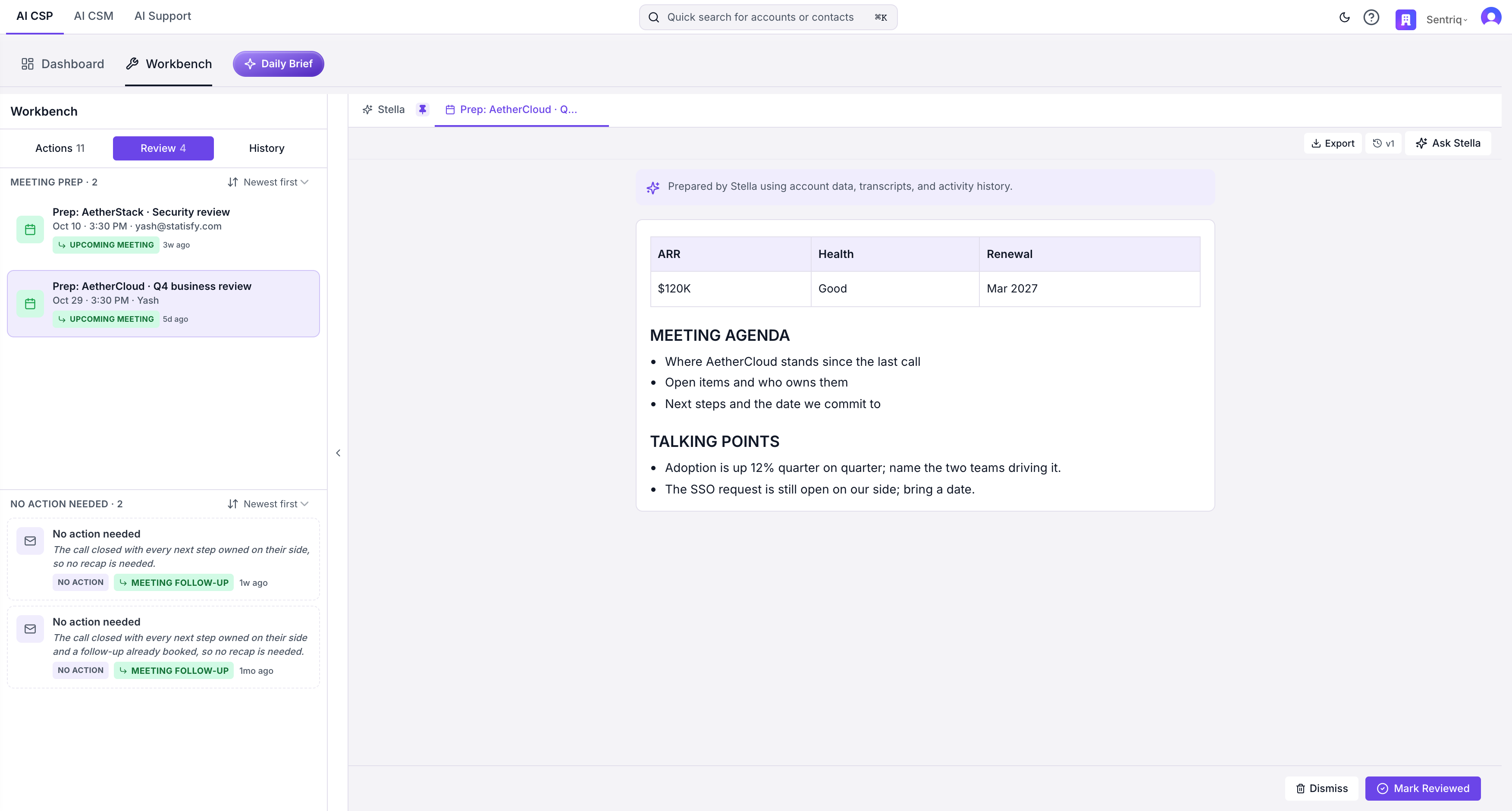
Before: the brief opened from the Review tab in the Queue canvas, with Mark Reviewed
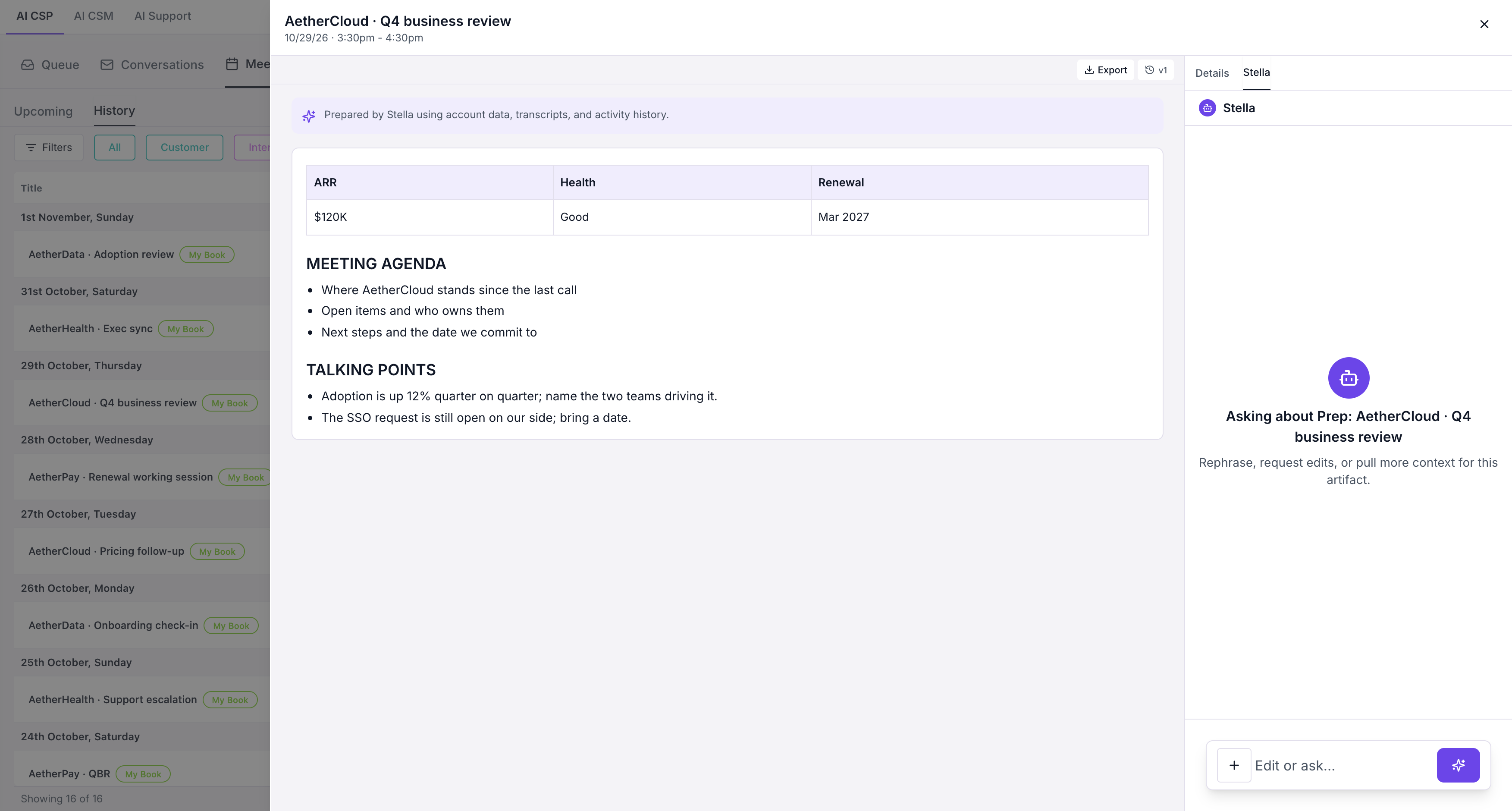
After: the same brief opened from its meeting in Meetings, with Stella beside it
Closed
Closed replaces the History view of the Queue.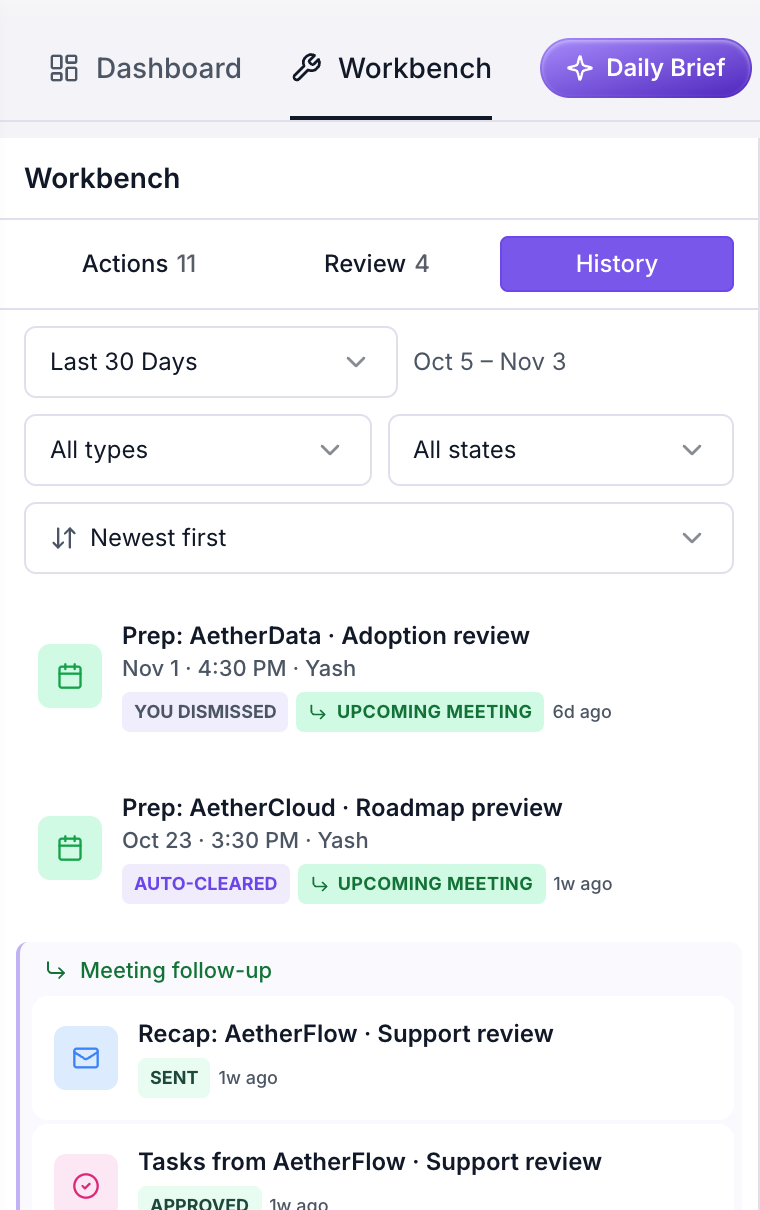
Before: the Workbench heading, then History with its date, type and state dropdowns
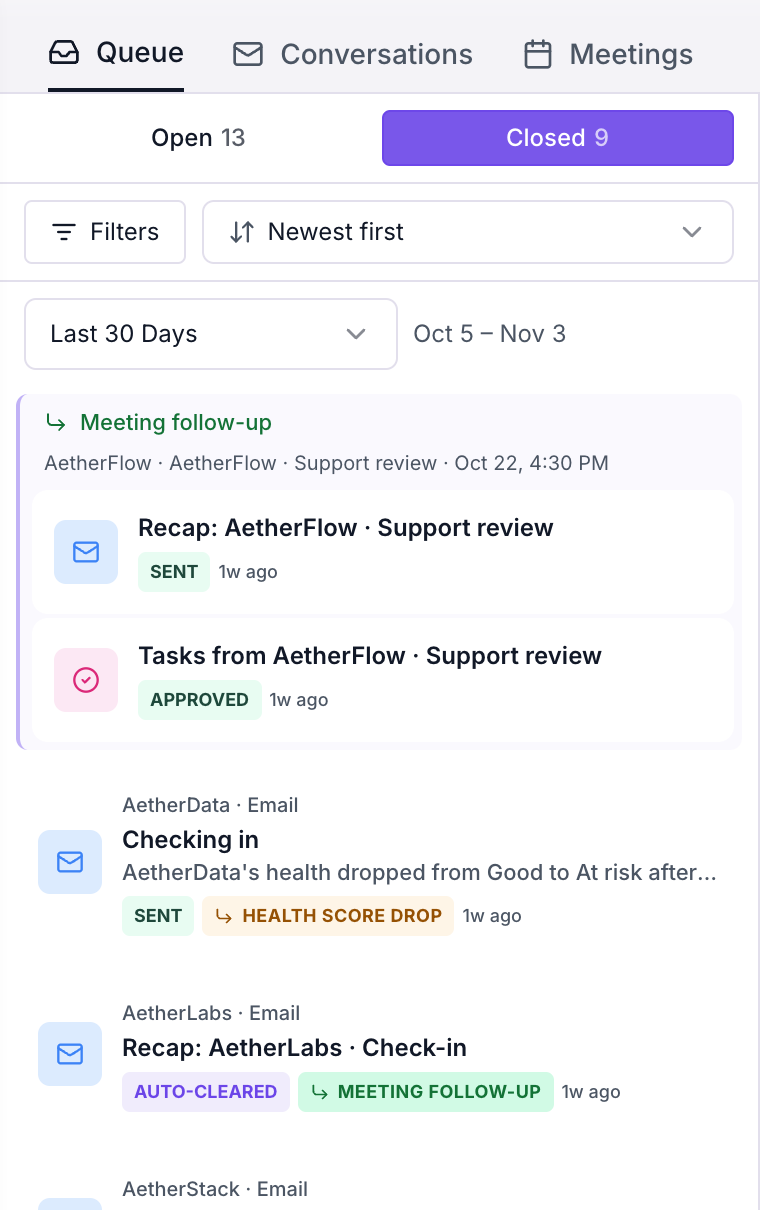
After: the Queue section, then Closed with the date picker and Filters