

Video Tutorial
In this article, you’ll learn how to export all your account data. Step 1: Start by navigating to the Account section. Make sure all the fields you want to export are ready.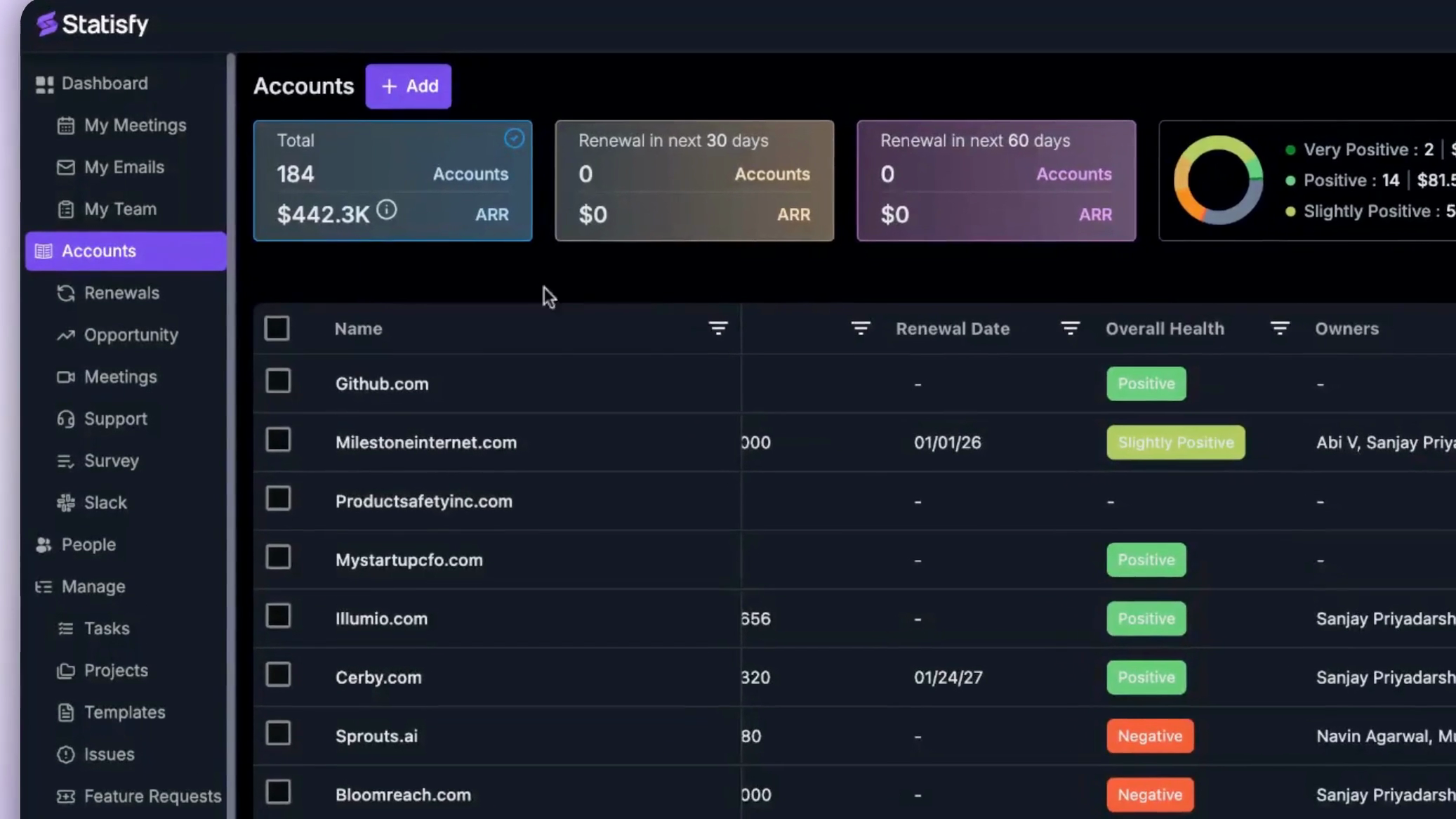 Step 2: If you need to modify any fields, use the Customize button to add or remove them.
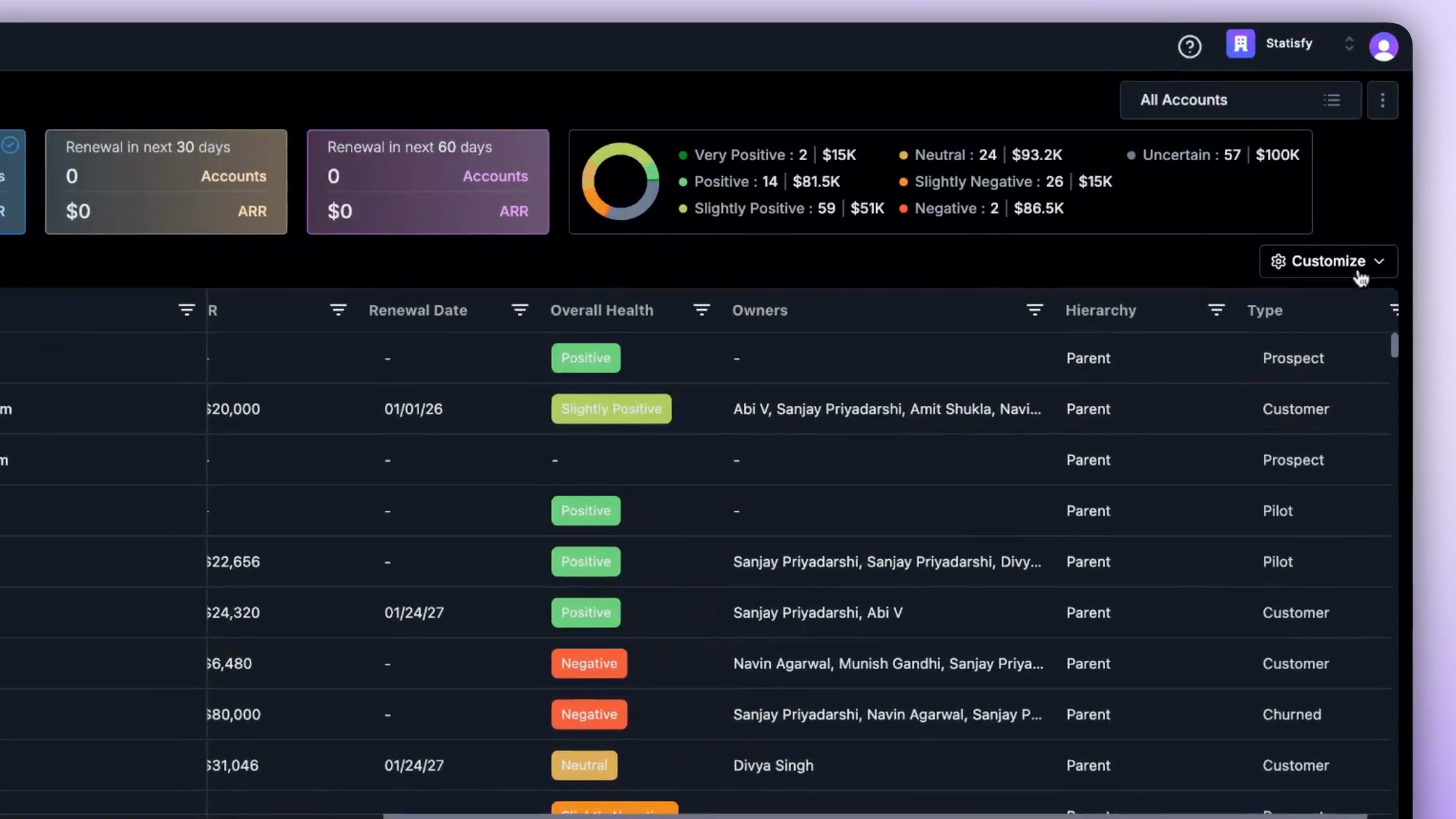 Step 3: Right-click and choose the Export option.
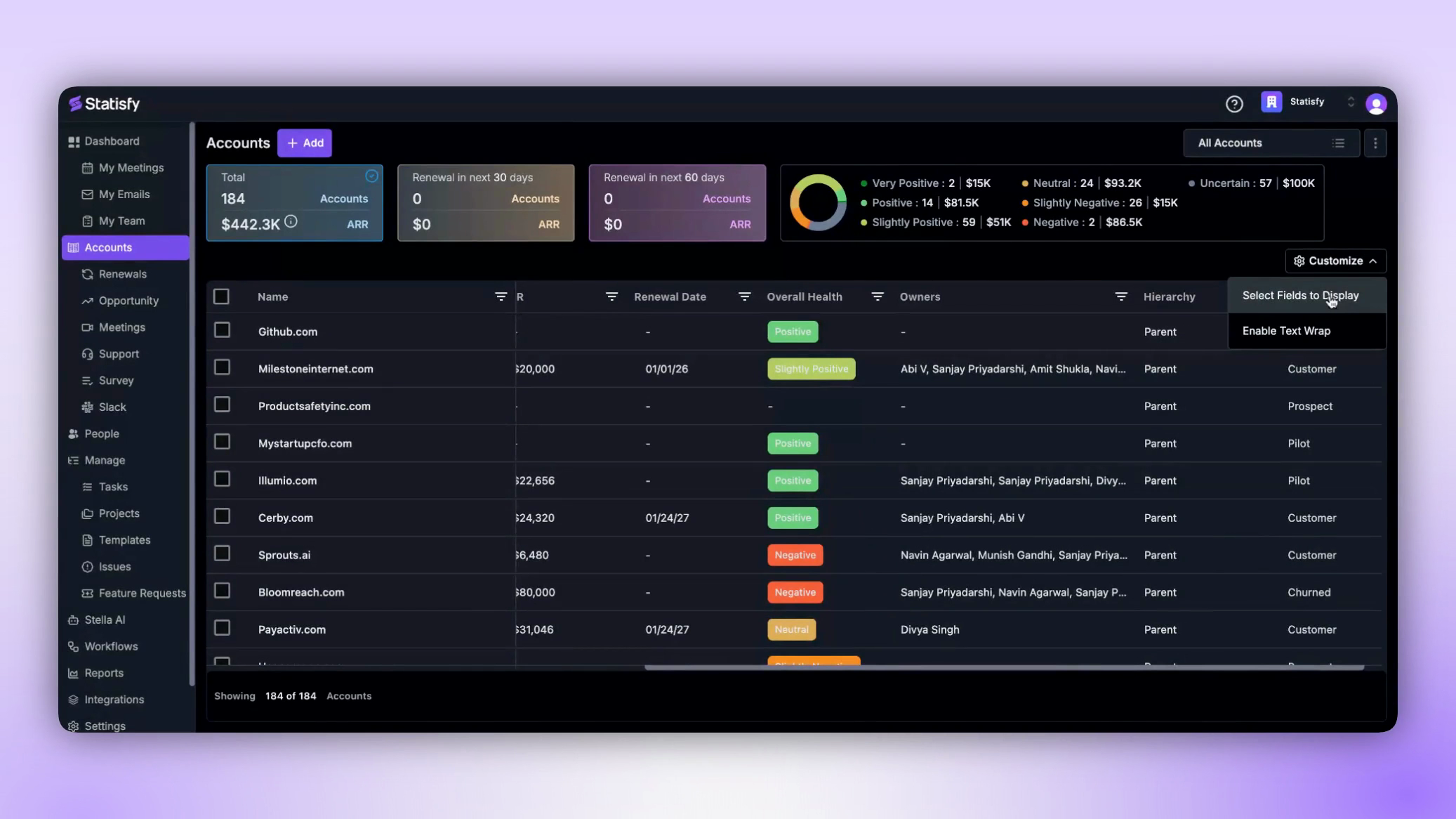 Step 4: You’ll see two export options: CSV and Excel. Pick the one that fits your requirements, click on it, and your export will be set up and downloaded automatically.
That’s it! You’ve successfully exported your account data.
Step 4: You’ll see two export options: CSV and Excel. Pick the one that fits your requirements, click on it, and your export will be set up and downloaded automatically.
That’s it! You’ve successfully exported your account data.