Video Tutorial
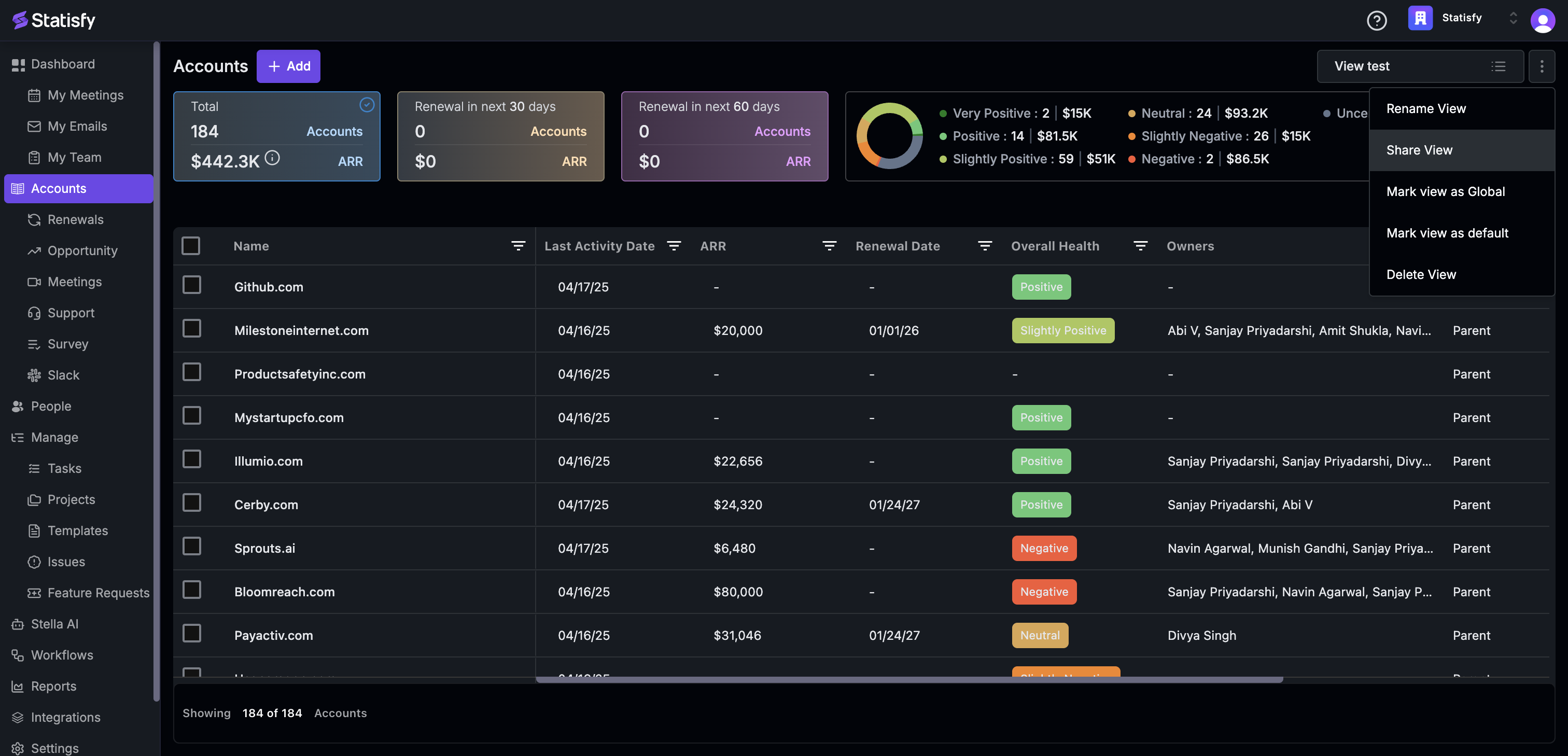
In this article, you’ll learn how to share a view and add people or groups to it. Step 1: Start by clicking the three-dot menu next to the view name.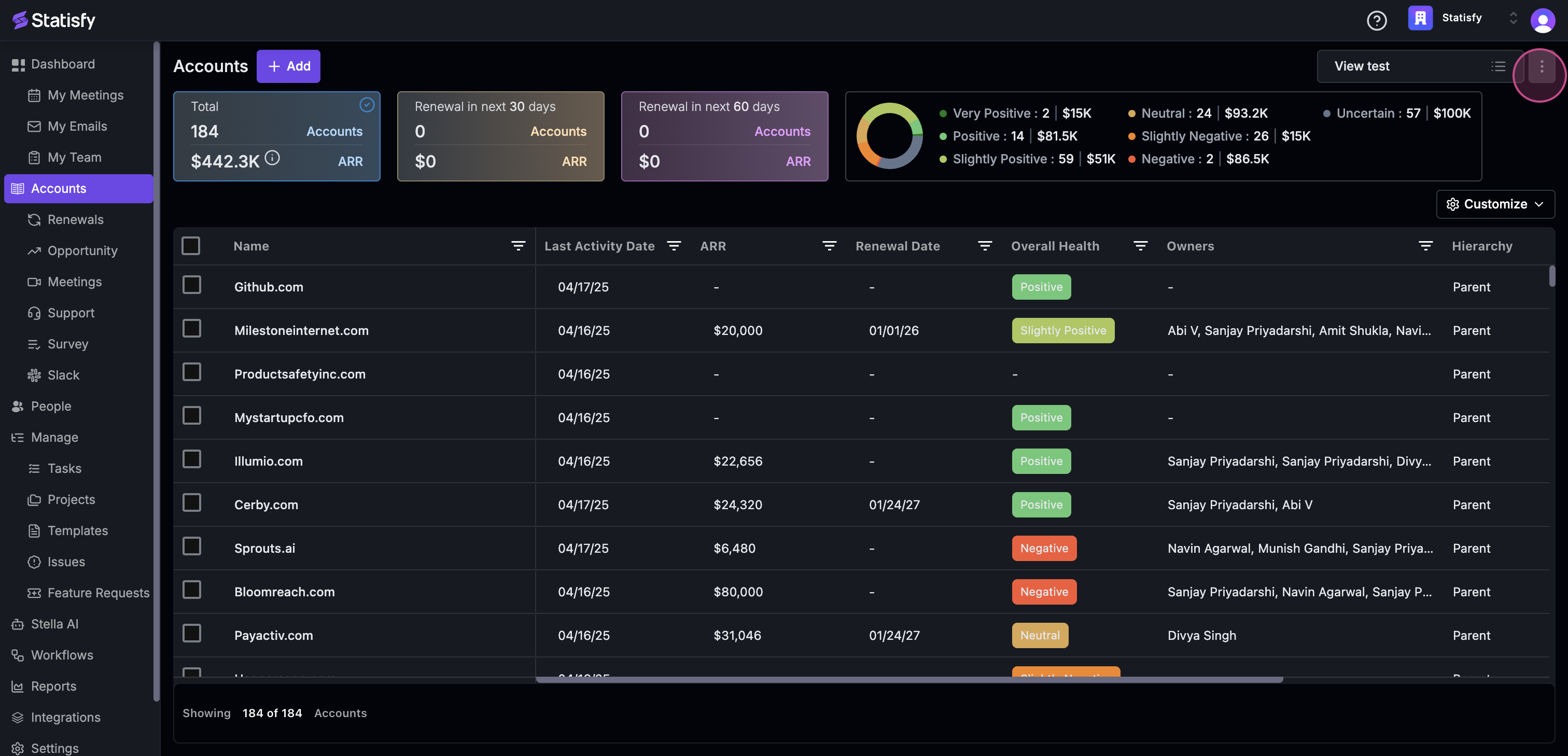 Step 2: Next, select the Share View option.
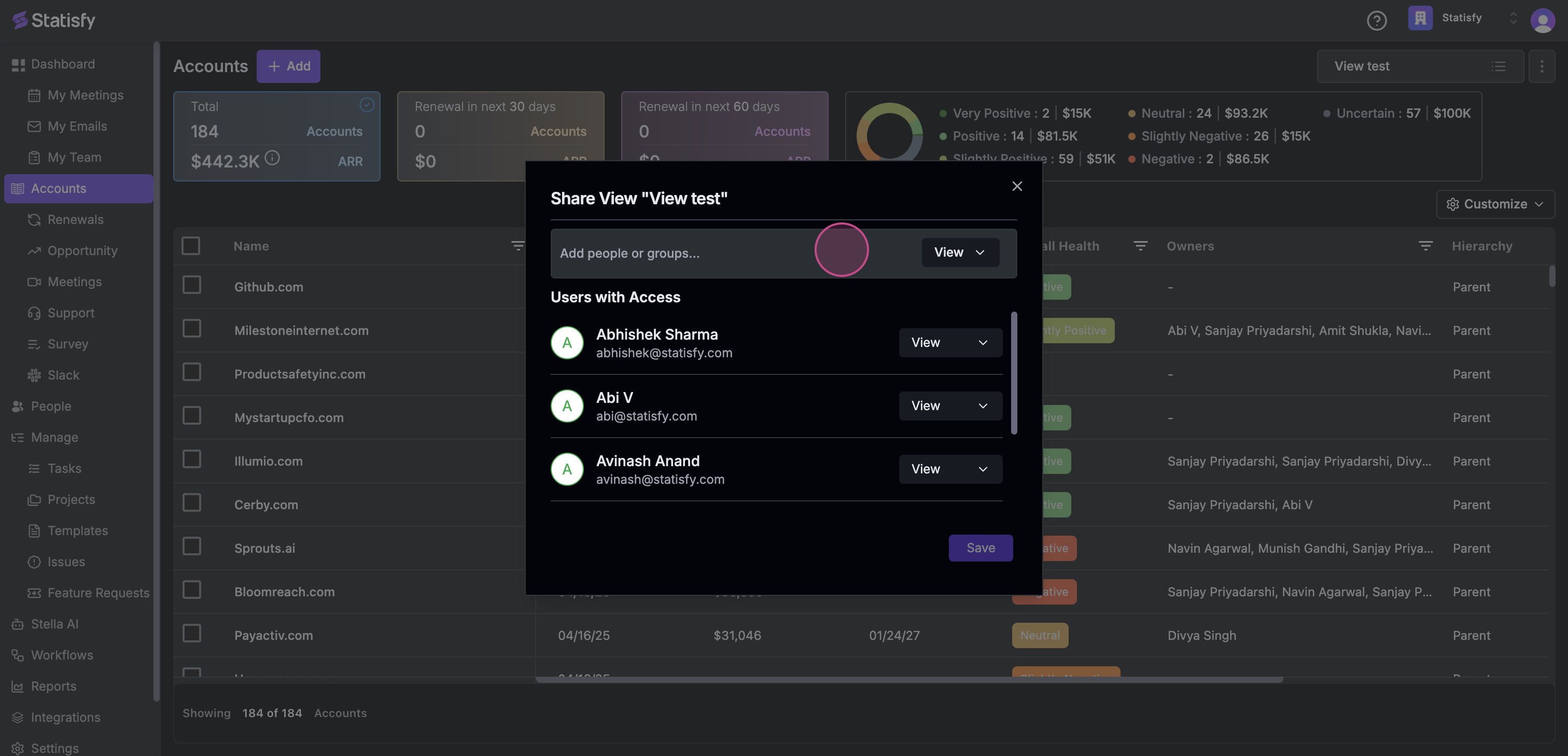
 Step 3: Now, click on Add people or groups….
 Step 4: Choose the person or group you want to share with.
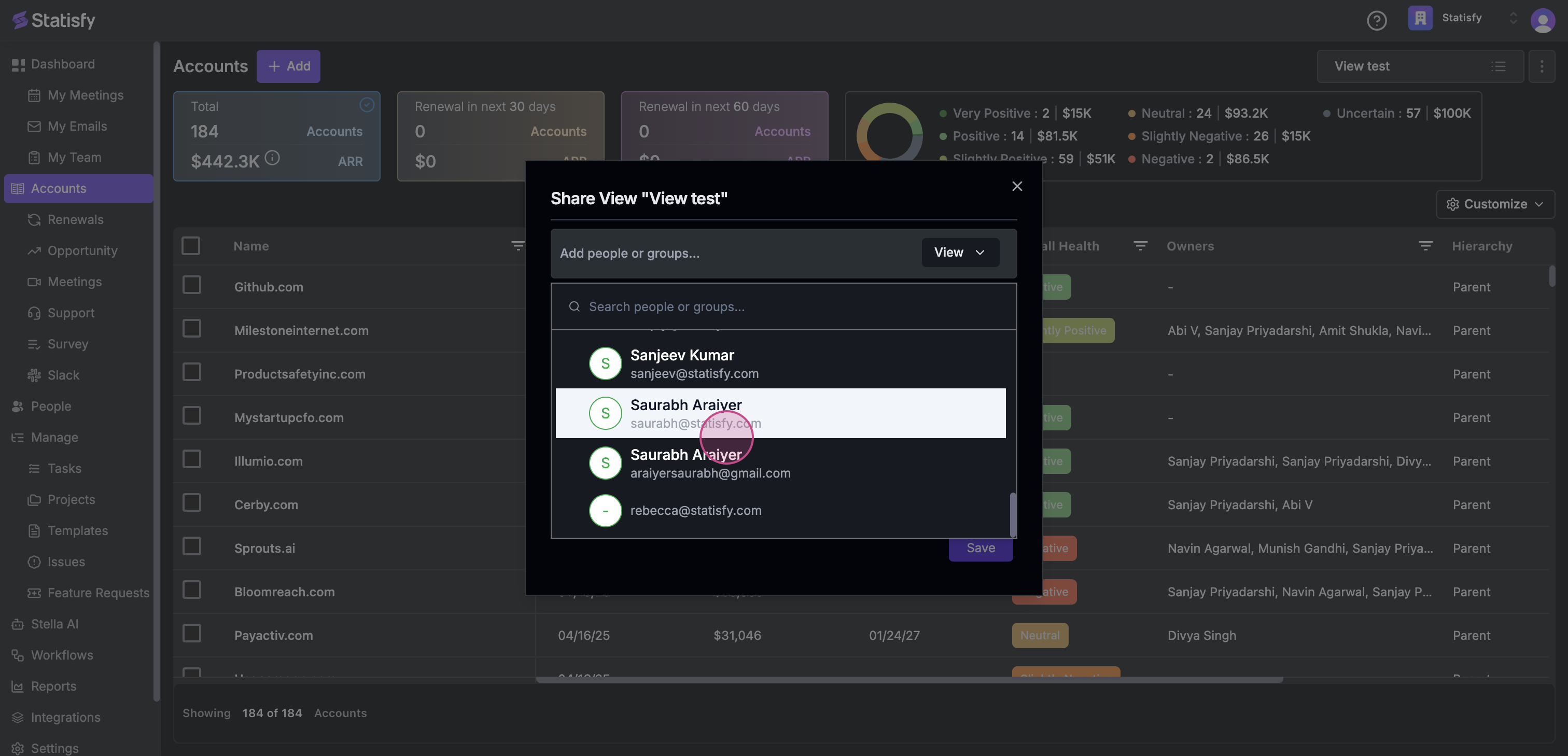 Step 5: After that, click on the Add button.
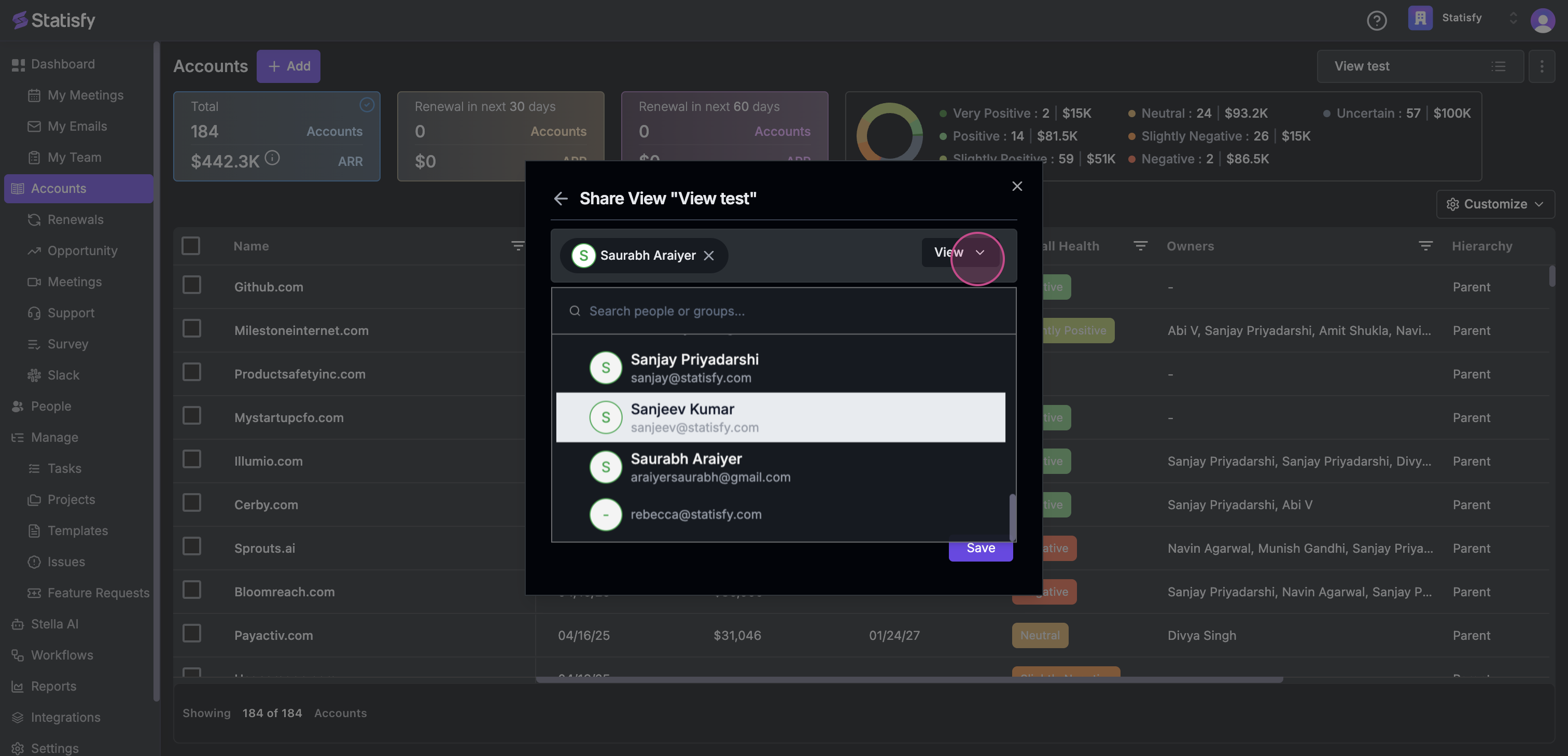 Step 6: Proceed by clicking on edit.
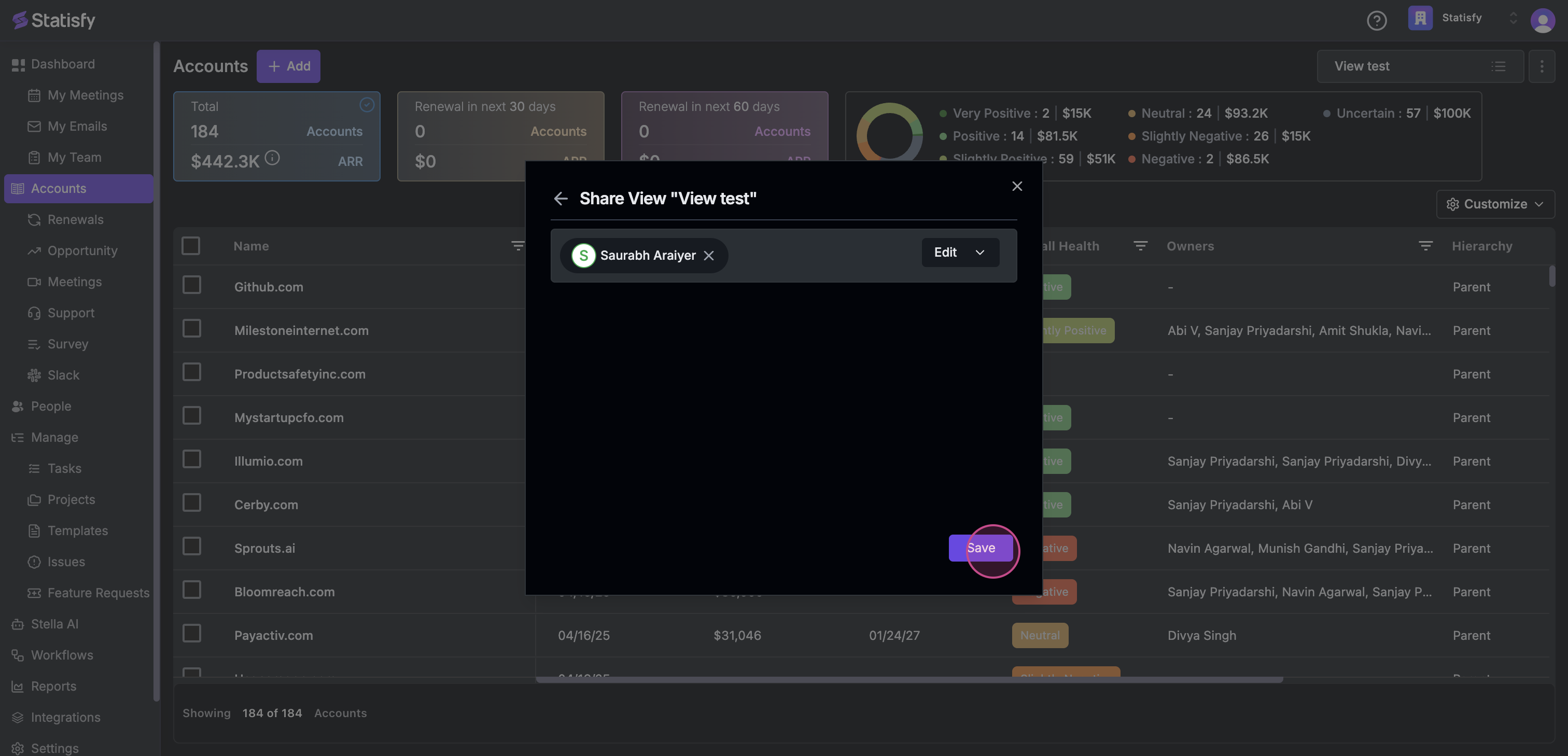
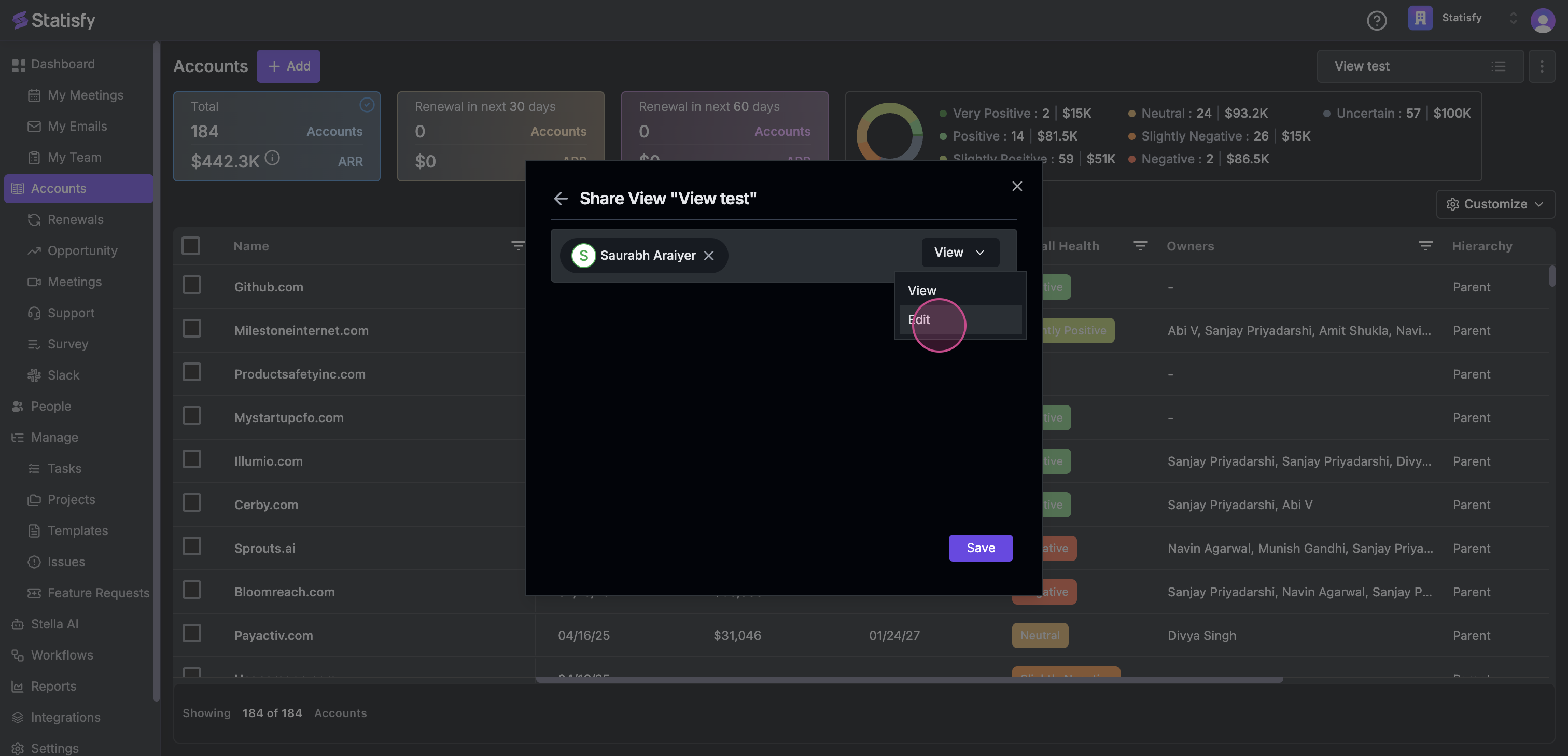 Step 7: Finally, click on Save to save your changes.