

Connect Salesforce with Statisfy
Prerequisites: Make sure you have Admin access to both Salesforce and Statisfy.Step 1: Install the Statisfy Package
To install the Statisfy package in Salesforce, follow the steps below:-
Go to the Installation URL:
https://login.salesforce.com/packaging/installPackage.apexp?p0=04tam0000030KeZ -
Log in to Salesforce:
Enter your Salesforce credentials on the login screen. - Choose Installation Option: a. Select “Install for Admins Only.” & Make sure to acknowledge the permissions by checking the acknowledgement box before continuing.
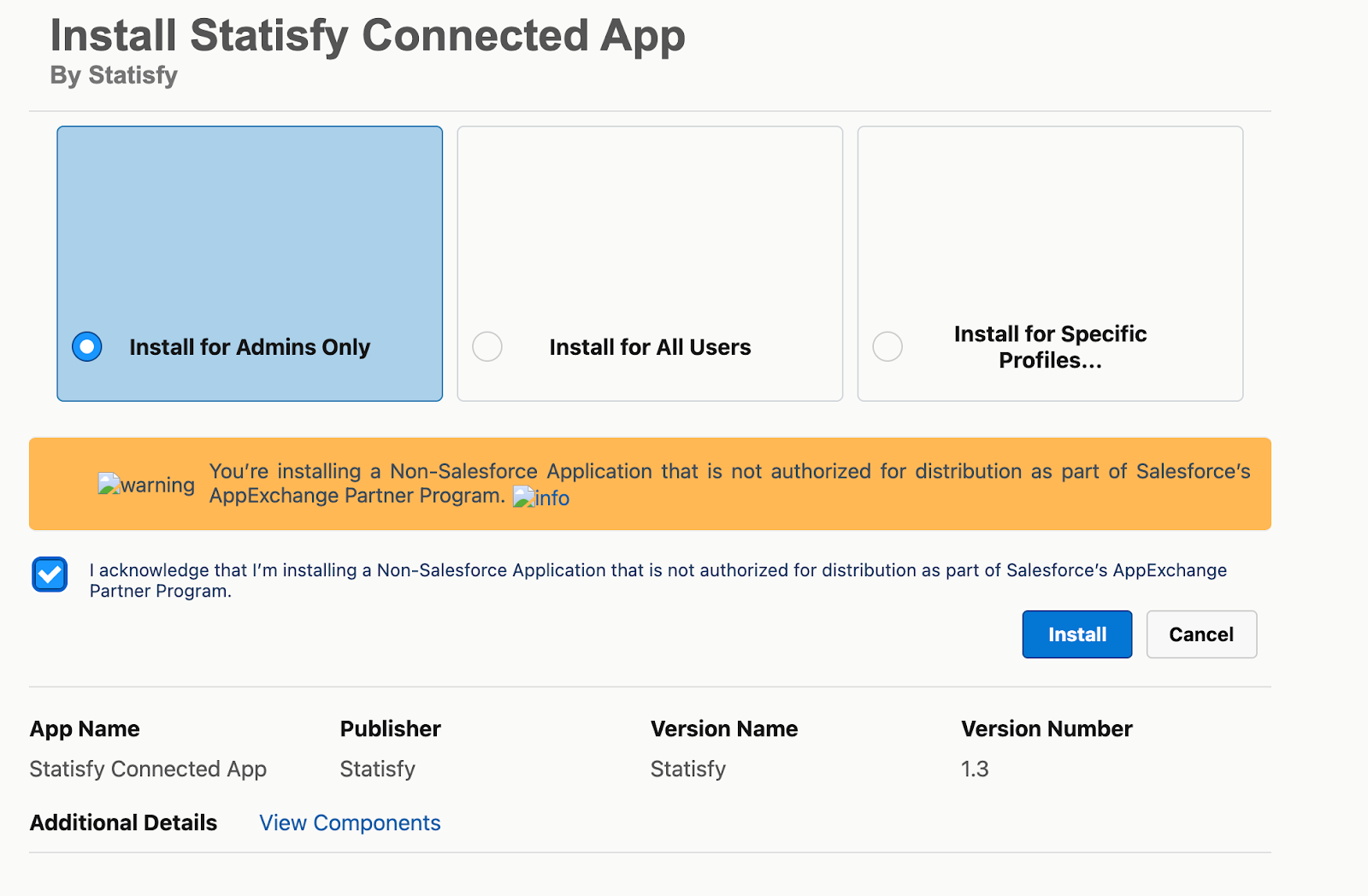 b. Installation screen:
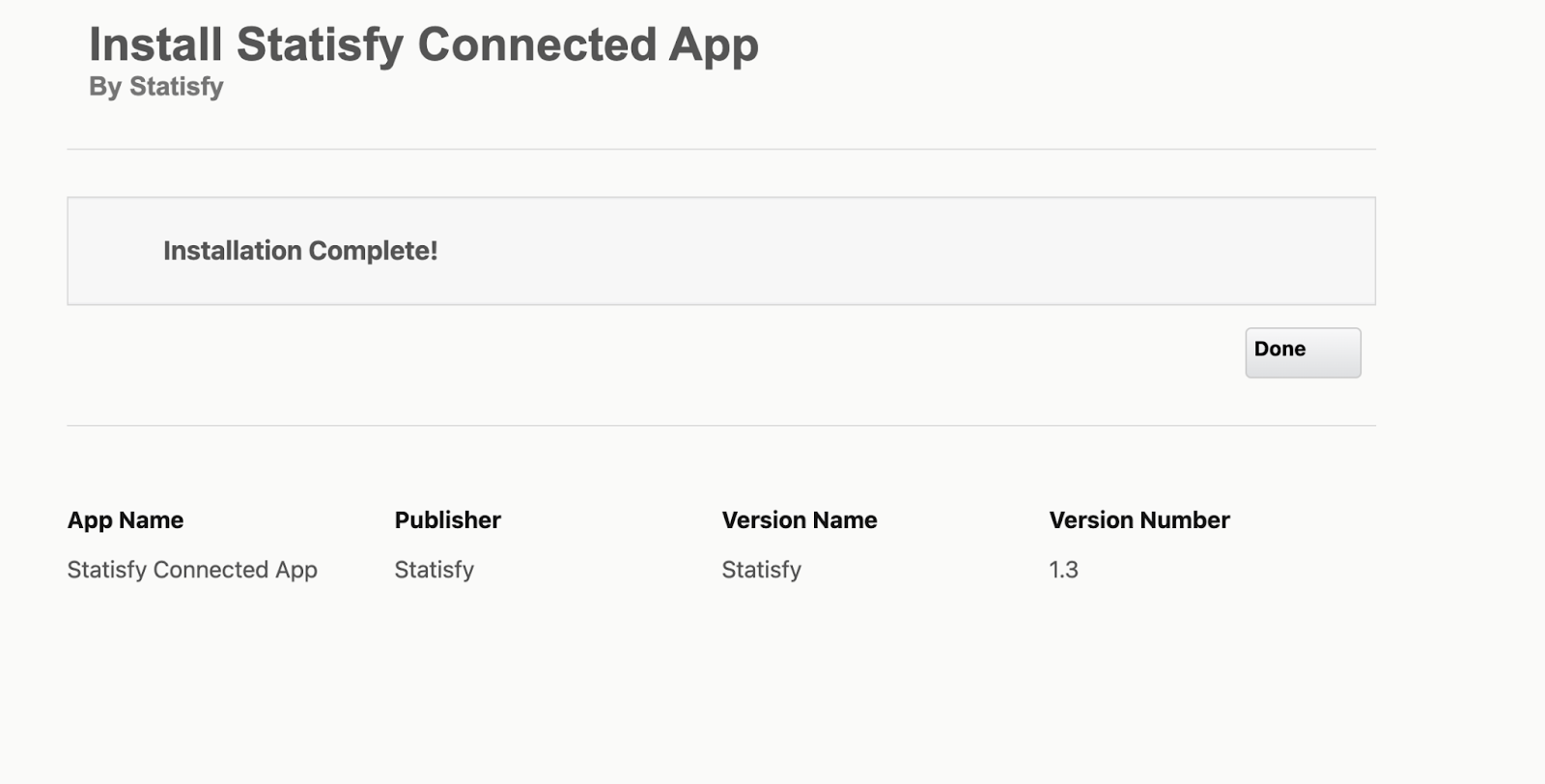
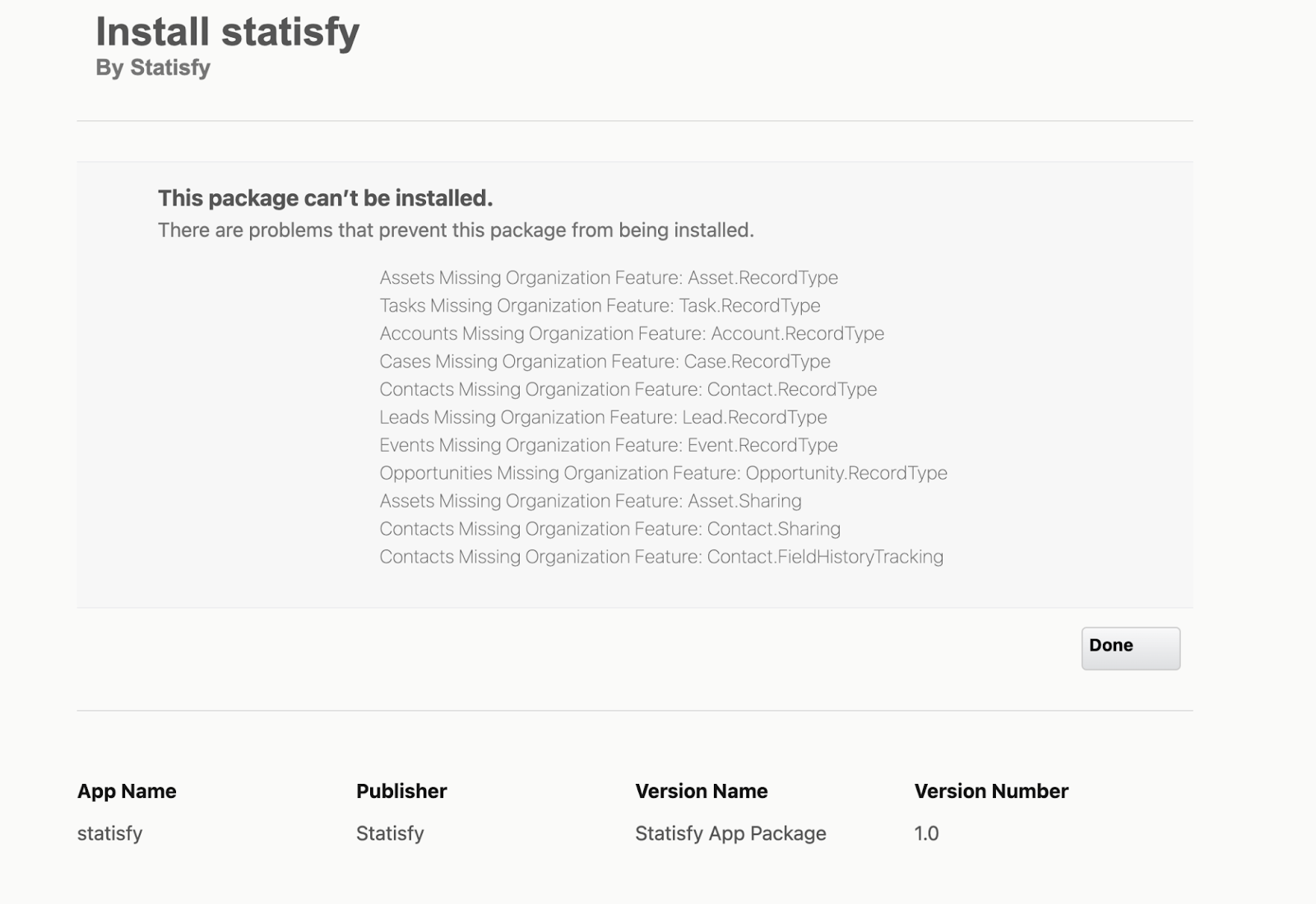
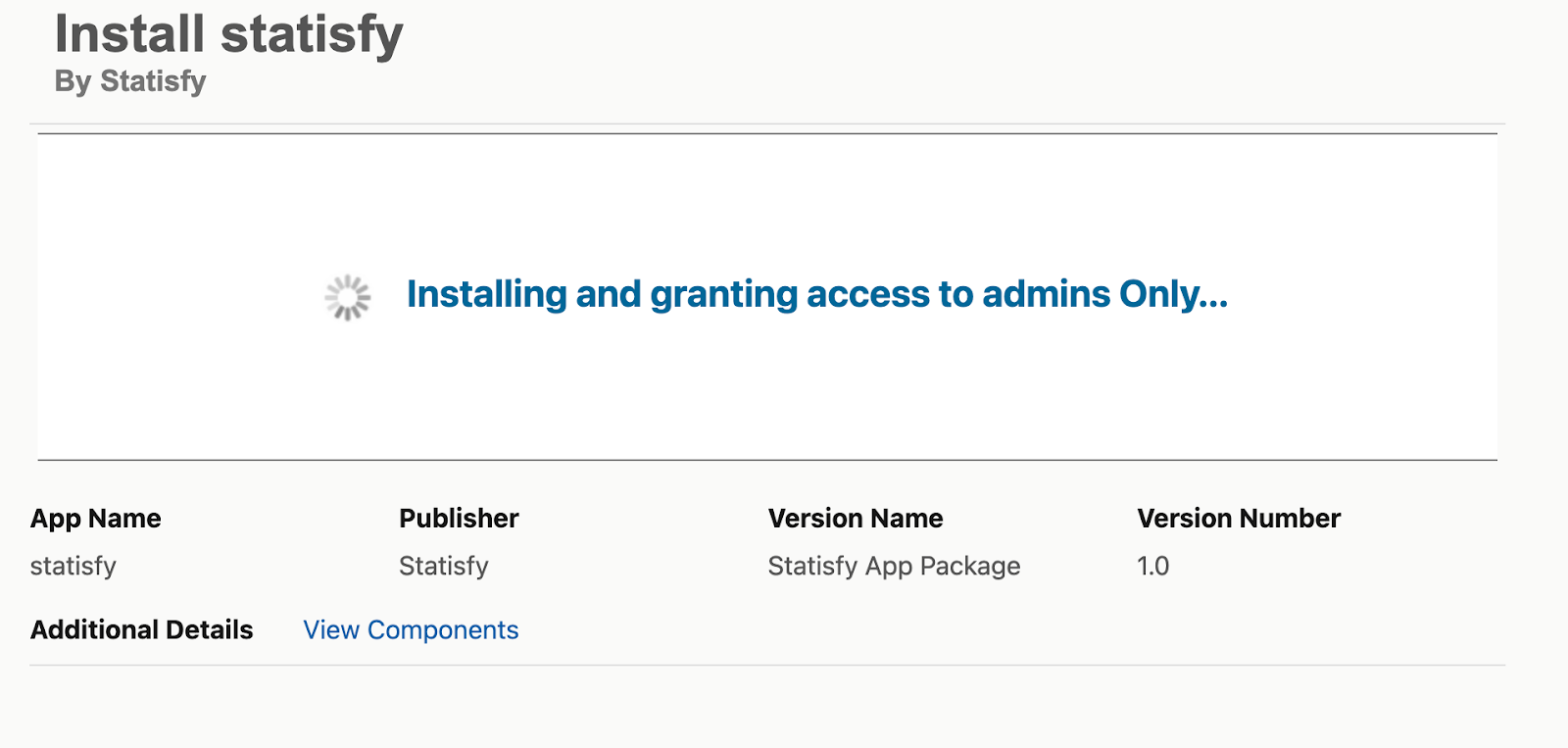 c. On the next screens, you might see a success or an error message.
- Success: You can proceed with Step 2
- Error: Kindly reach out to your CSM for further help
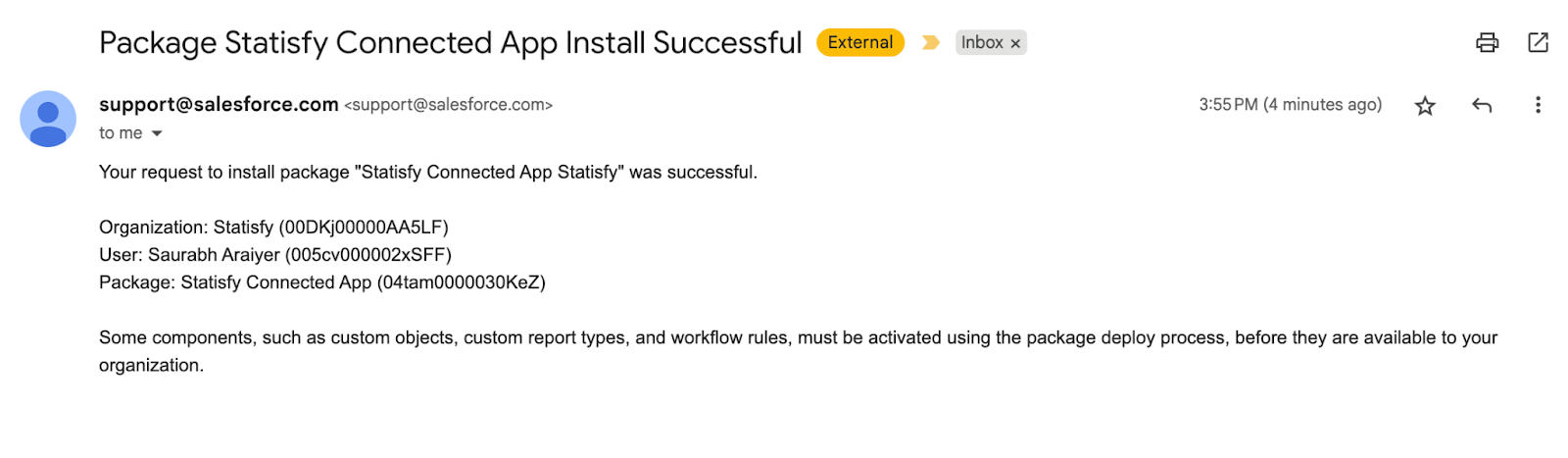
- Post success, the installer will also get a success email
Step 2: Connect Salesforce in Statisfy
-
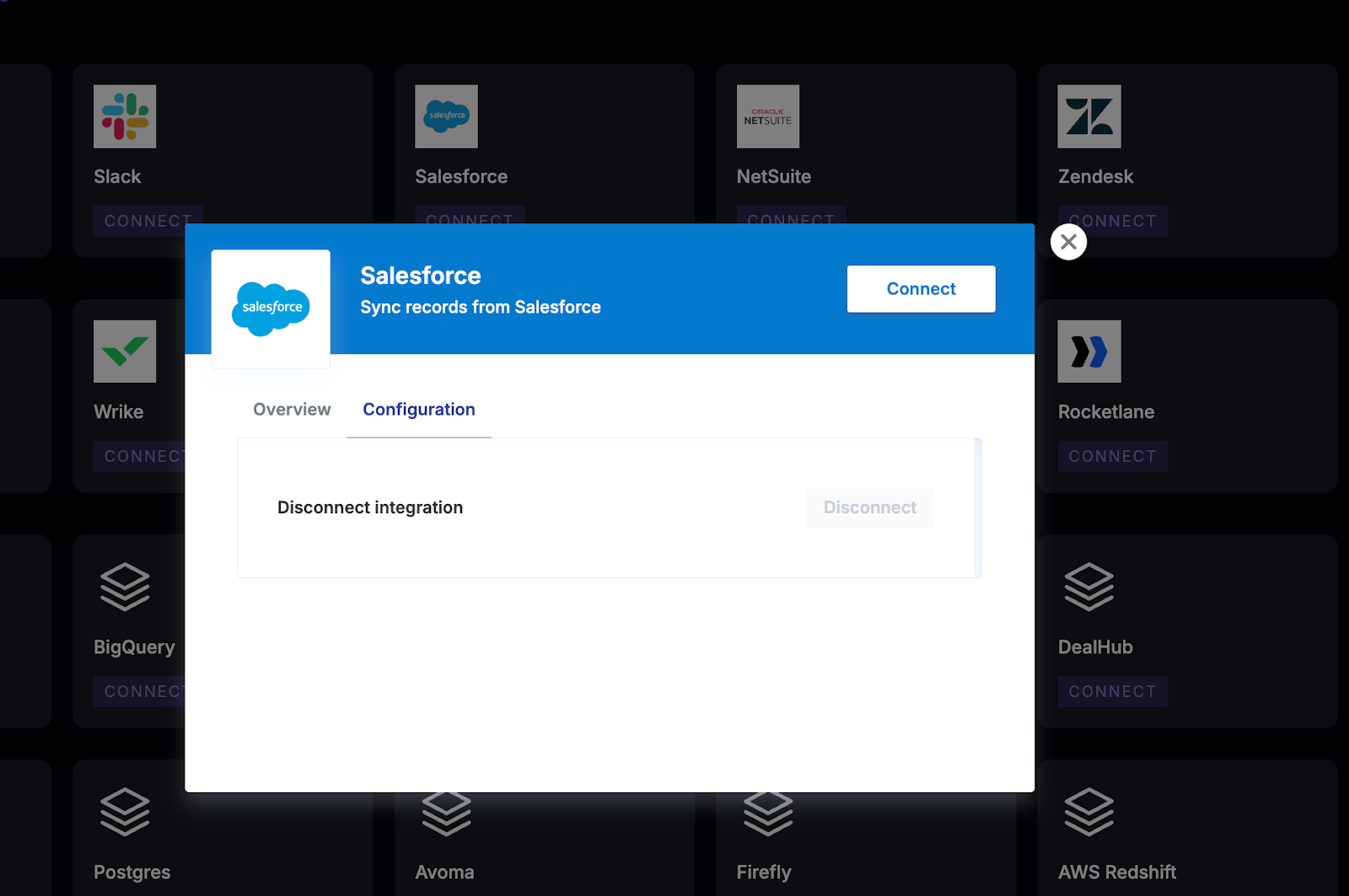
Go to Integrations → Admin Apps → Salesforce → Connect.
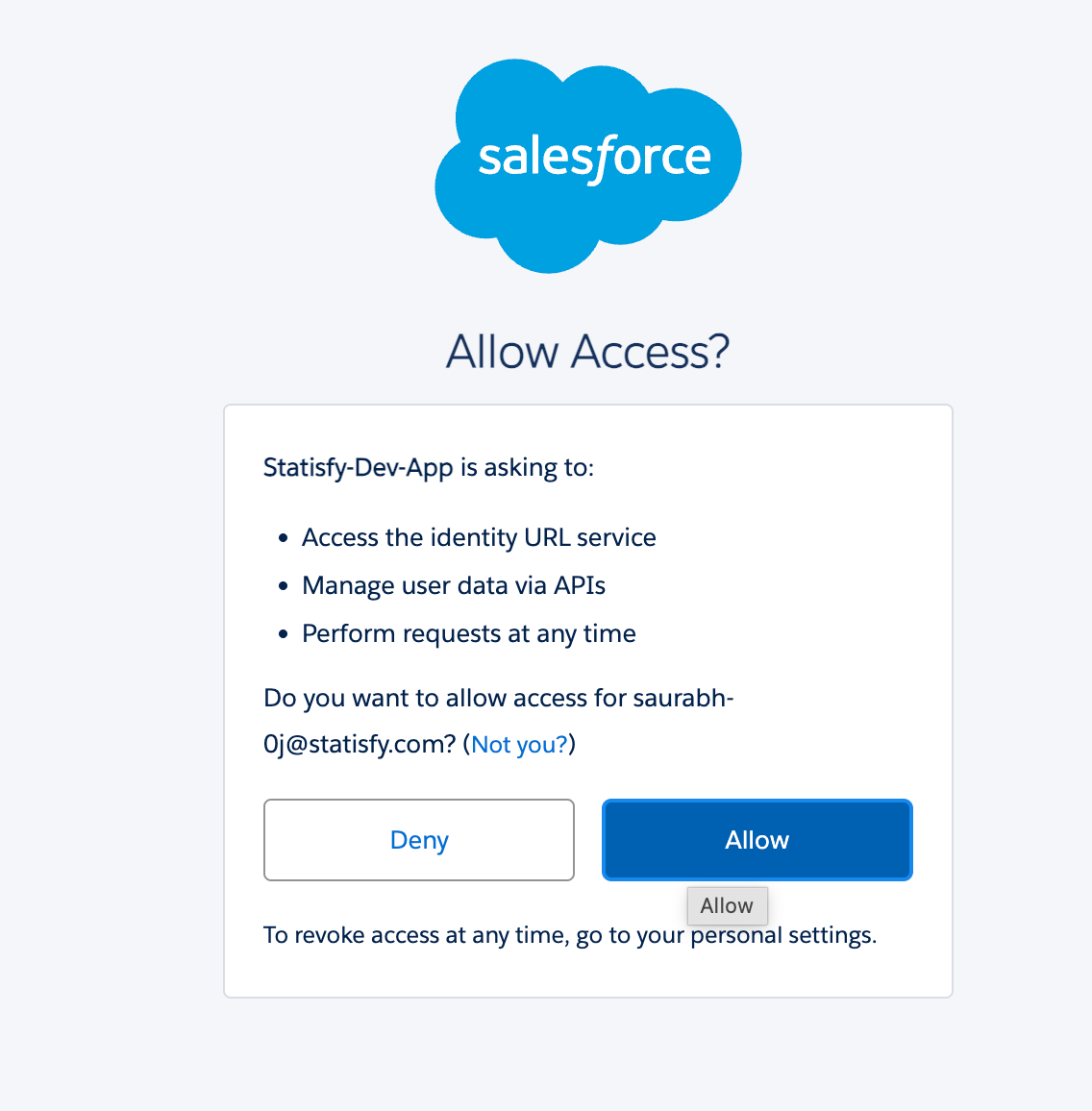
- Log in to Salesforce and then allow
- After setting up the integration, contact support@statisfy.com or your Statisfy CSM. The team will assist you in enabling data flow from Salesforce into Statisfy, since some additional information is needed to finish the process.