

Video Tutorial
In this article, you’ll learn how to navigate to the integration section and connect an admin app. Step 1: Navigate to the integration section located at the bottom of the page.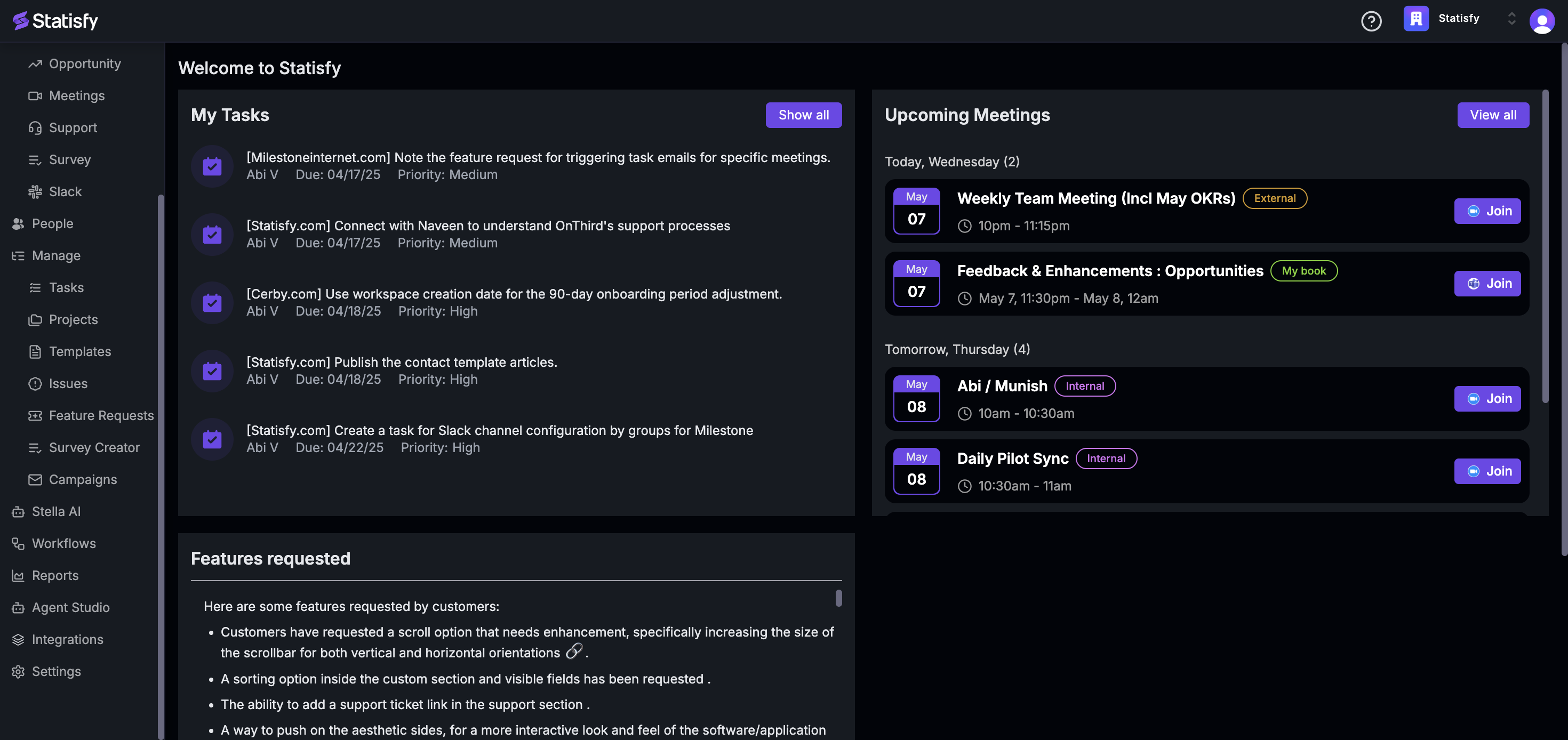 Step 2: Click on the Integrations option.
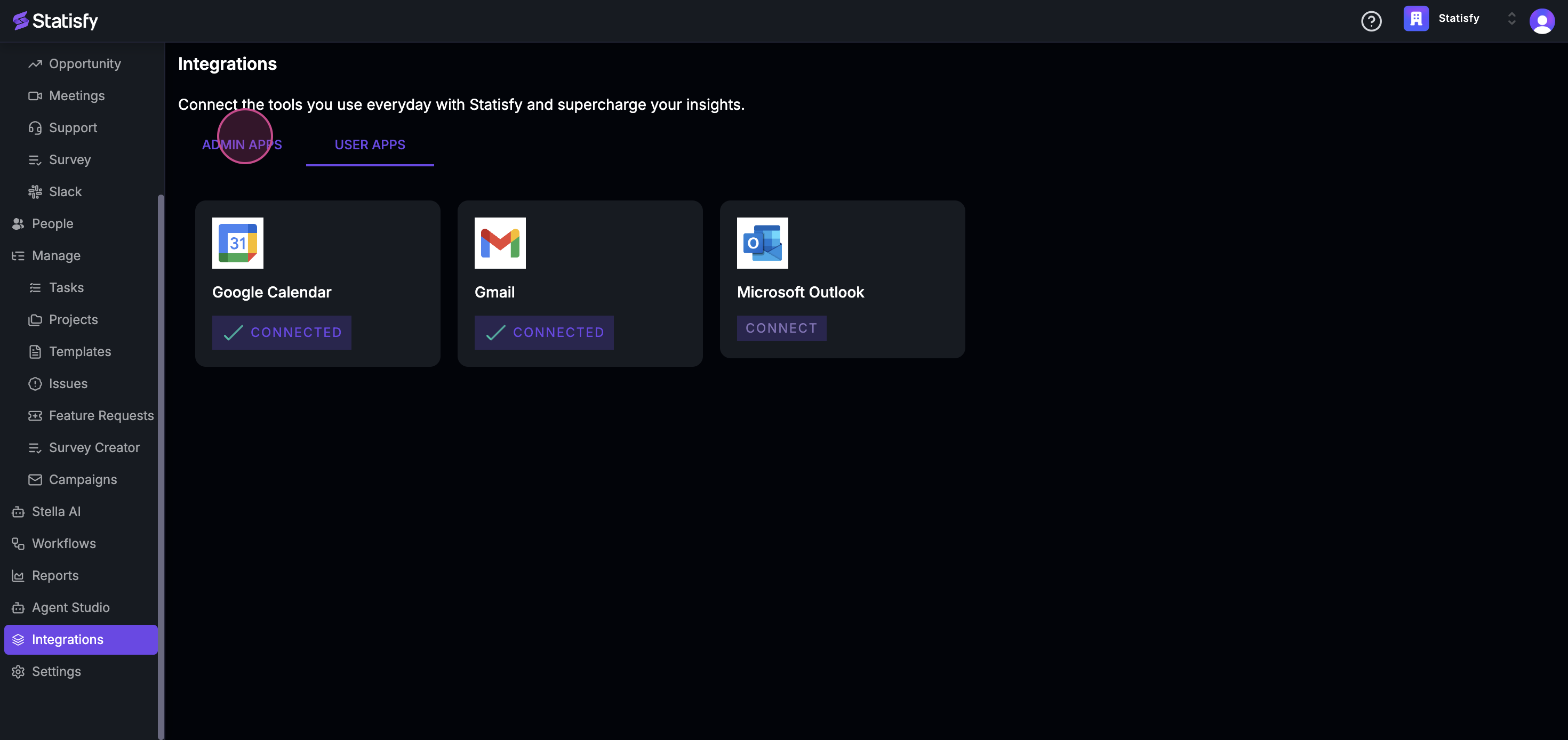 Step 3: Proceed to Admin Apps and click on it.
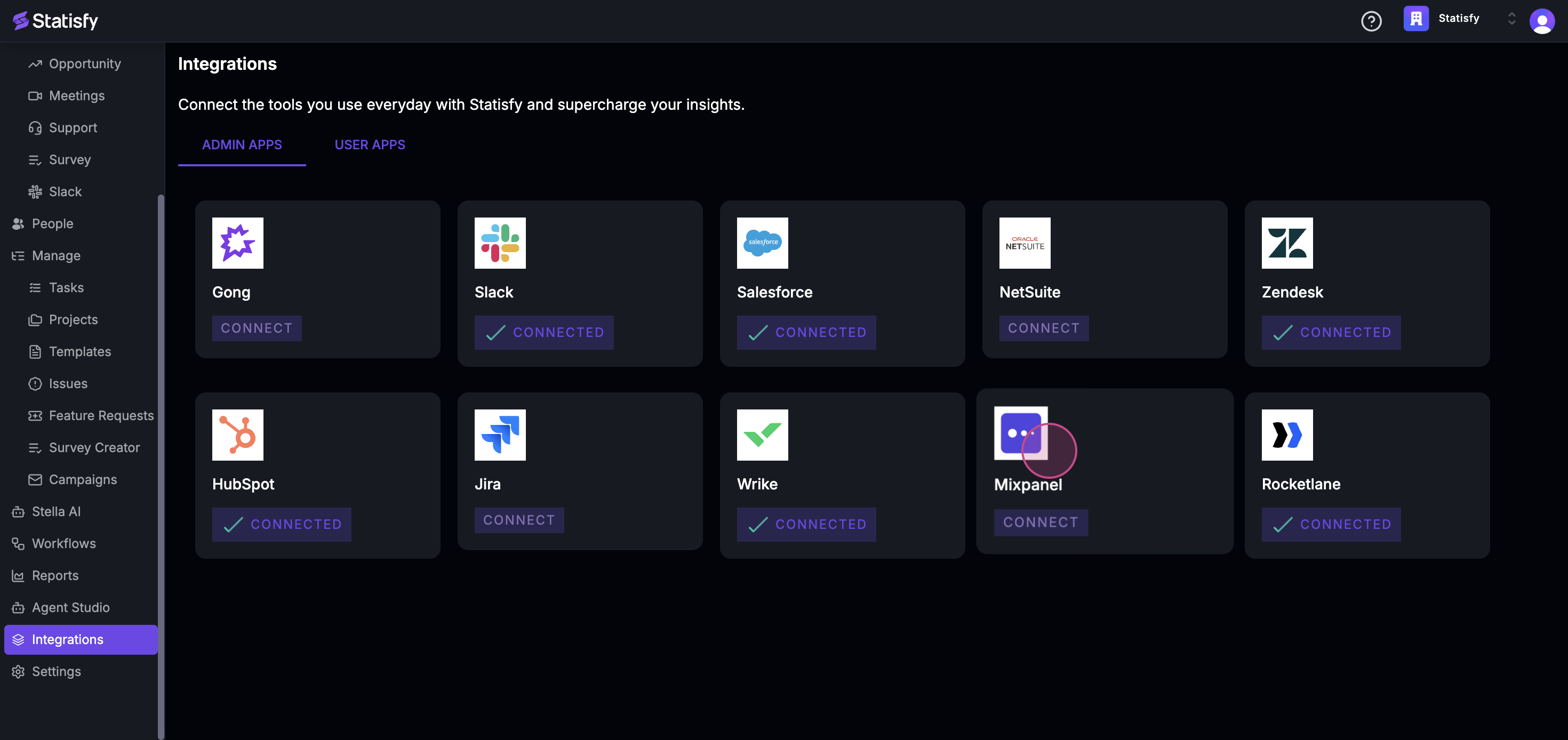 Step 4: In the next panel, click on Connect.
Step 5: Enter your account username, the admin’s account username, and the corresponding password.
Step 6: Finally, click on Connect to finalize the process.
That’s it! You’ve successfully connected an admin app.
Step 4: In the next panel, click on Connect.
Step 5: Enter your account username, the admin’s account username, and the corresponding password.
Step 6: Finally, click on Connect to finalize the process.
That’s it! You’ve successfully connected an admin app.