Video Tutorial
This video shows the older Integrations page, where Gmail and Google Calendar appeared as two separate cards. Those cards have been replaced by a single Google Workspace card — see the updated Google steps below. The Microsoft Outlook steps are unchanged.
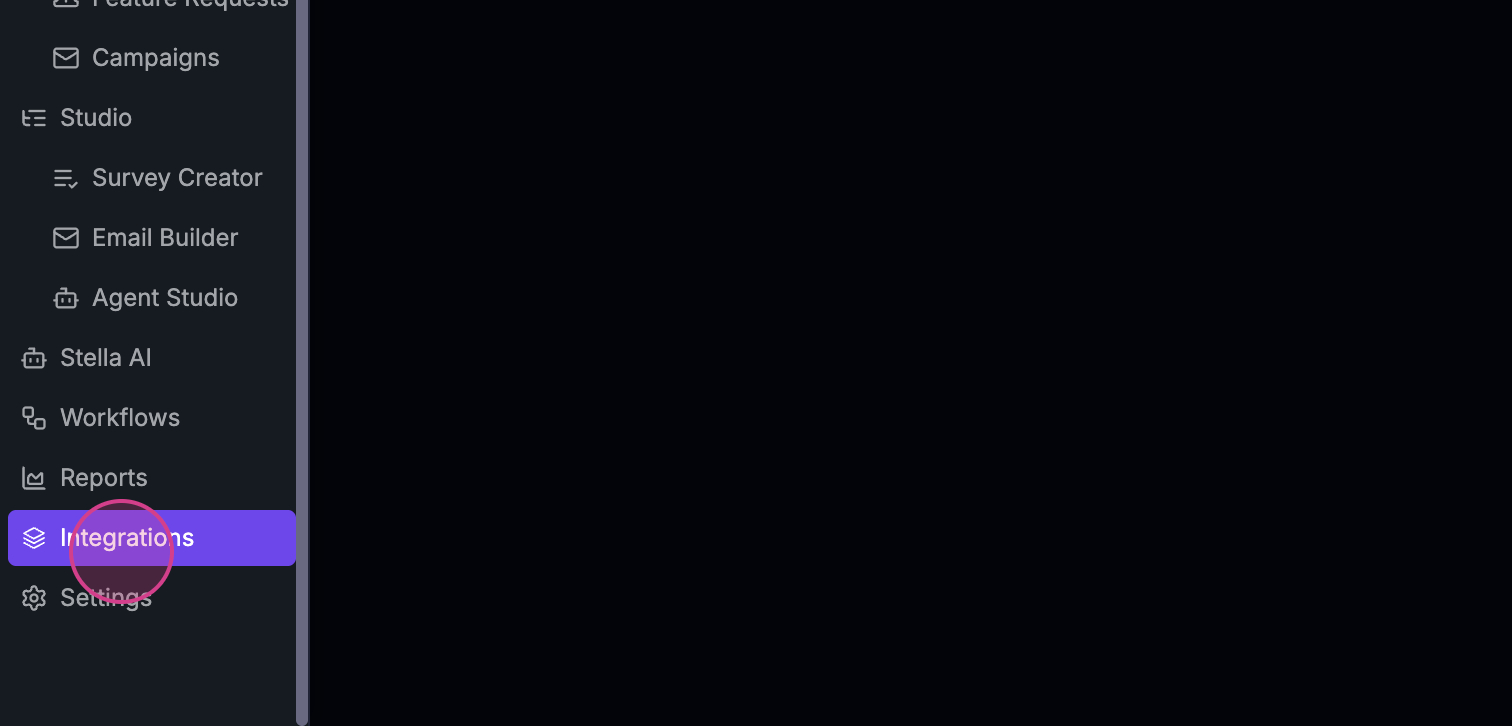 Step 2: Under User Apps, locate Google Workspace (for Gmail and Google Calendar) or Microsoft Outlook.
Connecting Gmail and Google Calendar (Google Workspace)
Gmail and Google Calendar are now connected together in a single step through the Google Workspace card — one Google sign-in covers both your email and your calendar.- On the Integrations page, click the Google Workspace card.
- Choose the permissions you want to grant (Read email, Read calendar, Send email on your behalf).
- Click Connect your account and complete the Google sign-in.
Connecting Microsoft Outlook
To connect your Microsoft Outlook calendar and email, click Connect on the Microsoft Outlook card and complete the Microsoft sign-in. That’s it! You’ve successfully integrated your calendar and email. Thank you for following along.