

Video Tutorial
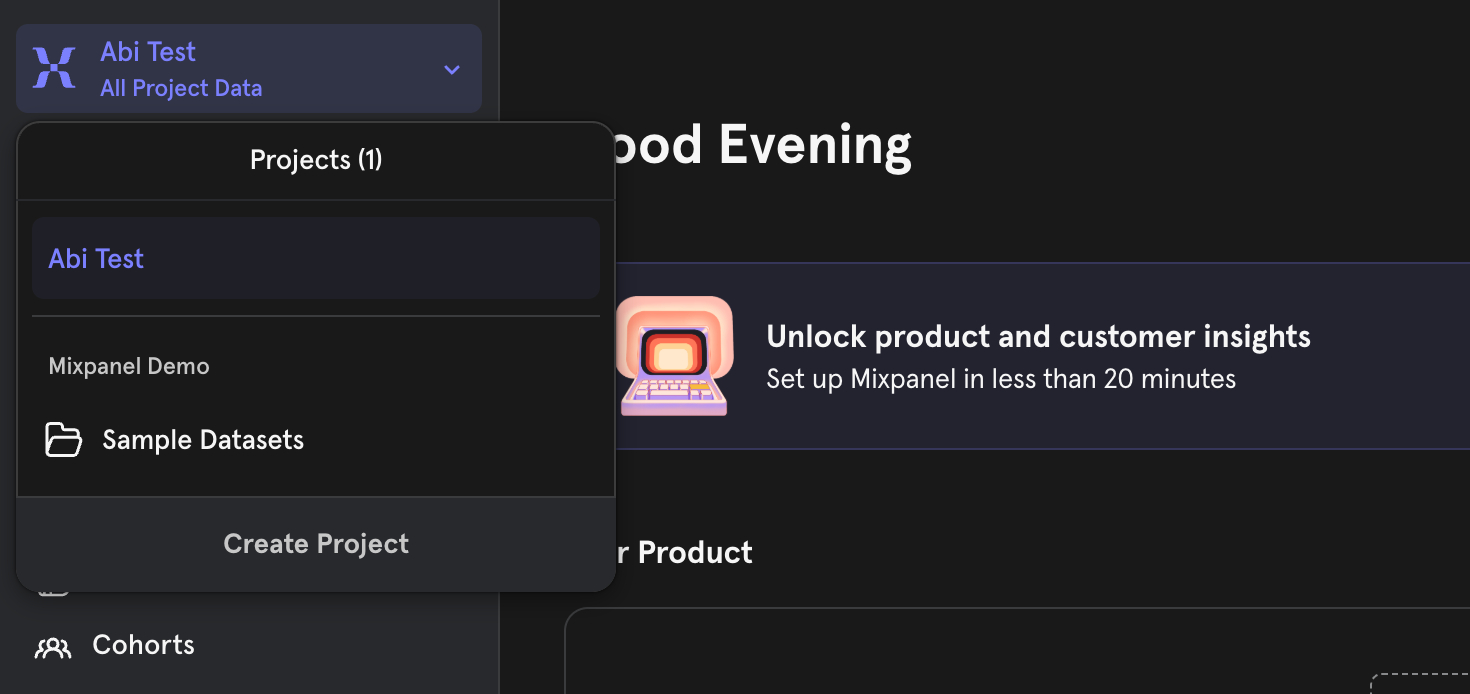
In this article, you’ll learn how to locate your project ID details in Mixpanel. Step 1: Log into your Mixpanel account. If you’re managing multiple projects, select the one you want to integrate.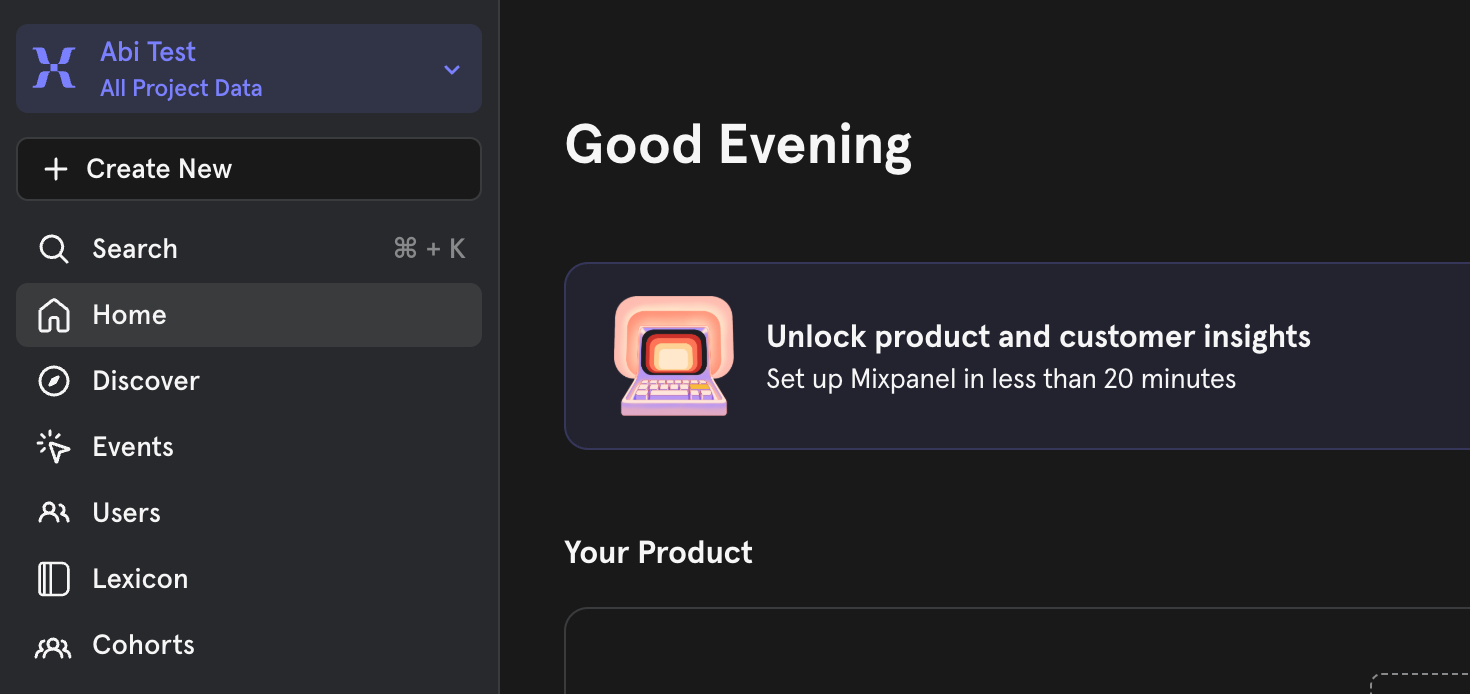 Step 2: After selecting the project, navigate to the settings option.
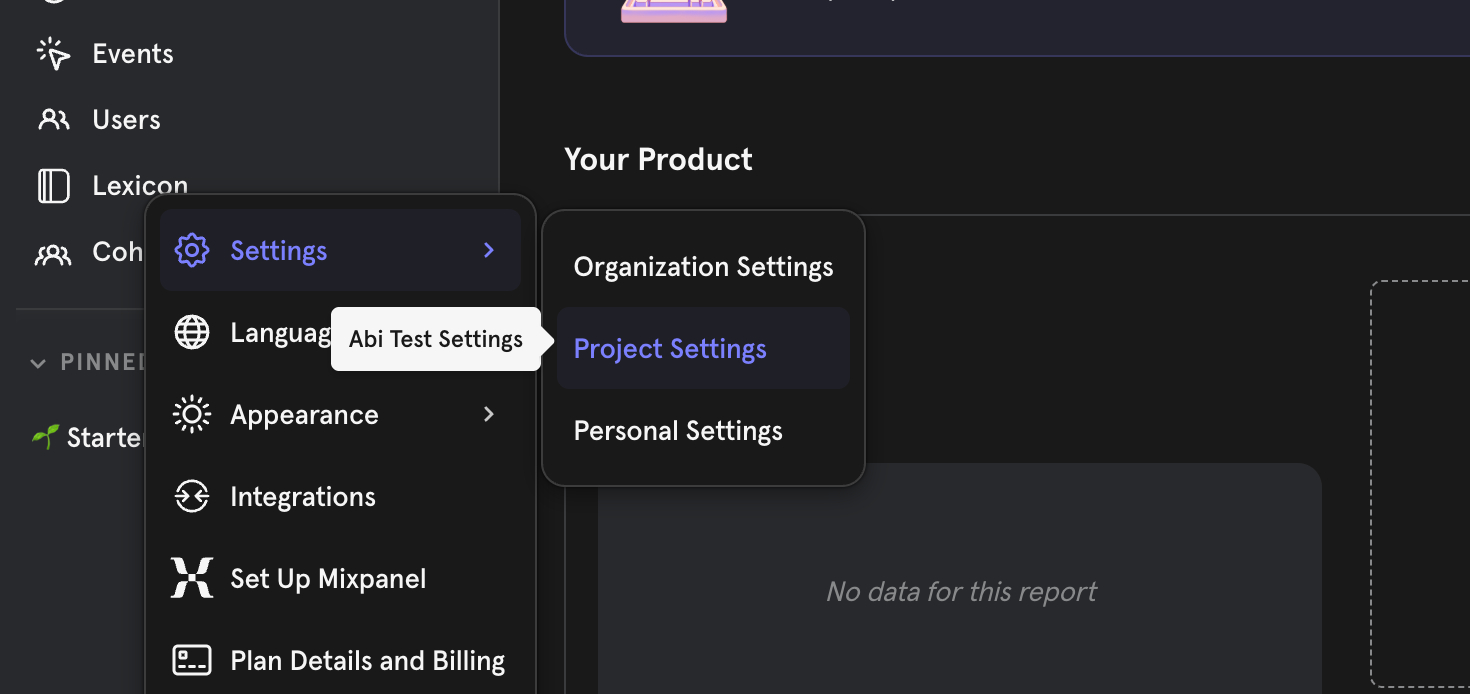
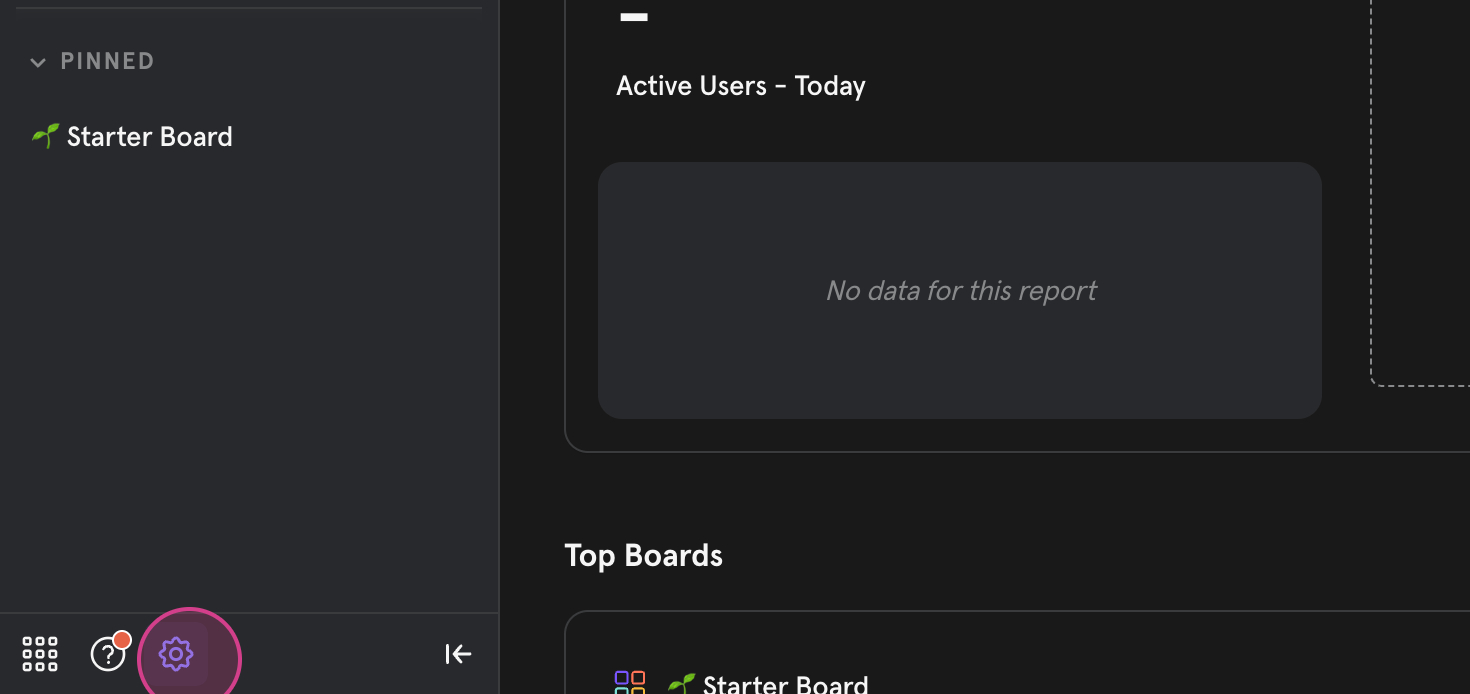 Step 3: Within settings, click on project settings.
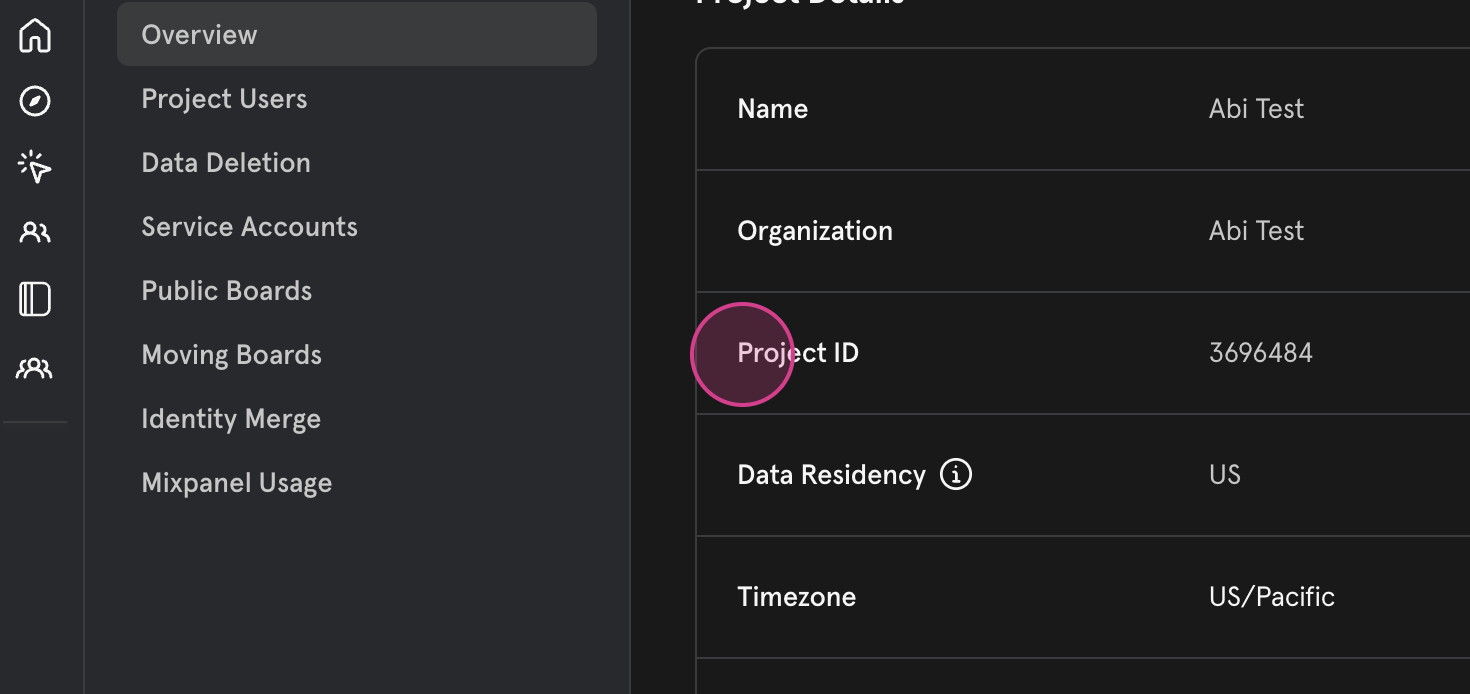
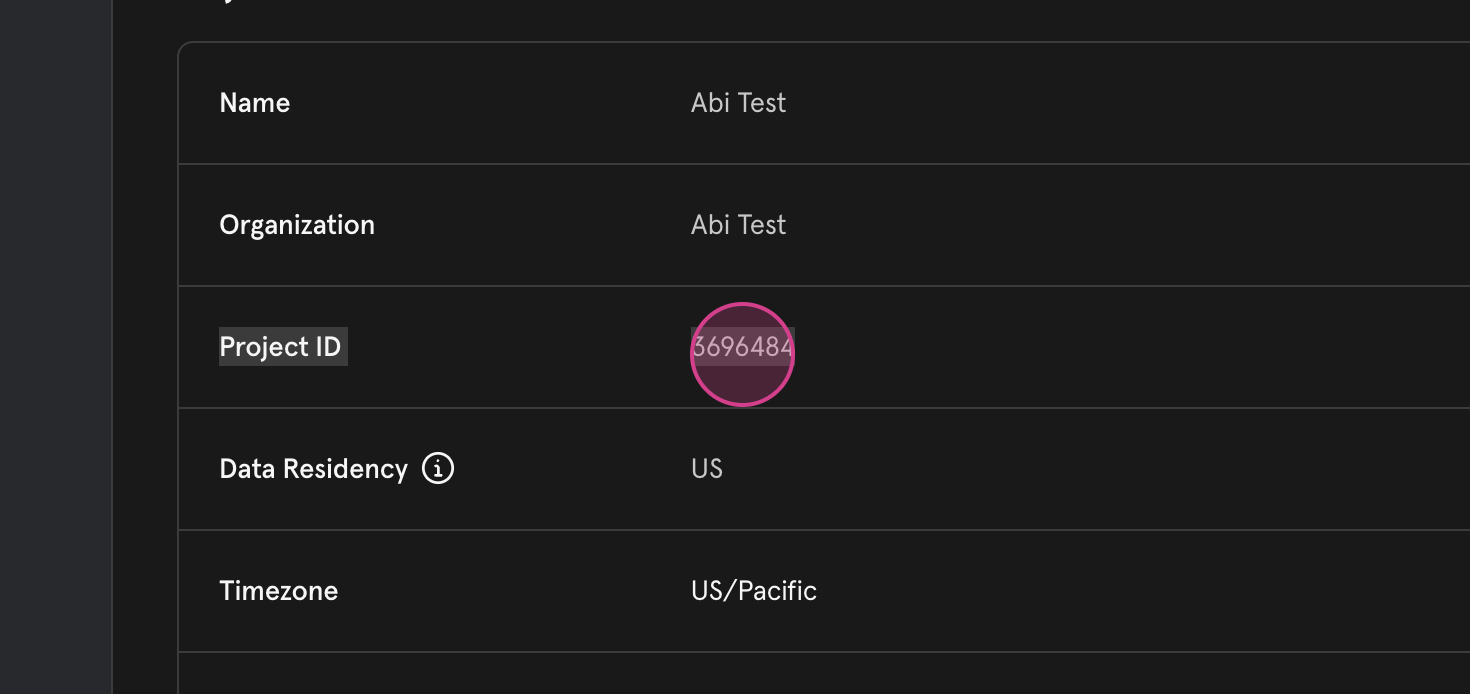
 Step 4: Here, you’ll find your project ID. You’ll also see the asset key, access key details, key token, and API secure key.
 Step 5: Alternatively, you can find your project ID in the URL. This ID is also captured there.
 And that’s it! You’ve now learned two ways to find your project ID in Mixpanel.