

Connect Freshdesk with Statisfy
Prerequisites:Ensure that the person setting up the integration has Admin access to both Freshdesk and Statisfy.
Steps to Connect:
- Log in to Statisfy.
-
Navigate to:
Integrations → Admin Apps → Freshdesk → Connect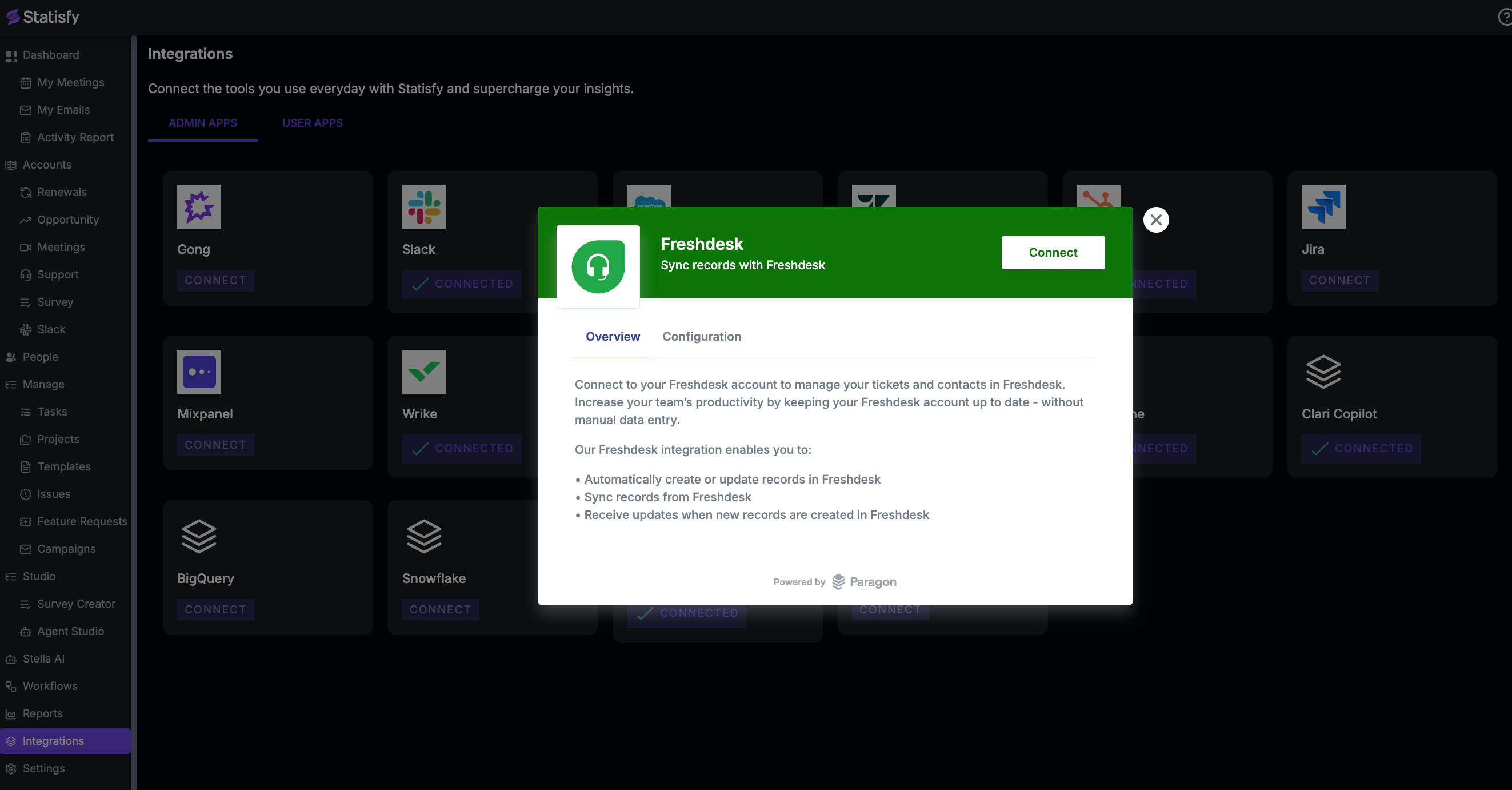
-
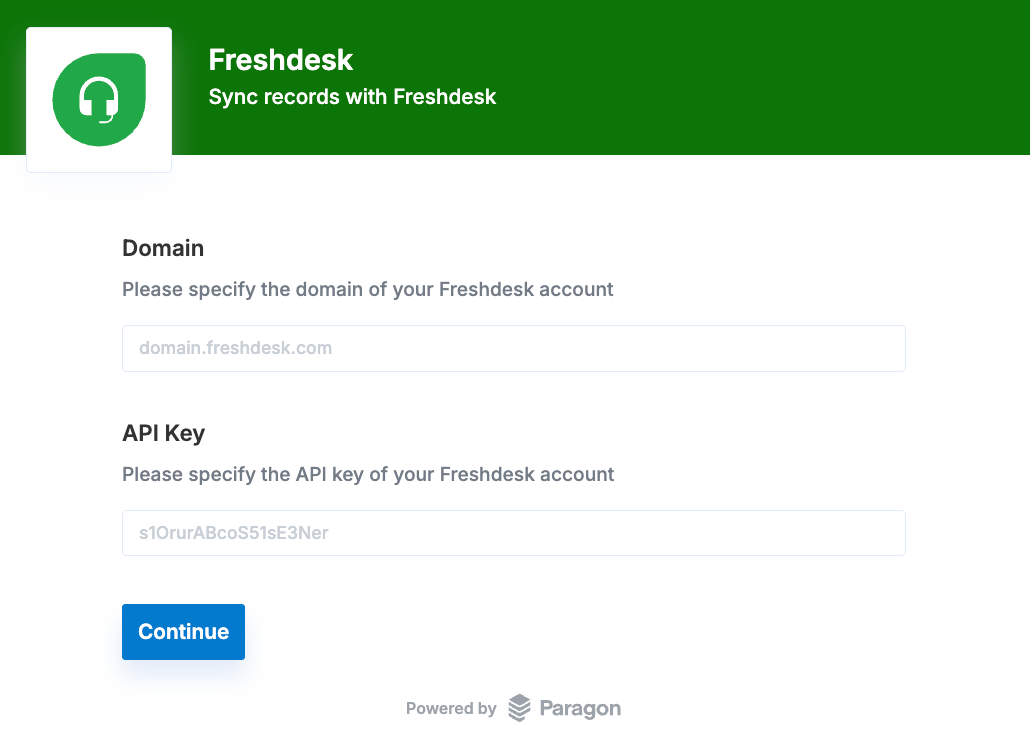
Input the Freshdesk Domain and API Key details and click on Continue
- After successful authentication, the Freshdesk app will appear as Connected in Statisfy
- After setting up the integration, please contact support@statisfy.com. Our team will assist you in enabling the data flow from Freshdesk into Statisfy.