

Connect Clari Copilot with Statisfy
The Clari Copilot integration pulls your recorded calls from Clari Copilot into Statisfy, so call summaries and transcripts appear alongside the rest of the customer timeline. Prerequisites:- Admin access to both Clari Copilot and Statisfy
- Your Clari Copilot API Key and API Password
- A connected CRM (Salesforce or HubSpot). Clari Copilot starts syncing once your CRM has finished its first sync
Steps to Connect with Statisfy
- Log in to Statisfy.
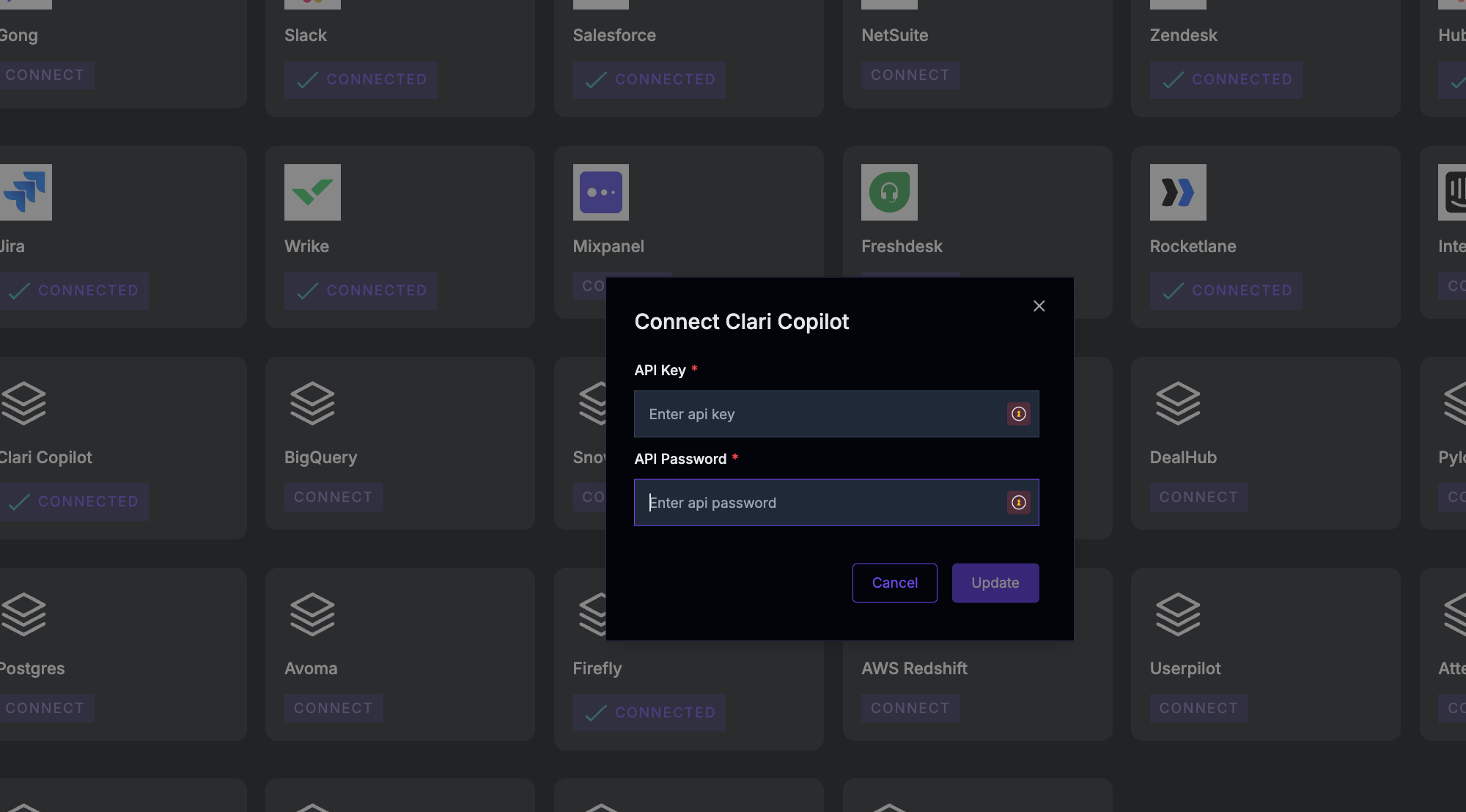
- Open the Integrations page and select the Admin Apps tab. Find the Clari Copilot card, click Connect, enter your API Key and API Password, and click Connect.
- Once connected, Statisfy imports your calls from the last 30 days.
- After that, Statisfy checks Clari Copilot for new calls every hour.
- Find synced calls under each Account → AI Timeline → Timeline Activity → Source: Clari Copilot.
Troubleshooting
Authentication failed
Authentication failed
- Verify the API Key and API Password are still valid in Clari Copilot.
- If the credentials were changed, reopen the Clari Copilot card and click Update to enter the new ones.
Calls not appearing in Statisfy
Calls not appearing in Statisfy
- Make sure your CRM (Salesforce or HubSpot) has finished its first sync. Clari Copilot doesn’t sync until it has.