

Connect Zendesk with Statisfy
Prerequisites:Ensure that the person setting up the integration has Admin access to both Zendesk and Statisfy.
Steps to Connect:
- Log in to Statisfy.
-
Navigate to:
Integrations → Admin Apps → Zendesk → Connect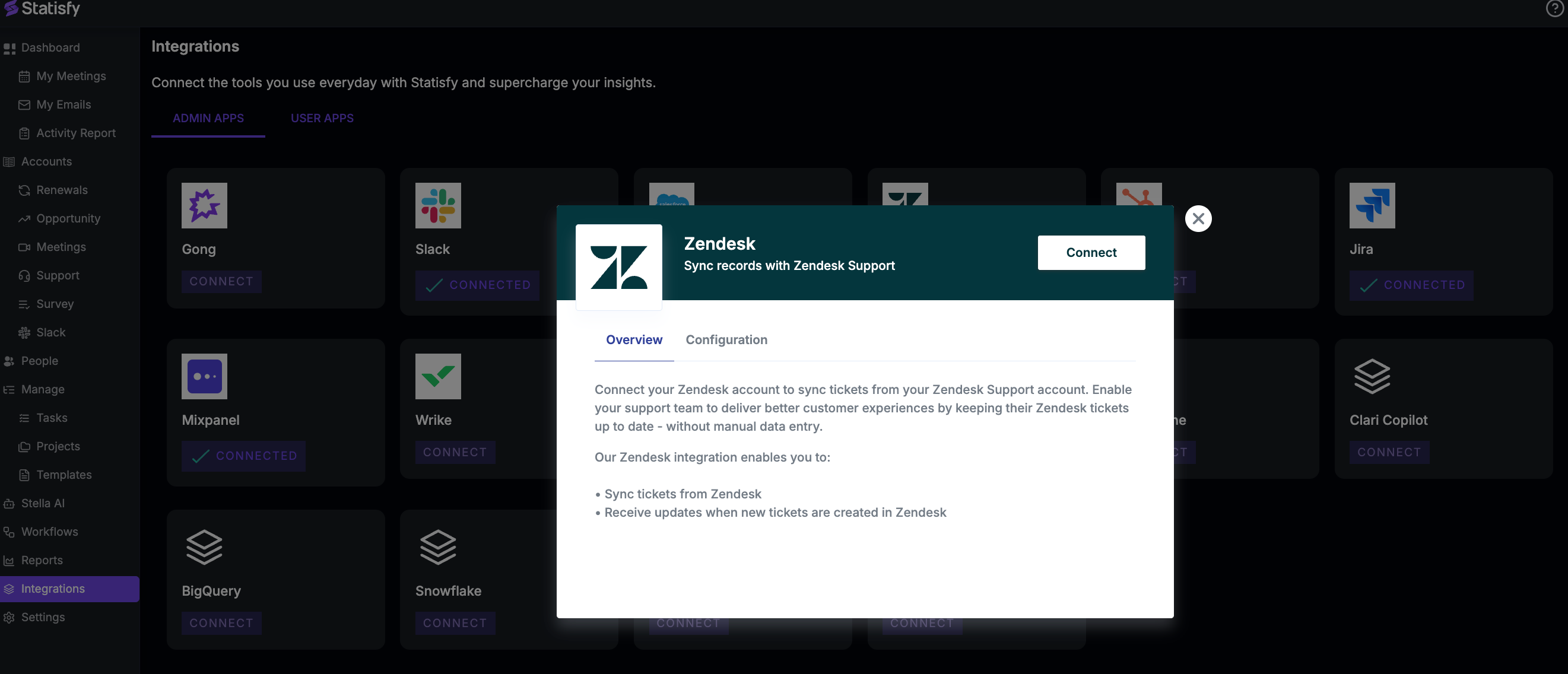
- A pop-up window will appear, prompting you to enter your Zendesk credentials.
- After successful authentication, the Zendesk app will appear as Connected in Statisfy
What Happens Next:
- Data will start flowing automatically.
-
Within approximately 24 hours, you’ll begin to see support ticket details under each account in:
- The Support section
- Under the AI Timeline of each account, the Activity source will be marked with Zendesk.
- The data sync is one-way — Statisfy reads ticket information from Zendesk, but does not send any data back.