

What Statisfy pushes to Gainsight
- Statisfy writes to the Gainsight Company object. Contact support to use a different object.
- Statisfy pushes only values that changed since the last successful push.
- Statisfy does not push to churned accounts.
Before you start
- Connect Gainsight. See Gainsight Integration Steps.
- Make sure each account has a Gainsight Gsid. Statisfy reads the Gsid from Gainsight and uses it to find the Company. Statisfy does not create a Company for an account that has no Gsid.
- Create the target fields on the Gainsight Company object, if they do not exist.
Step 1: Choose the Gainsight field for each Statisfy field
- Go to Settings → Object Manager → Accounts.
- Select the edit icon of a Statisfy field.
- In Push to CRM, select +, then select Gainsight.
- Select the Gainsight field that gets the value.
- Select Save.
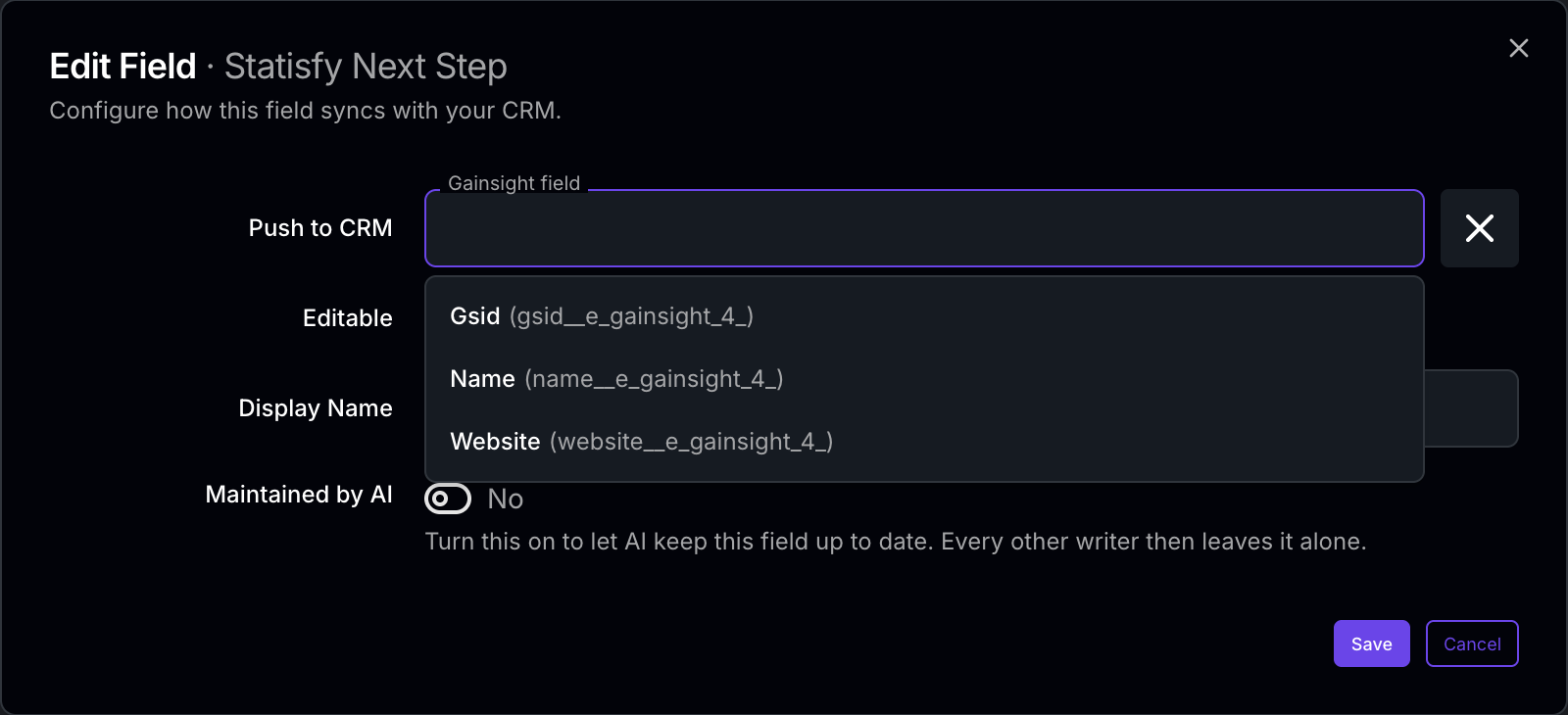 A field can have one Gainsight target. It can also have one Salesforce or HubSpot target at the same time. See Push to CRM.
Step 2: Turn on the push
- Go to Settings → Object Manager → Accounts.
- In the Salesforce Fields or HubSpot Fields section, select Enable upstream sync in Account.
When values reach Gainsight
- Every hour, while Enable upstream sync in Account is on.
- At once, when you use Force sync on an account or Retry in Sync Issues.
Health values
Health fields push like other fields: each health field needs a Gainsight target. If your workspace maps health values to different labels for Salesforce, Statisfy uses the same mapping for Gainsight.Fix a value that did not reach Gainsight
To read an account from Gainsight now, use Refresh from CRM. Gainsight refreshes accounts only.