

Video Tutorial
Addition of Email Domain and Verification
- Prerequisites: IT or DNS Admin should help with the setup.
- Log in to Statisfy
-
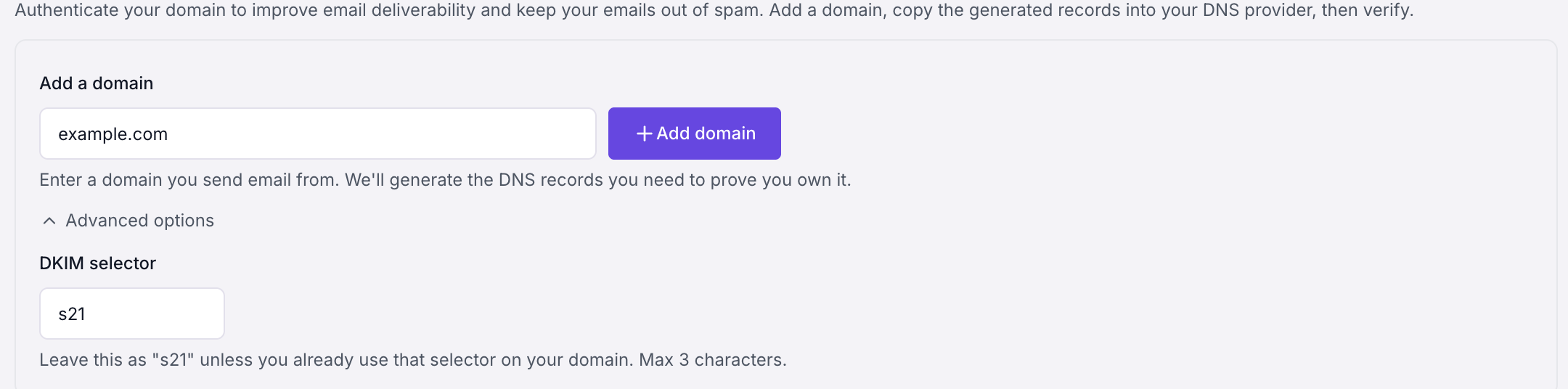
Navigate to Settings→DNS→Enter the Domain name and click on Add Domain
-
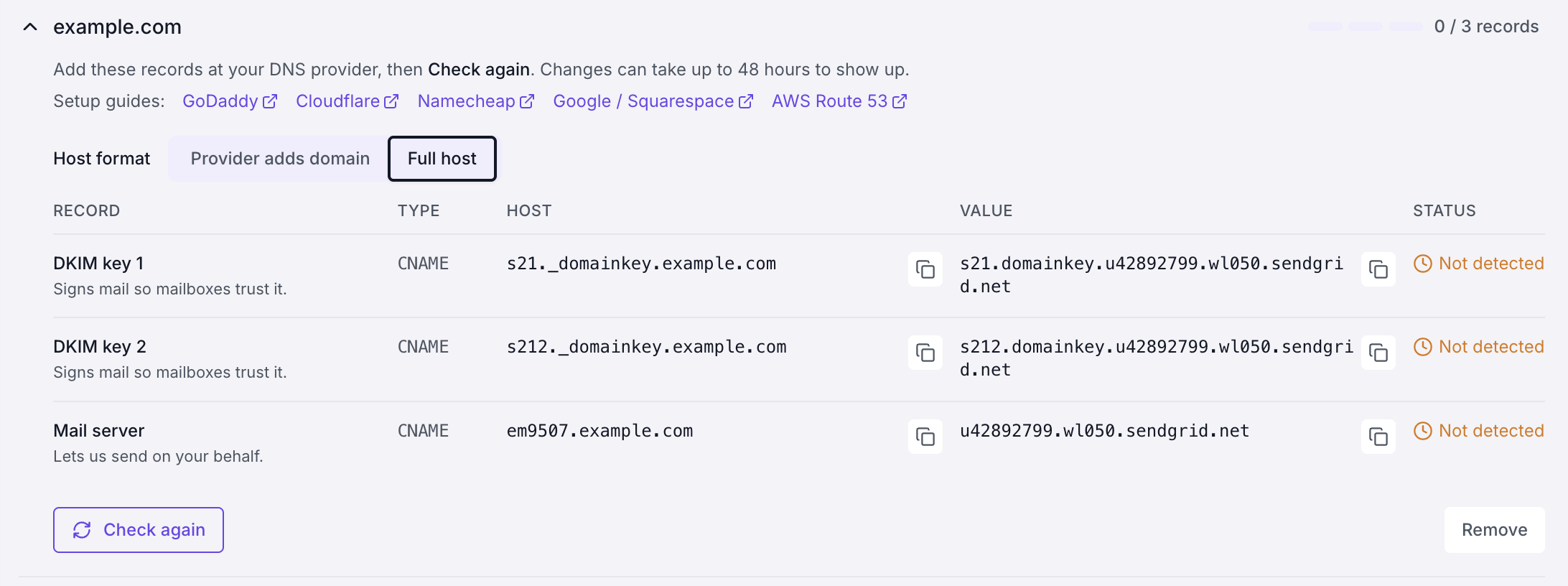
IT or DNS admin should add the generated records (DKIM keys and mail server CNAMEs) to the DNS server.
-
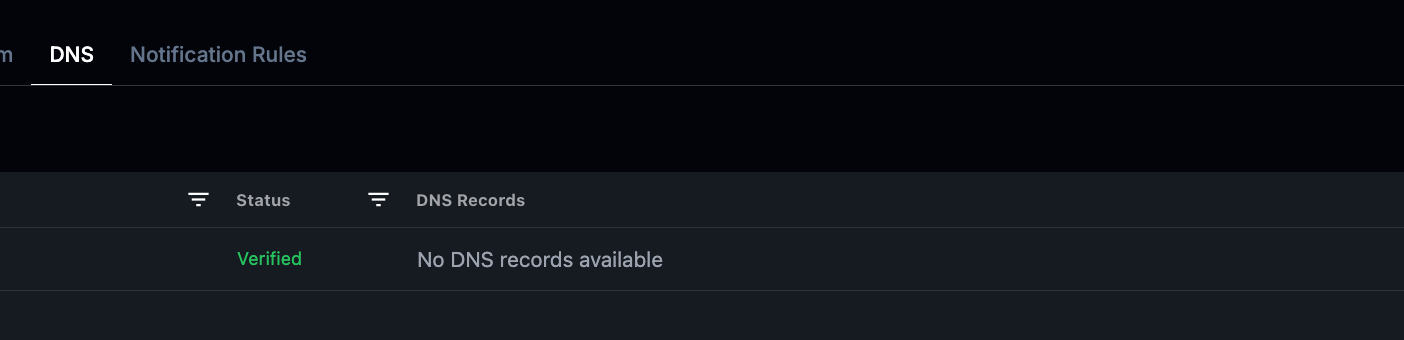
Once done, click on Verify in Statisfy, and it can take a few hours (depending on your DNS provider) for the DNS setup to be completed and once everything is completed, the status becomes Verified.
Managing Your Domains
- Delete an unverified domain: if you added a domain by mistake or no longer need it, click Delete on its row. Only domains that haven’t been verified yet can be deleted — verified domains stay in place so the emails and surveys already using them keep working.
- Re-check verification: click Verify on a pending domain at any time after your IT or DNS admin has added the records.