> ## Documentation Index
> Fetch the complete documentation index at: https://help.statisfy.com/llms.txt
> Use this file to discover all available pages before exploring further.

# Project Management Overview

> In this article, you'll learn how to navigate the Projects section under Manage and how to use its features effectively.

## Video Tutorial

<video controls className="w-full aspect-video rounded-xl" src="https://publicassets.us.prod.clueso.io/2f8a9fc9-c323-4fe7-909f-ec00073876d9/c0d826cb-914e-4470-9b1b-d0663daa81f1/published_v6/video.mp4" />

In this article, you'll learn how to navigate the Projects section under Manage and how to use its features effectively.

**Step 1:** Navigate to the **Manage** section and select **Projects**. Here, you'll find all the projects associated with your account.
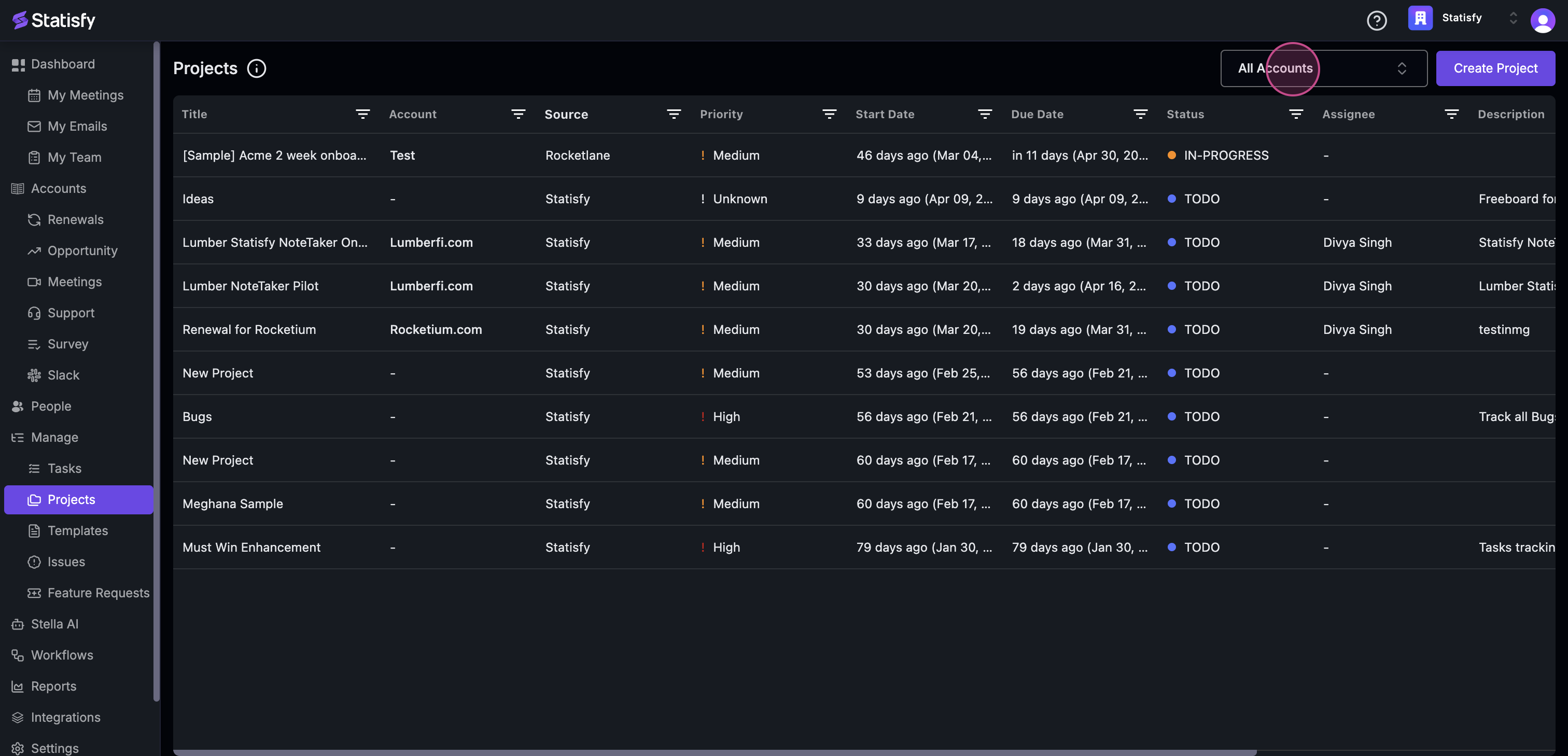
![Manage section with Projects selected showing the project list](https://usercontent.us.prod.clueso.io/2f8a9fc9-c323-4fe7-909f-ec00073876d9/c0d826cb-914e-4470-9b1b-d0663daa81f1/08b2bcff-870e-49b9-a7ef-87c985bc3588/images/a762d694-b141-4fbc-be18-6b2b8f04da4f.png)

**Step 2:** Use the filter feature to view projects based on all accounts or specific projects related to your book.
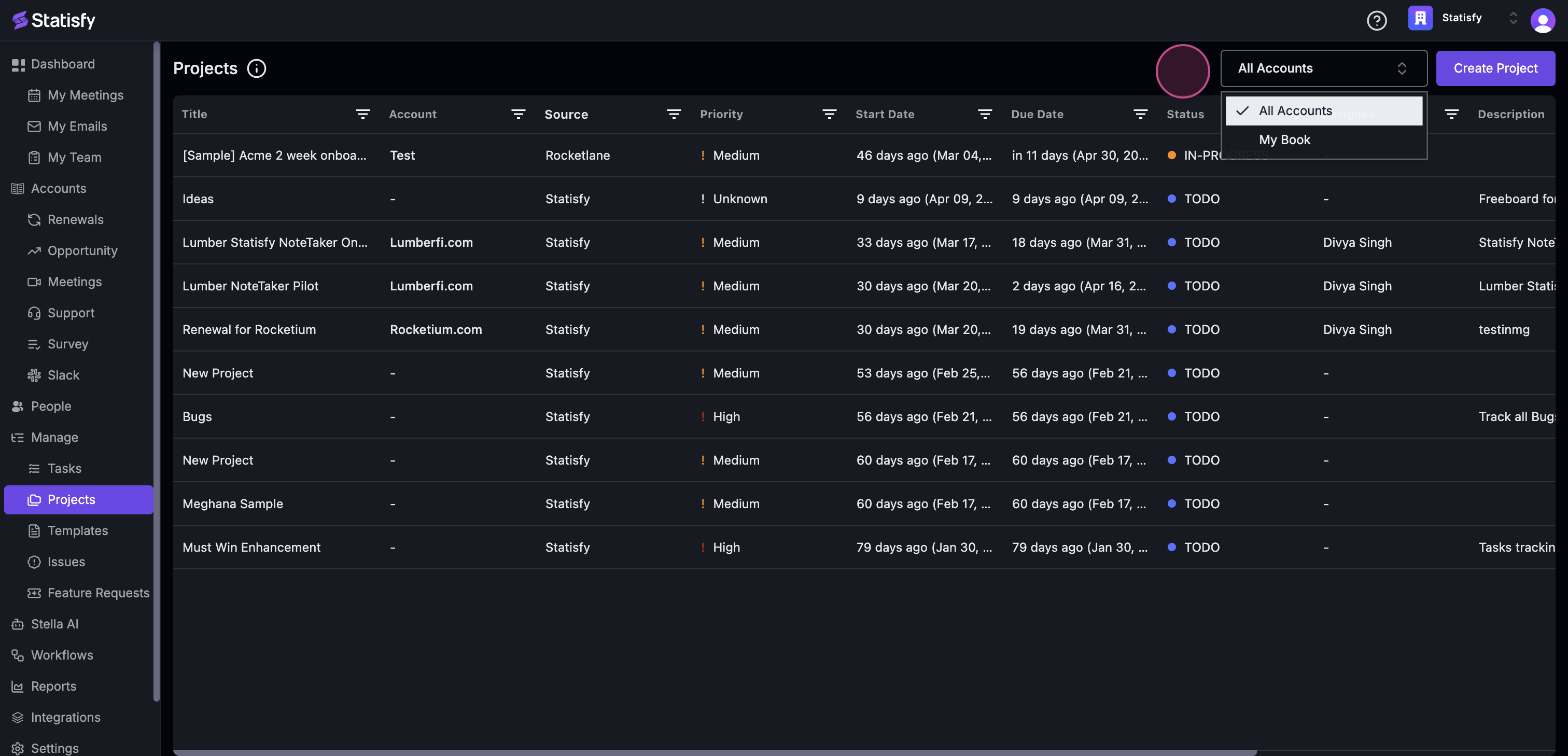
![Project list with account filter dropdown open](https://usercontent.us.prod.clueso.io/2f8a9fc9-c323-4fe7-909f-ec00073876d9/c0d826cb-914e-4470-9b1b-d0663daa81f1/08b2bcff-870e-49b9-a7ef-87c985bc3588/images/a6e02fb3-1064-4977-b3aa-c8e7c1194842.png)

**Step 3:** Further refine your search by filtering based on the title, account, source, and more.

**Step 4:** To create a new project, click on the **New Project** icon. We'll delve into the details of creating a new project in the next section.
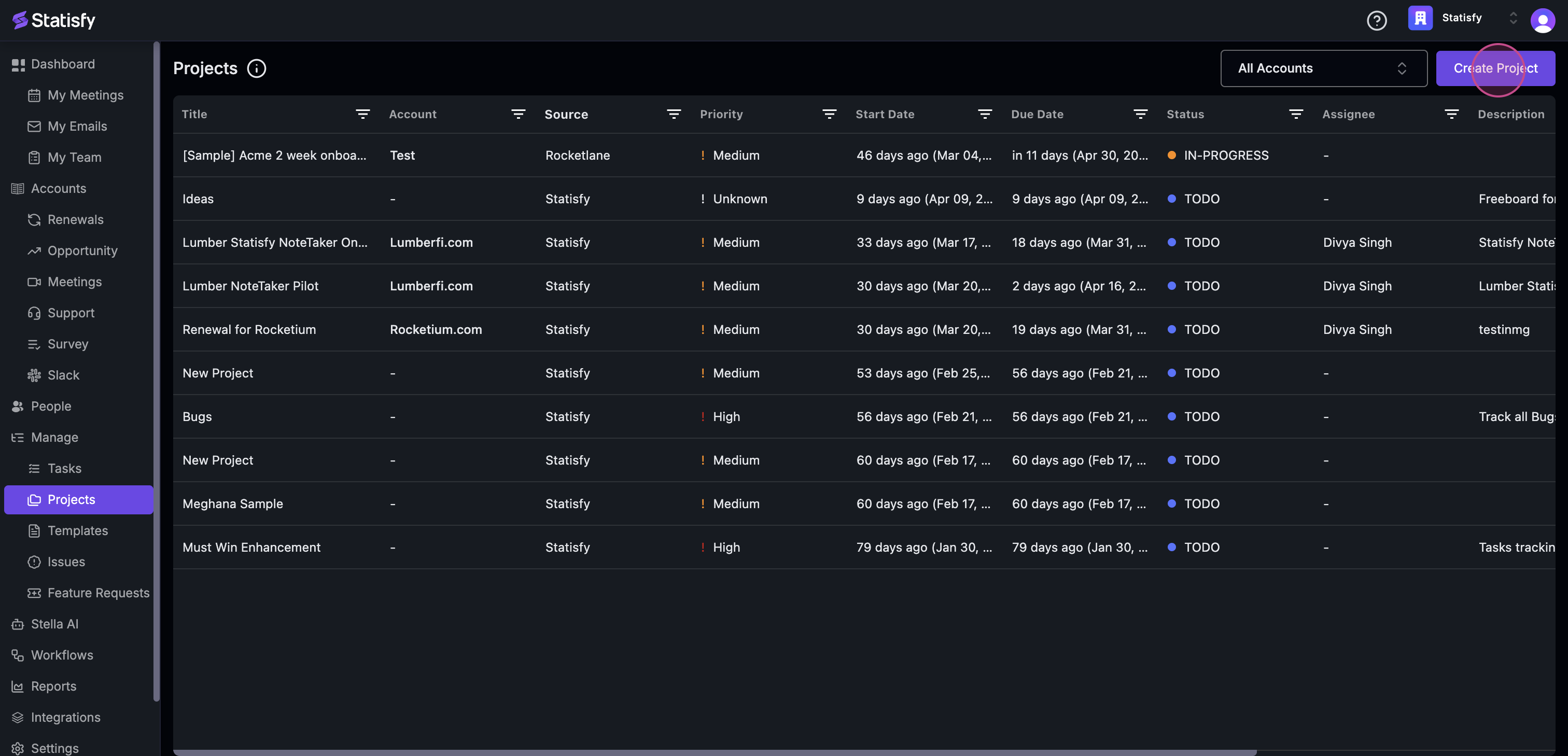
![New Project button highlighted in the project list header](https://usercontent.us.prod.clueso.io/2f8a9fc9-c323-4fe7-909f-ec00073876d9/c0d826cb-914e-4470-9b1b-d0663daa81f1/08b2bcff-870e-49b9-a7ef-87c985bc3588/images/ceb13aae-7ab4-451f-b555-ba146af25442.png)

***

## Learn More

<CardGroup cols={2}>
  <Card title="Task Dependencies & Auto-Cascade" icon="link" href="/projects/task_dependencies_and_cascading">
    Manage blocking relationships and keep task dates in sync automatically
  </Card>

  <Card title="Milestones & Task Hierarchy" icon="sitemap" href="/projects/milestones_and_task_hierarchy">
    Structure projects with milestones and multi-level subtasks
  </Card>

  <Card title="Reorder & Reparent Tasks" icon="arrows-up-down" href="/projects/drag_drop_task_ordering">
    Drag and drop to reorder and restructure tasks
  </Card>

  <Card title="Export Project Tasks" icon="download" href="/projects/export_project_tasks_guide">
    Export tasks to CSV or Excel
  </Card>
</CardGroup>
