> ## Documentation Index
> Fetch the complete documentation index at: https://help.statisfy.com/llms.txt
> Use this file to discover all available pages before exploring further.

# Create Project From Template

> In this article, you'll learn how to create a new project using an existing template.

## Video Tutorial

<video controls className="w-full aspect-video rounded-xl" src="https://publicassets.us.prod.clueso.io/2f8a9fc9-c323-4fe7-909f-ec00073876d9/a0db3ed2-6527-4917-b1e8-70866c34a165/published_v8/video.mp4" />

In this article, you'll learn how to create a new project using an existing template.

**Step 1:**

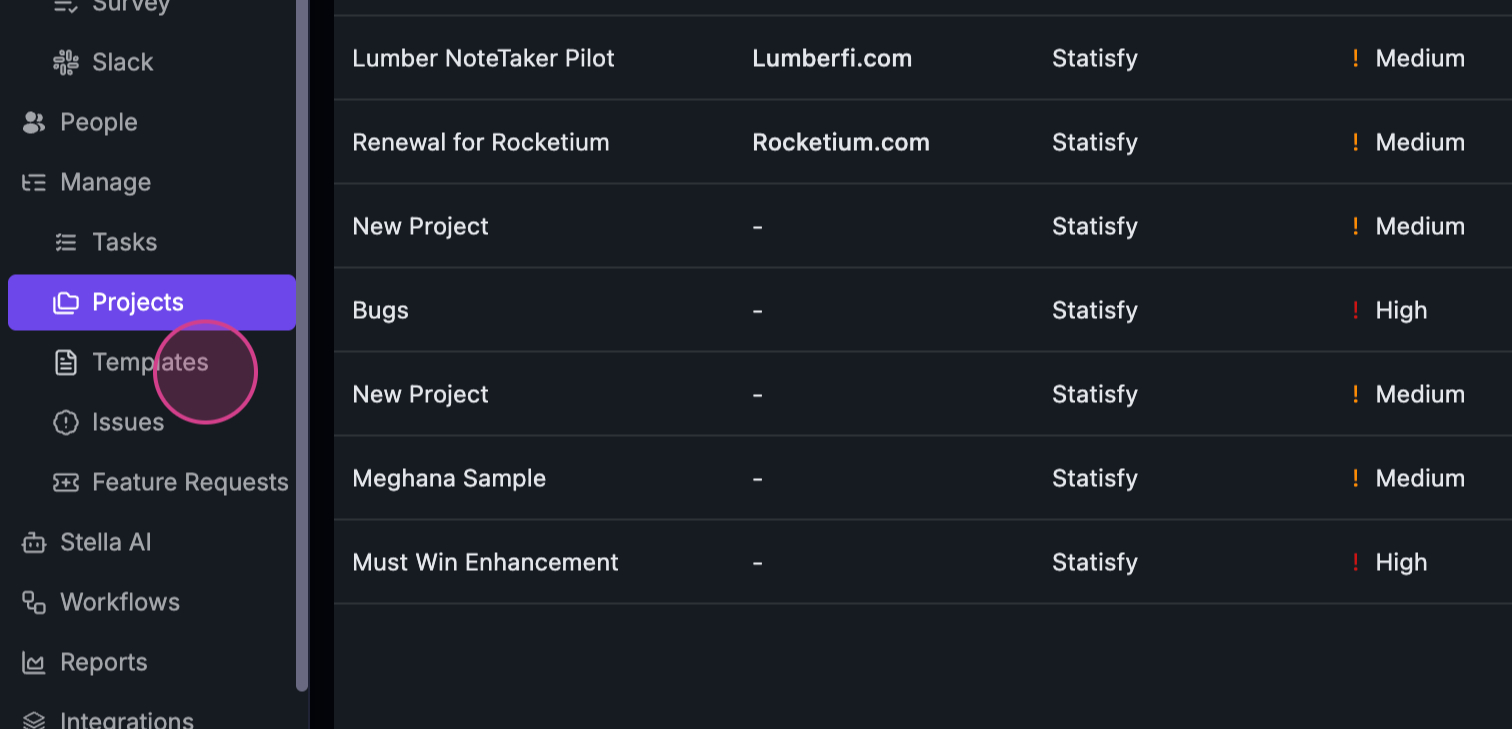
Refer to the test template created in the previous tutorial.
![](https://usercontent.us.prod.clueso.io/2f8a9fc9-c323-4fe7-909f-ec00073876d9/a0db3ed2-6527-4917-b1e8-70866c34a165/992cfafe-3247-4257-8411-8a3e4ac6638d/images/3ff94380-ec49-4a20-a830-e492e3b87aca.png)

**Step 2:**

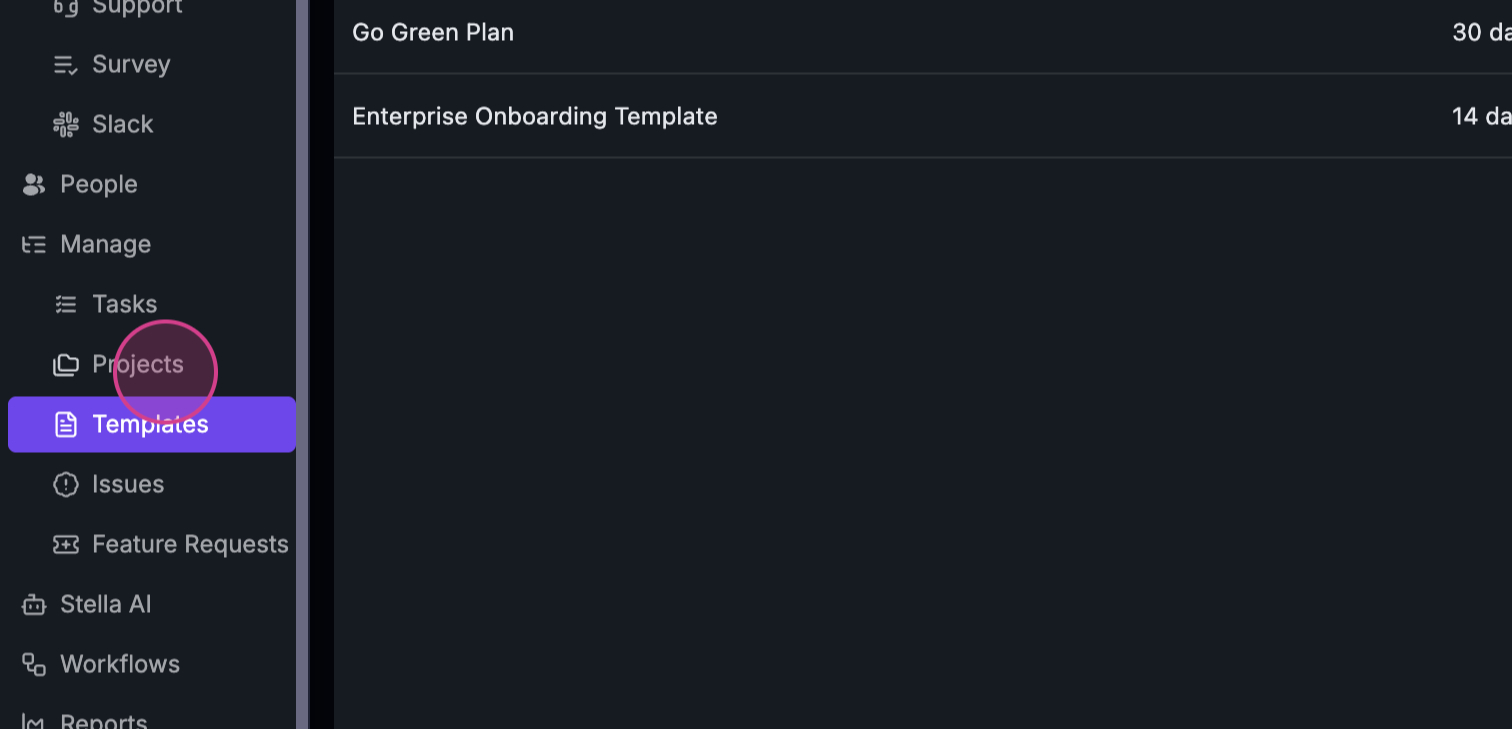
Initiate the creation of a new project using this template.
![](https://usercontent.us.prod.clueso.io/2f8a9fc9-c323-4fe7-909f-ec00073876d9/a0db3ed2-6527-4917-b1e8-70866c34a165/992cfafe-3247-4257-8411-8a3e4ac6638d/images/757c52b3-c0a5-403d-be6c-b486514df25a.png)

**Step 3:**

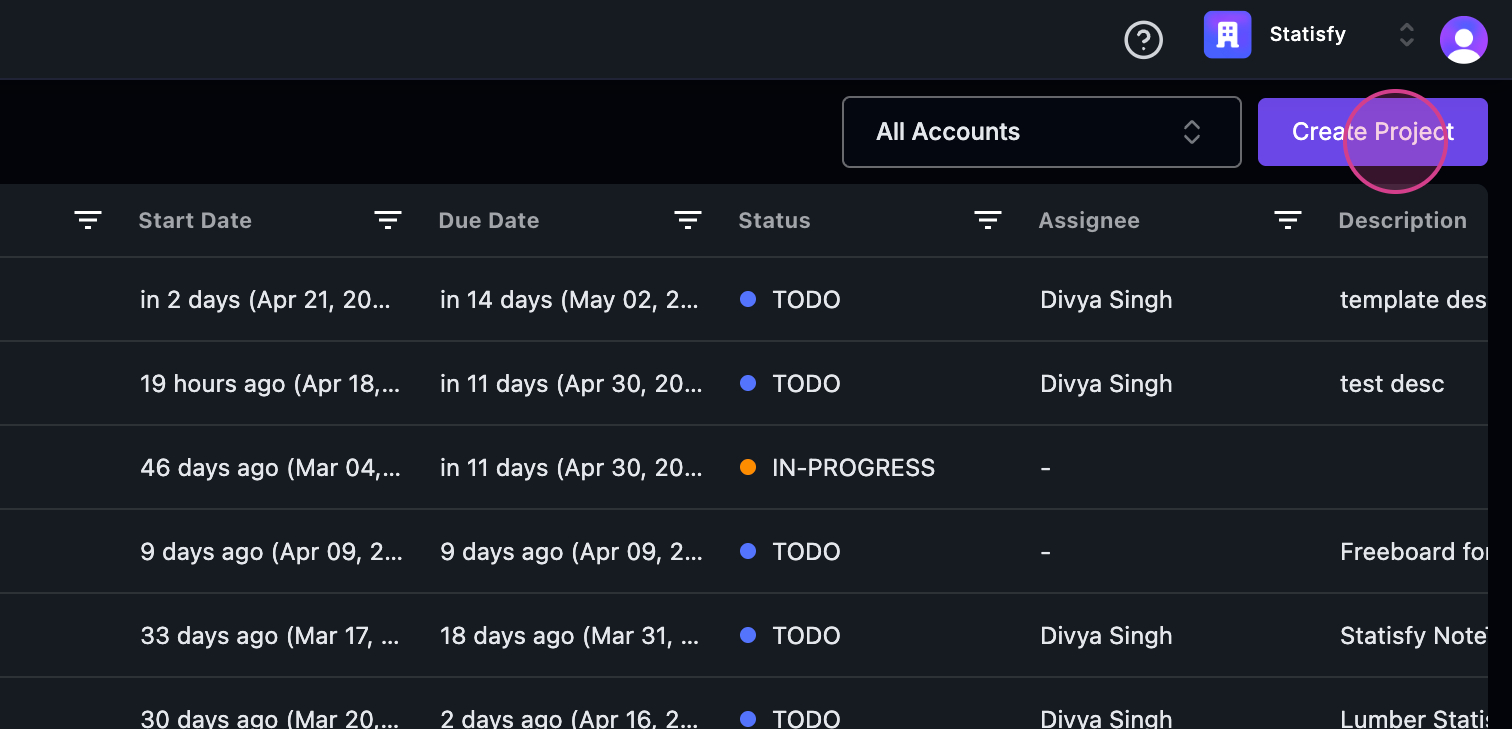
Click on the **Create Project** button.
![](https://usercontent.us.prod.clueso.io/2f8a9fc9-c323-4fe7-909f-ec00073876d9/a0db3ed2-6527-4917-b1e8-70866c34a165/992cfafe-3247-4257-8411-8a3e4ac6638d/images/7fc444fe-002c-4e78-adcc-5f2d7d5c9a02.png)

**Step 4:**

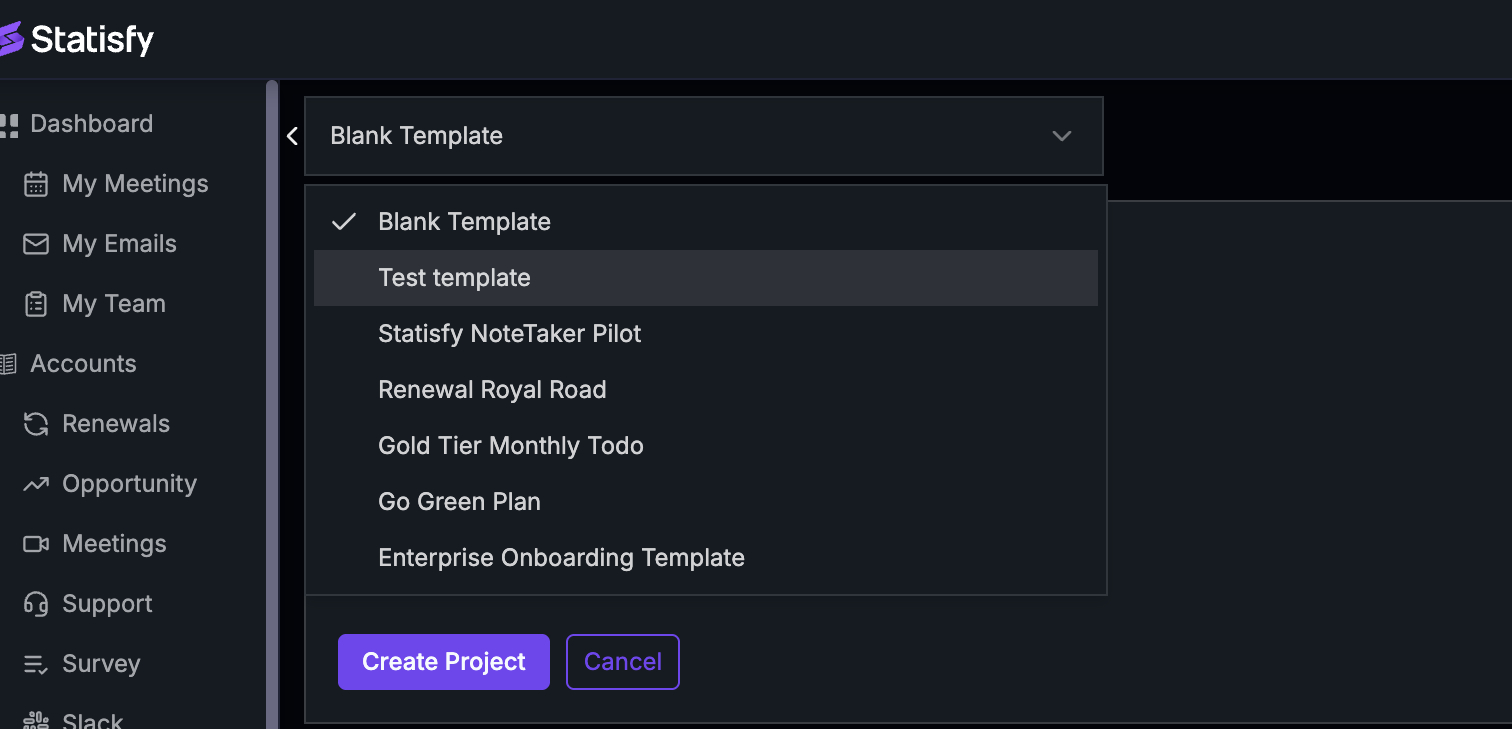
Select the test template you've previously created.
![](https://usercontent.us.prod.clueso.io/2f8a9fc9-c323-4fe7-909f-ec00073876d9/a0db3ed2-6527-4917-b1e8-70866c34a165/992cfafe-3247-4257-8411-8a3e4ac6638d/images/c5ec56a3-36e8-42a1-9f03-f8526d48a10a.png)

**Step 5:**

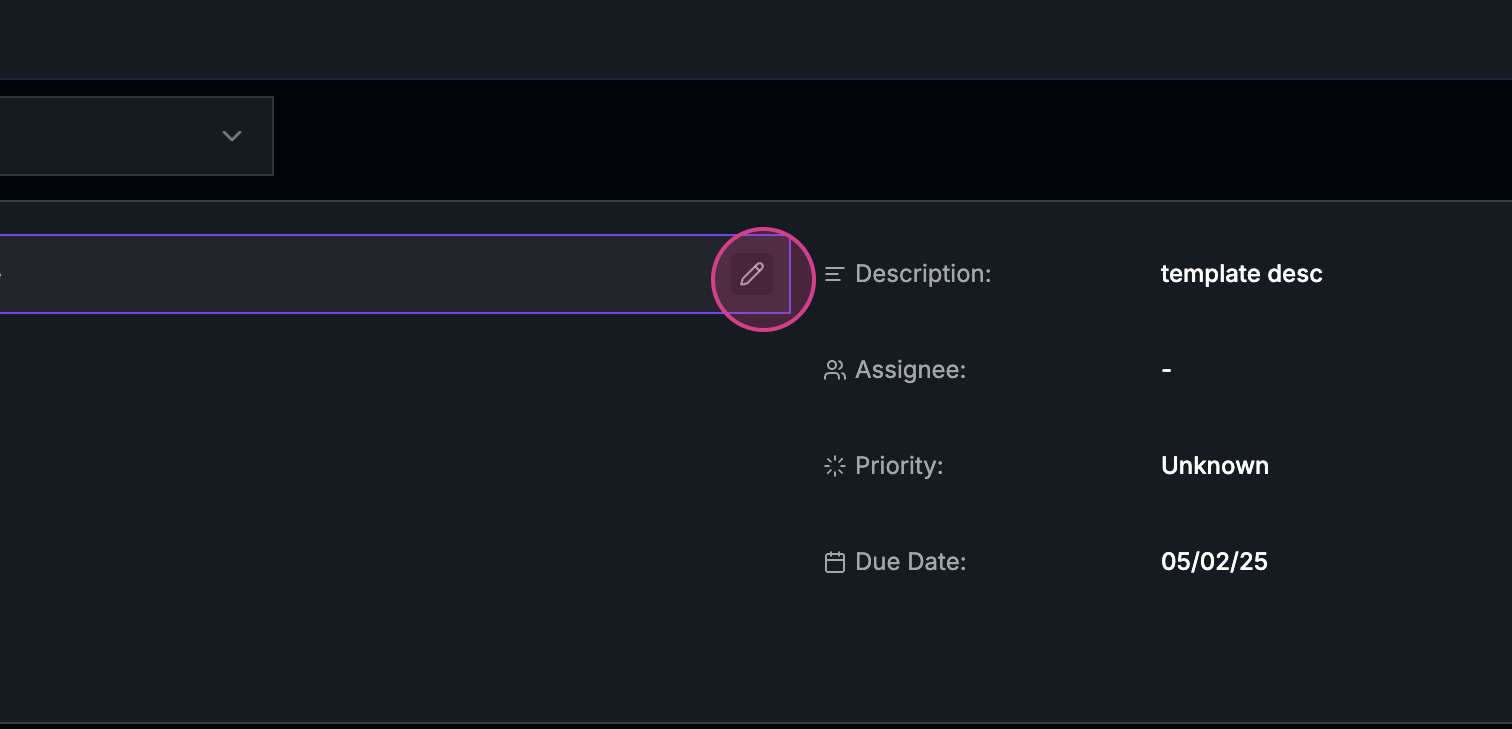
Observe the tasks associated with this template displayed on the screen.
![](https://usercontent.us.prod.clueso.io/2f8a9fc9-c323-4fe7-909f-ec00073876d9/a0db3ed2-6527-4917-b1e8-70866c34a165/992cfafe-3247-4257-8411-8a3e4ac6638d/images/80bd263b-2b88-4842-8632-98ce0ac6a7f9.png)

**Step 6:**

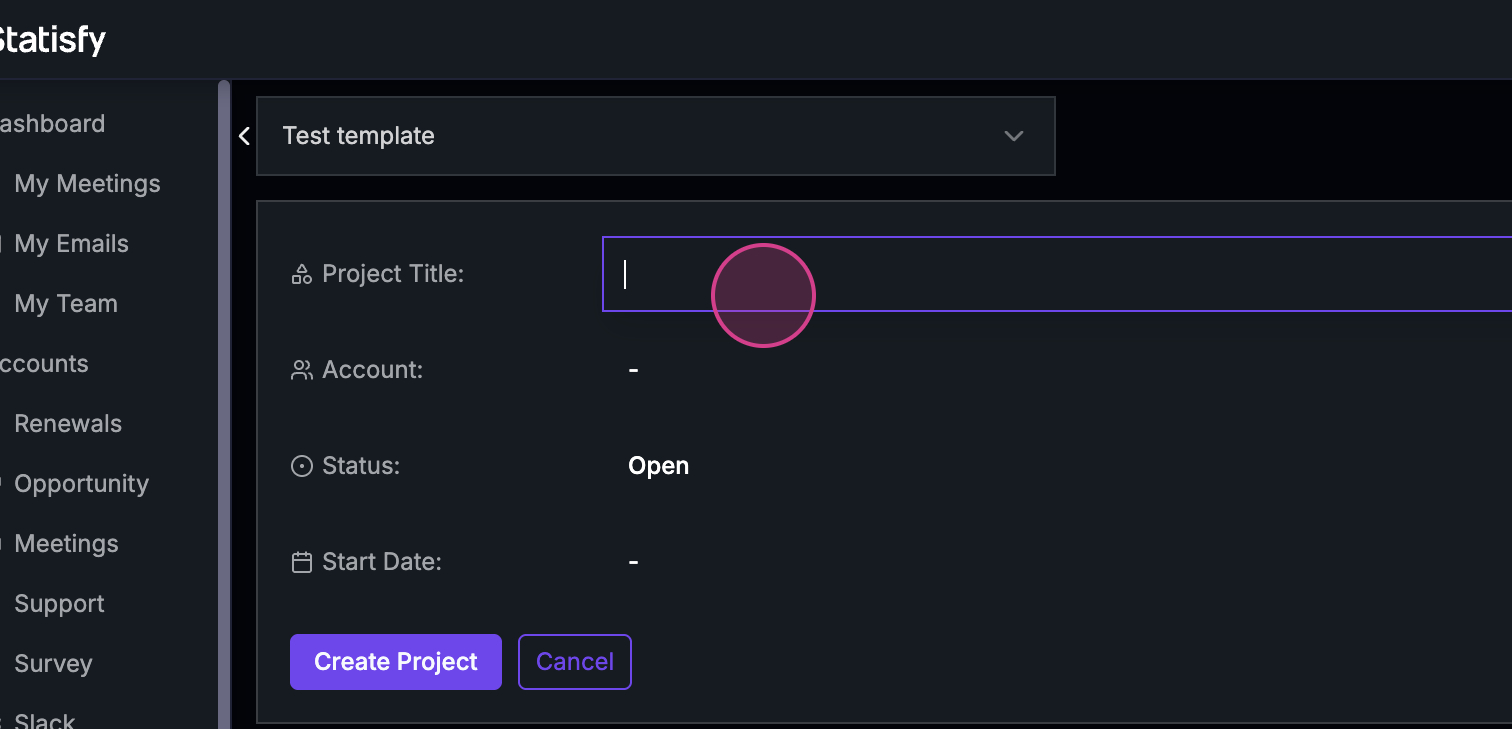
Proceed to make changes to the project, starting with the project name. For instance, name it "Test Template".
![](https://usercontent.us.prod.clueso.io/2f8a9fc9-c323-4fe7-909f-ec00073876d9/a0db3ed2-6527-4917-b1e8-70866c34a165/992cfafe-3247-4257-8411-8a3e4ac6638d/images/b27a899a-20b5-43d3-9136-5422247aa664.png)

**Step 7:**

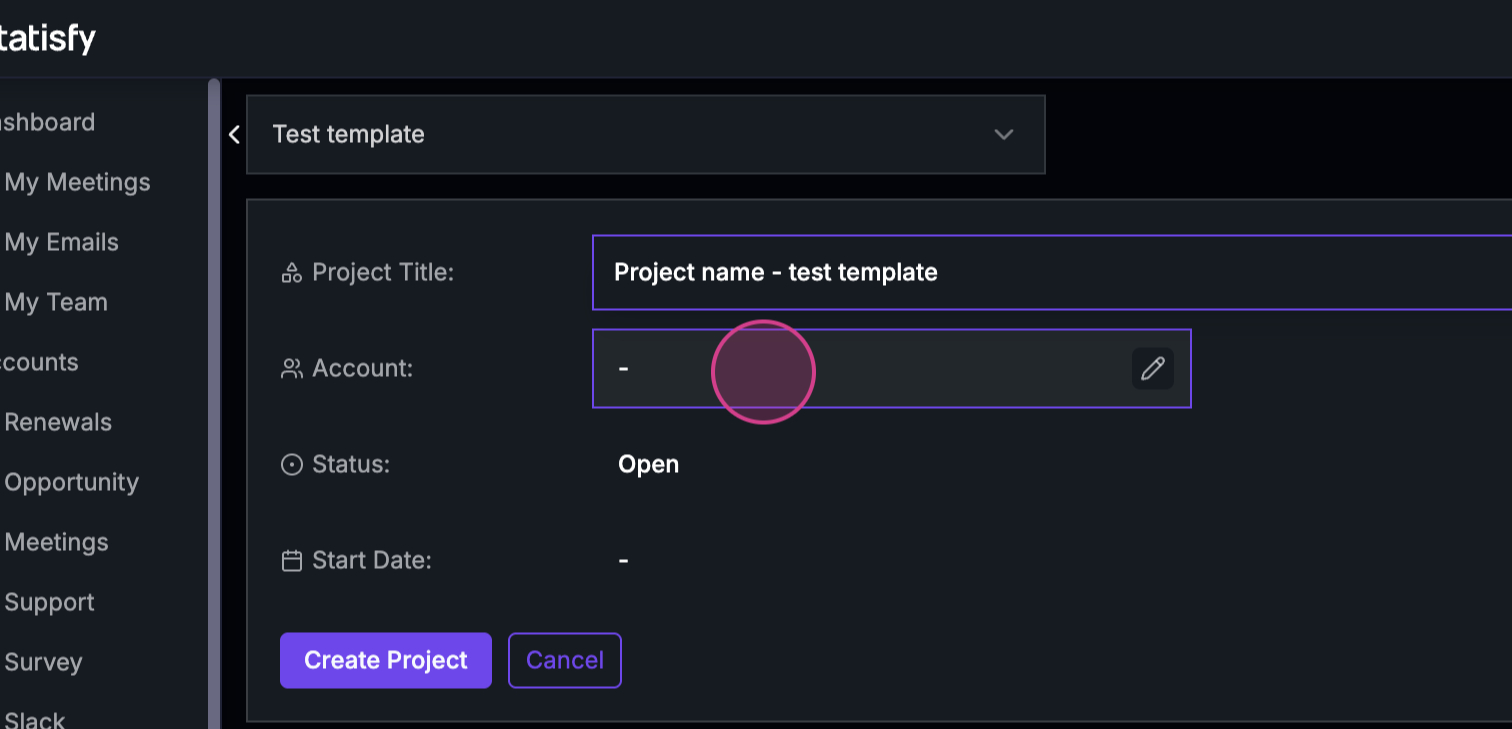
Ensure you have an account selected.
![](https://usercontent.us.prod.clueso.io/2f8a9fc9-c323-4fe7-909f-ec00073876d9/a0db3ed2-6527-4917-b1e8-70866c34a165/992cfafe-3247-4257-8411-8a3e4ac6638d/images/51dd97cd-8795-497b-b1af-554e579a46ae.png)

**Step 8:**

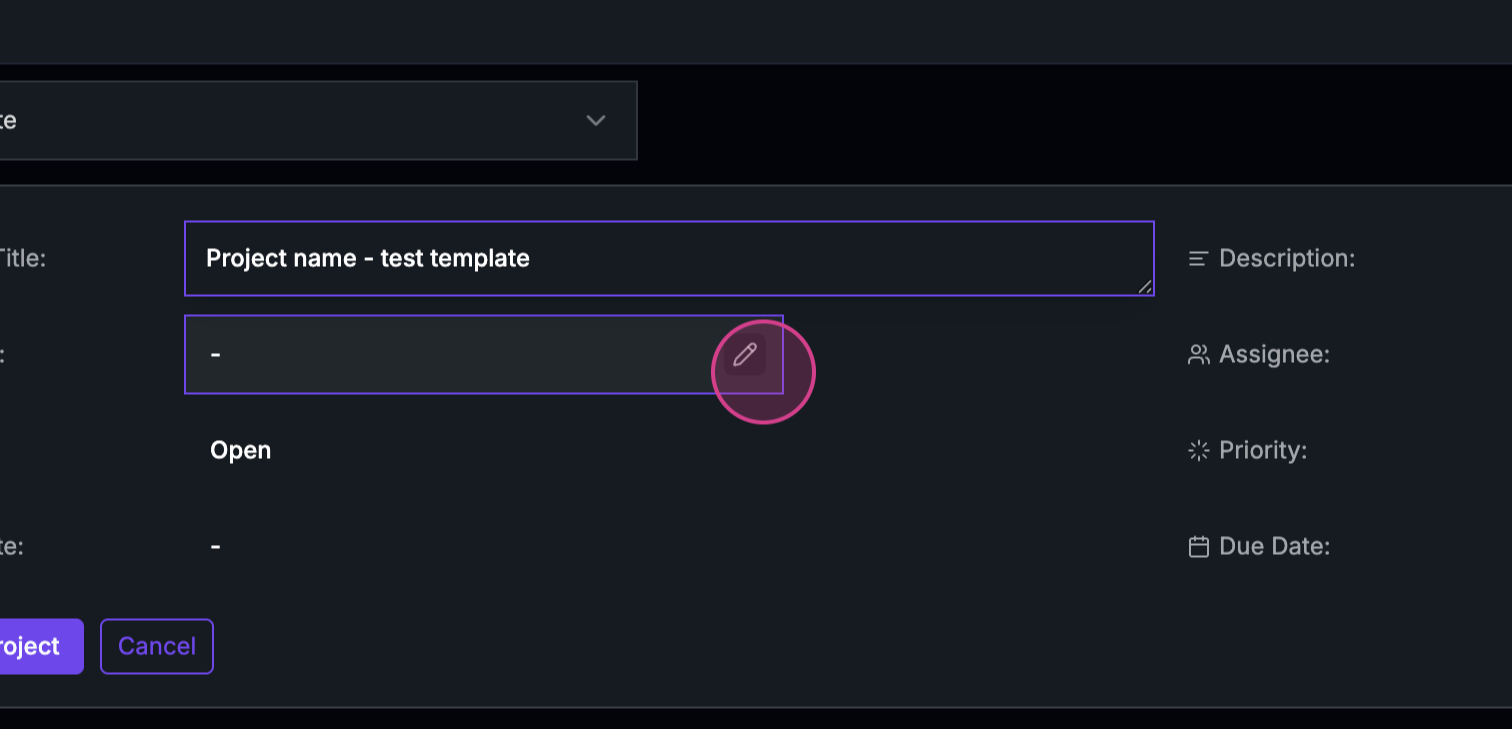
If the template isn't account-specific, manually select an account.
![](https://usercontent.us.prod.clueso.io/2f8a9fc9-c323-4fe7-909f-ec00073876d9/a0db3ed2-6527-4917-b1e8-70866c34a165/992cfafe-3247-4257-8411-8a3e4ac6638d/images/91c6164a-33e6-40a4-ad52-ef670408b059.png)

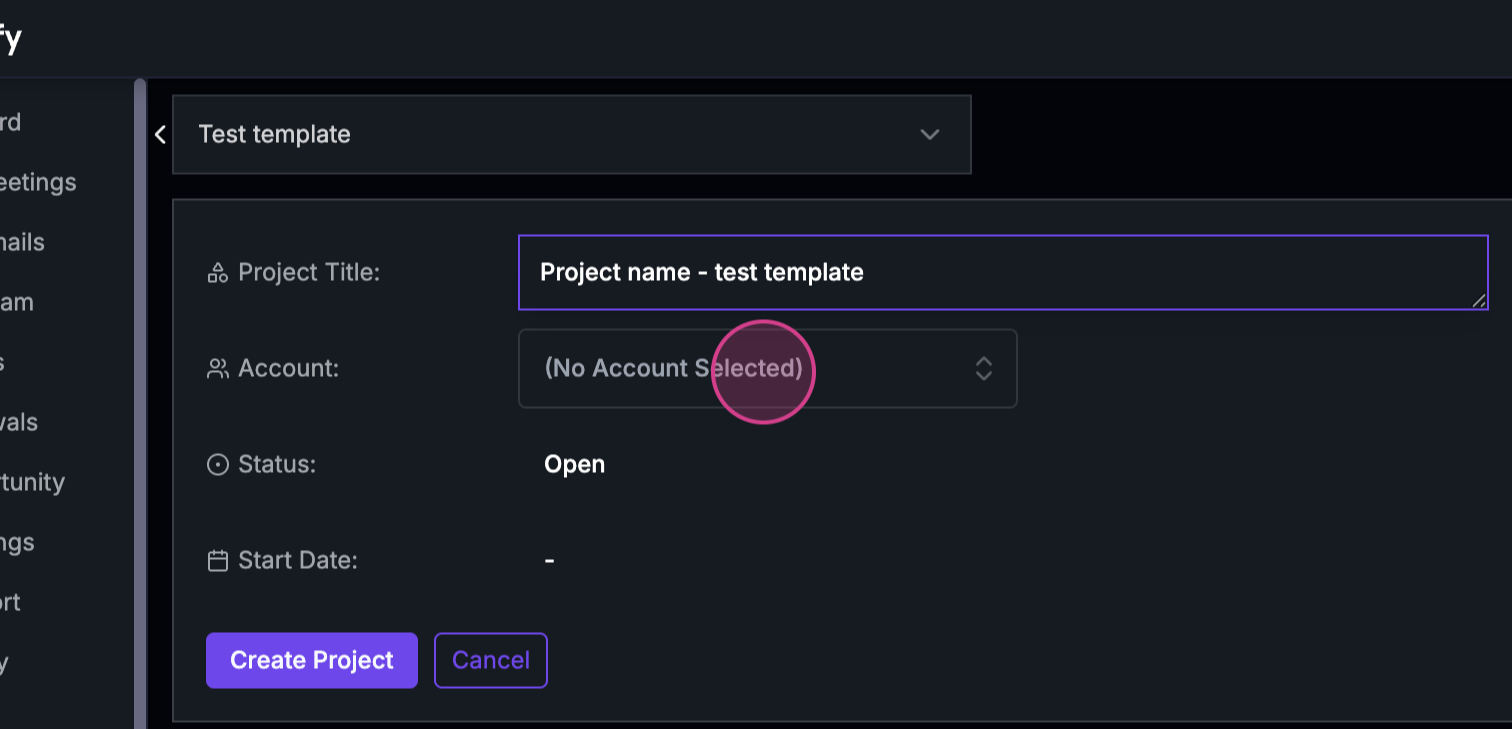
**Step 9:**

If the template is account-specific, the account will automatically be displayed or selected.
![](https://usercontent.us.prod.clueso.io/2f8a9fc9-c323-4fe7-909f-ec00073876d9/a0db3ed2-6527-4917-b1e8-70866c34a165/992cfafe-3247-4257-8411-8a3e4ac6638d/images/ee7ded6b-2e41-404e-afb8-38dceaaa7ee7.png)

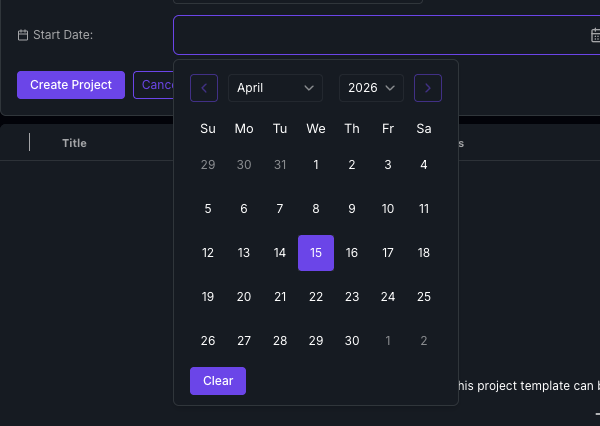
**Step 10:**

Choose a start date for your project. The start date you choose determines **all task dates** — each template task's dates are calculated from this start date using the template's day offsets. Any dependencies defined in the template also carry over to the new project.
![Start date picker open in the create project from template form](https://cdn.statisfy.com/help-artifacts/projects/start-date-picker.png)

<Note>
  See [Task Dependencies & Auto-Cascade Dates](/projects/task_dependencies_and_cascading) for how dependencies and date offsets work.
</Note>

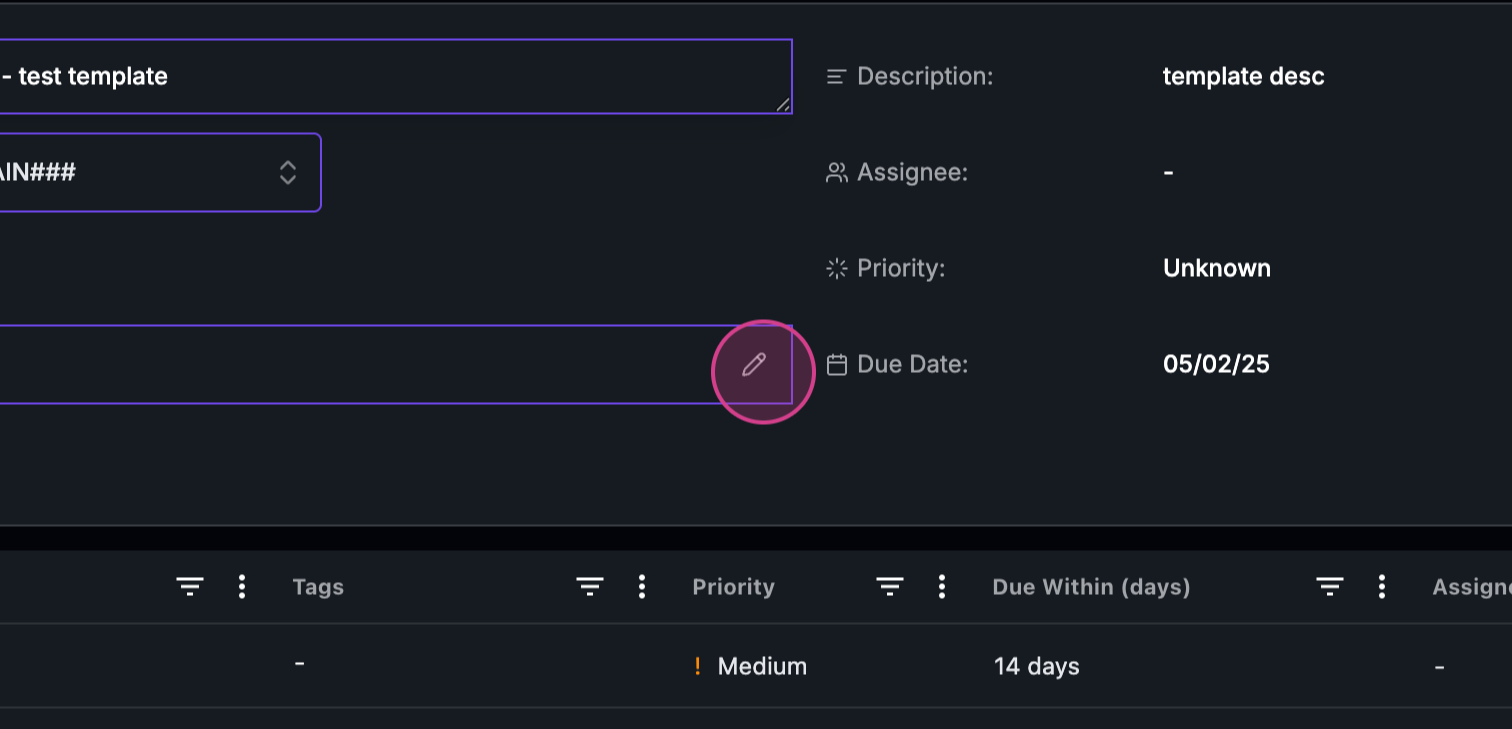
**Step 11:**

The due date will be automatically updated based on the predefined template, but it's editable if needed.
![](https://usercontent.us.prod.clueso.io/2f8a9fc9-c323-4fe7-909f-ec00073876d9/a0db3ed2-6527-4917-b1e8-70866c34a165/992cfafe-3247-4257-8411-8a3e4ac6638d/images/ef7fd70a-ffb3-4dca-877d-64ce9151c865.png)

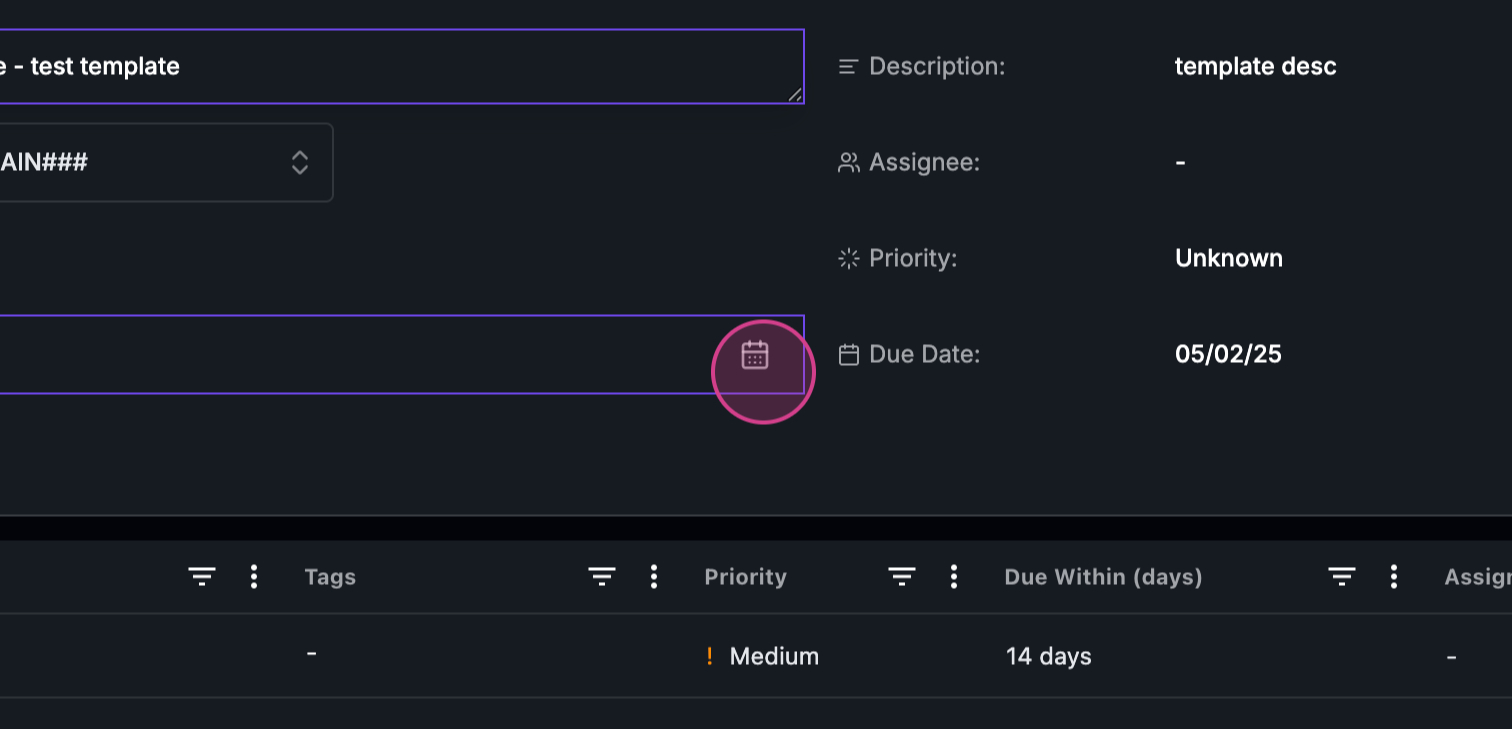
**Step 12:**

Select the priority level for your project.
![](https://usercontent.us.prod.clueso.io/2f8a9fc9-c323-4fe7-909f-ec00073876d9/a0db3ed2-6527-4917-b1e8-70866c34a165/992cfafe-3247-4257-8411-8a3e4ac6638d/images/08d40aeb-9d2d-4342-a68a-228f7d662e49.png)

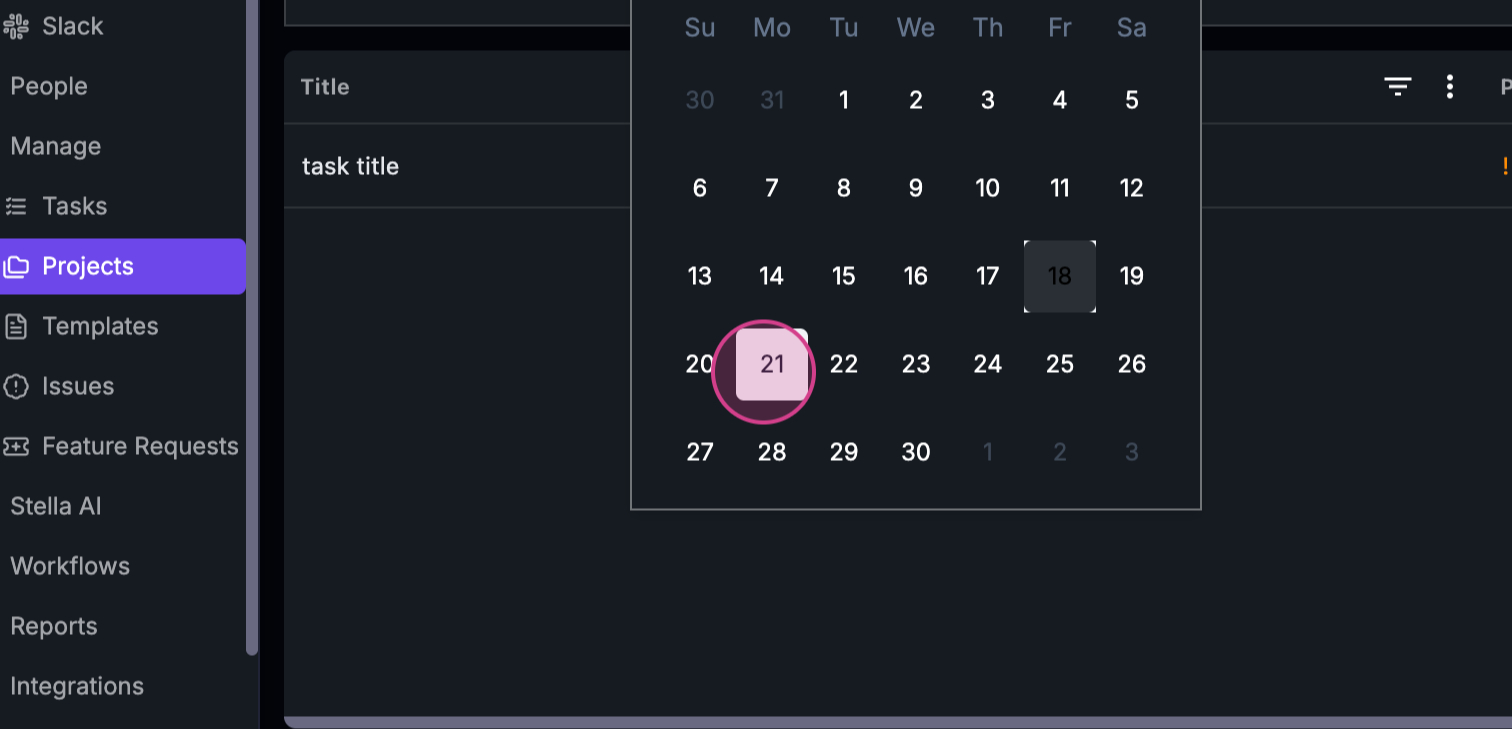
**Step 13:**

Choose an assignee for the project.
![](https://usercontent.us.prod.clueso.io/2f8a9fc9-c323-4fe7-909f-ec00073876d9/a0db3ed2-6527-4917-b1e8-70866c34a165/992cfafe-3247-4257-8411-8a3e4ac6638d/images/d00fec7e-e12d-4141-b036-ba3db4491064.png)

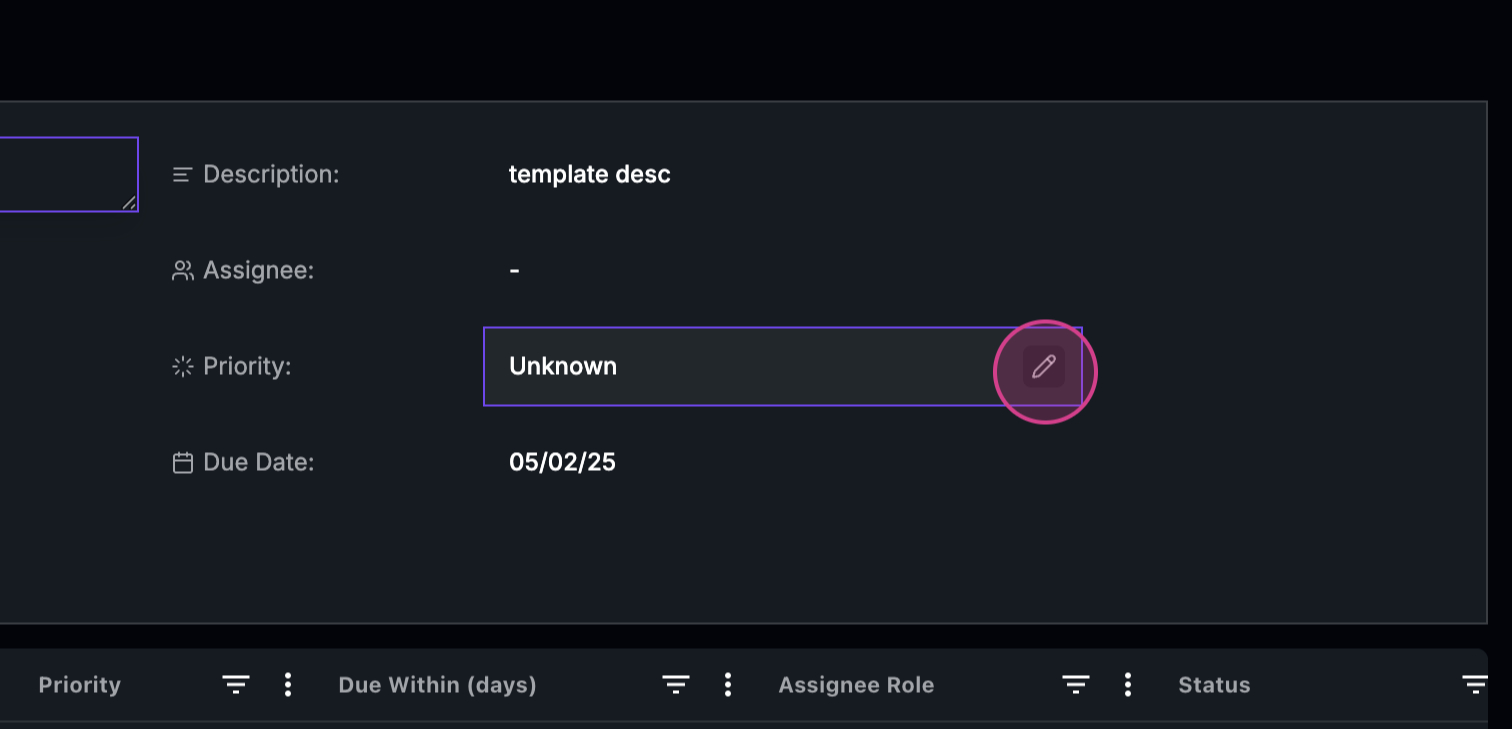
**Step 14:**

After completing these steps, all tasks associated with the template will be included in your project.
![](https://usercontent.us.prod.clueso.io/2f8a9fc9-c323-4fe7-909f-ec00073876d9/a0db3ed2-6527-4917-b1e8-70866c34a165/992cfafe-3247-4257-8411-8a3e4ac6638d/images/779862c2-4711-4f89-bb35-dbf9e77032d8.png)

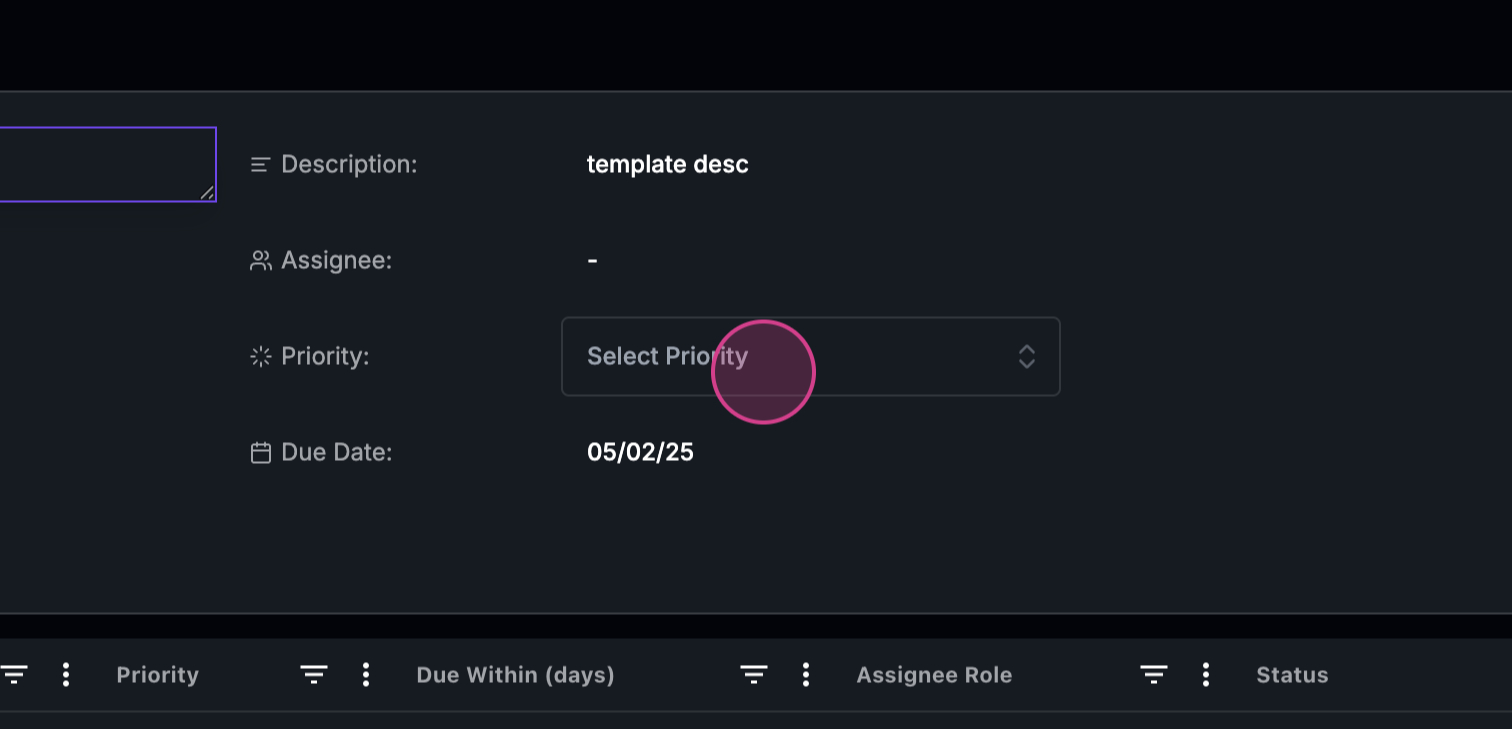
**Step 15:**

Finally, create the project.
![](https://usercontent.us.prod.clueso.io/2f8a9fc9-c323-4fe7-909f-ec00073876d9/a0db3ed2-6527-4917-b1e8-70866c34a165/992cfafe-3247-4257-8411-8a3e4ac6638d/images/c6f9c57e-4a0d-46cb-8649-203336118328.png)
