> ## Documentation Index
> Fetch the complete documentation index at: https://help.statisfy.com/llms.txt
> Use this file to discover all available pages before exploring further.
# Slack Integration (Legacy)
> Connect Slack with Statisfy to enable team notifications and automated summaries.
This page is planned to be removed on April 1st, 2026. Please follow [Managing Slack Settings](/integrations/slack) for the latest documentation.
## Video Tutorial
### Connect Slack with Statisfy
* Prerequisites: The person who is going to make the integration should have Admin access to both Slack & Statisfy.
* Log in to Statisfy and make the connection
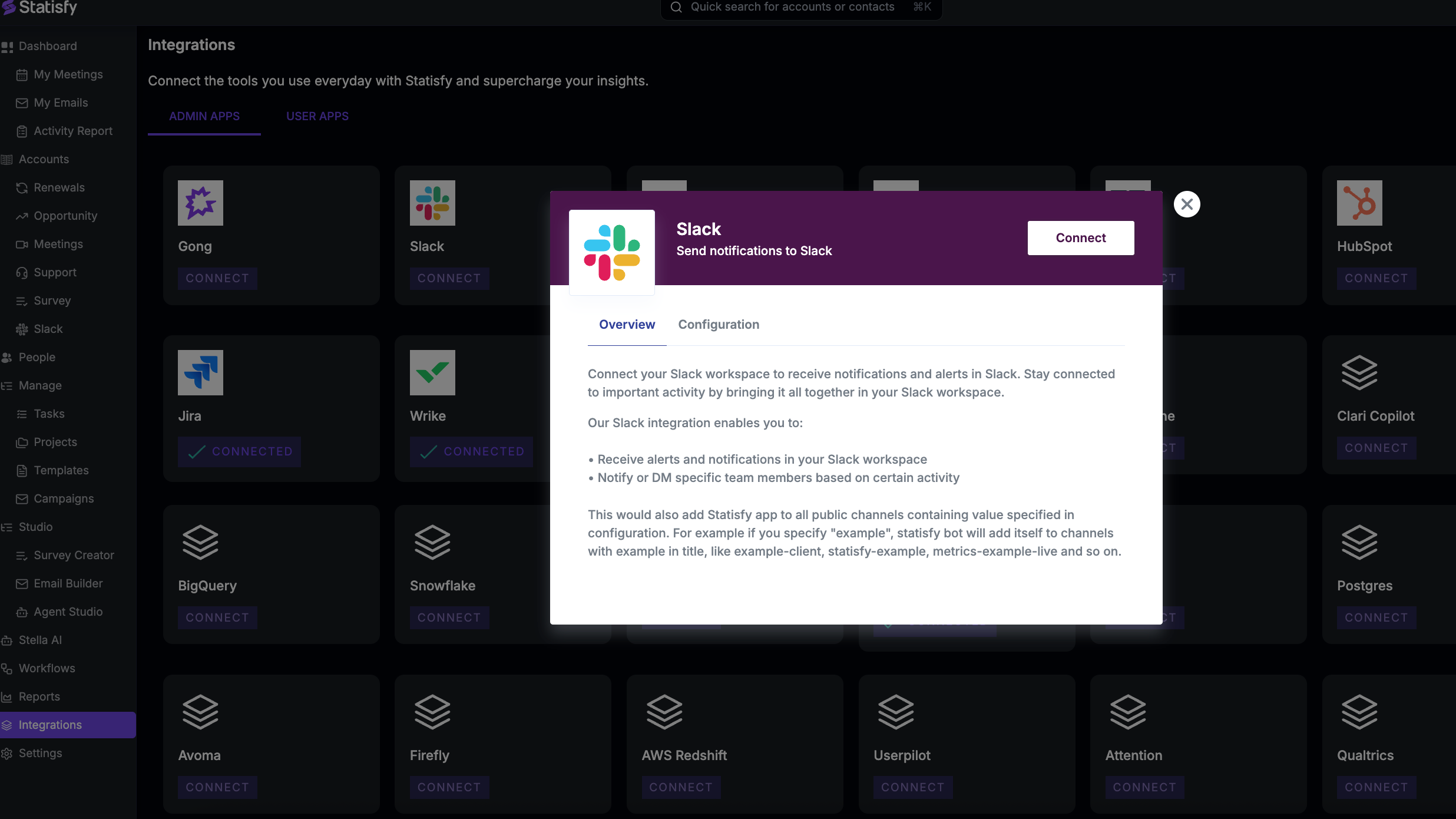
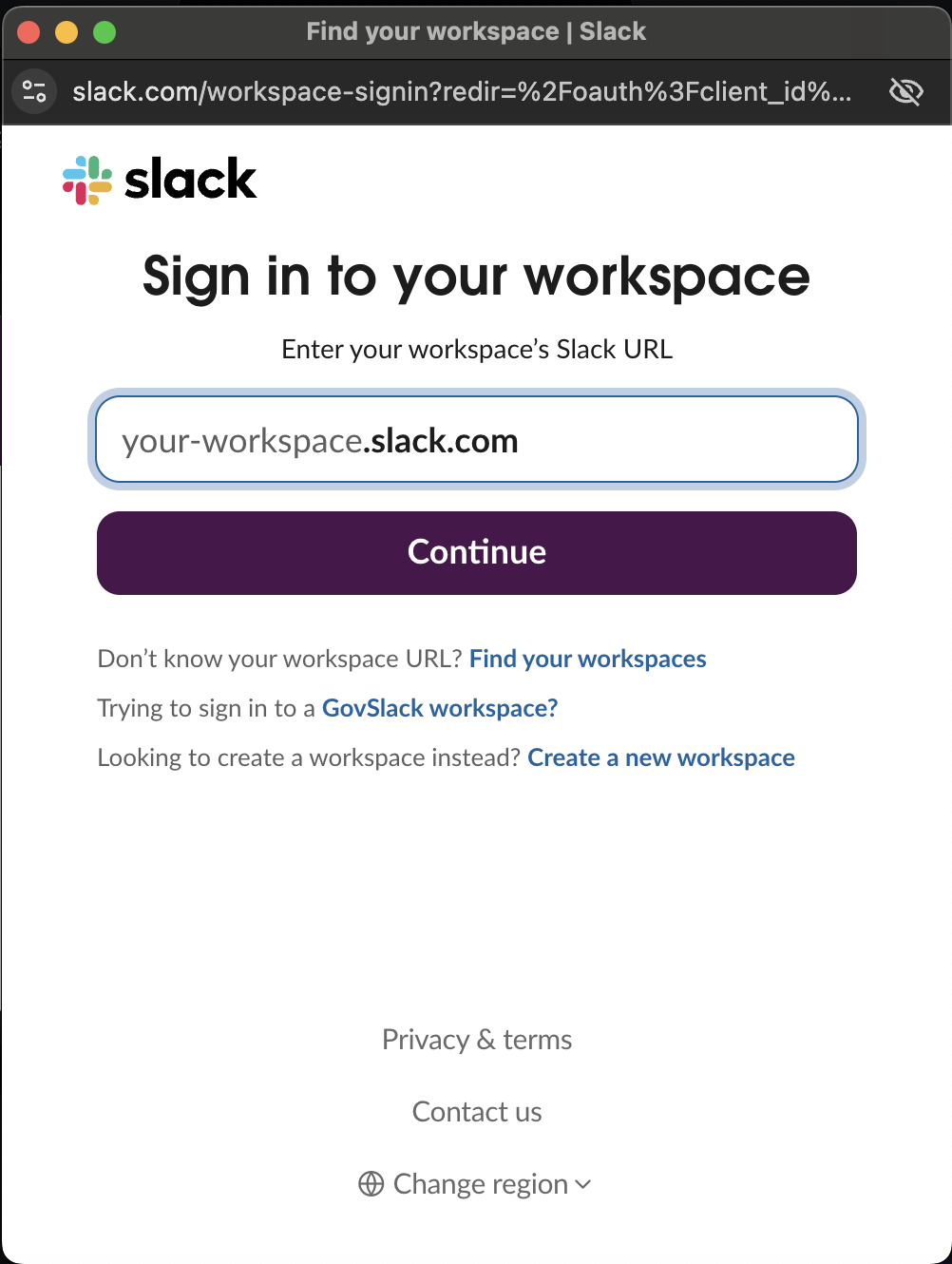
* Navigate to Integrations→Admin Apps→Slack→Connect and sign in to your workspace.
### **Next steps:**
#### 1. Capturing Sentiment from Slack Conversations
To enable sentiment analysis and conversation tracking from Slack:
* Provide the list of external Slack channels used for customer communication to your CSMs.
* Invite the **Statisfy bot** to each of these channels by typing `/invite`, selecting **Add apps to this channel**, and choosing **Statisfy**.
* Once the bot is added, Statisfy will automatically map conversations to the corresponding customer accounts.
* These interactions will appear on the **AI Timeline** with **Slack** as the data source, along with sentiment insights.
#### 2. Posting Slack Messages Based on Filters/Conditions
You can set up automated Slack messages to internal channels based on predefined conditions.
For example:
* Receive updates only for **Enterprise accounts**.
* Automatically share customer feedback (e.g., from meetings) in a designated internal Slack channel.
This helps streamline internal collaboration and ensure timely visibility into customer interactions.
#### 3. **To receive automated email summaries via Slack:**
Install the Statisfy Slack App to enable automatic delivery of meeting summary emails directly within your Slack workspace.